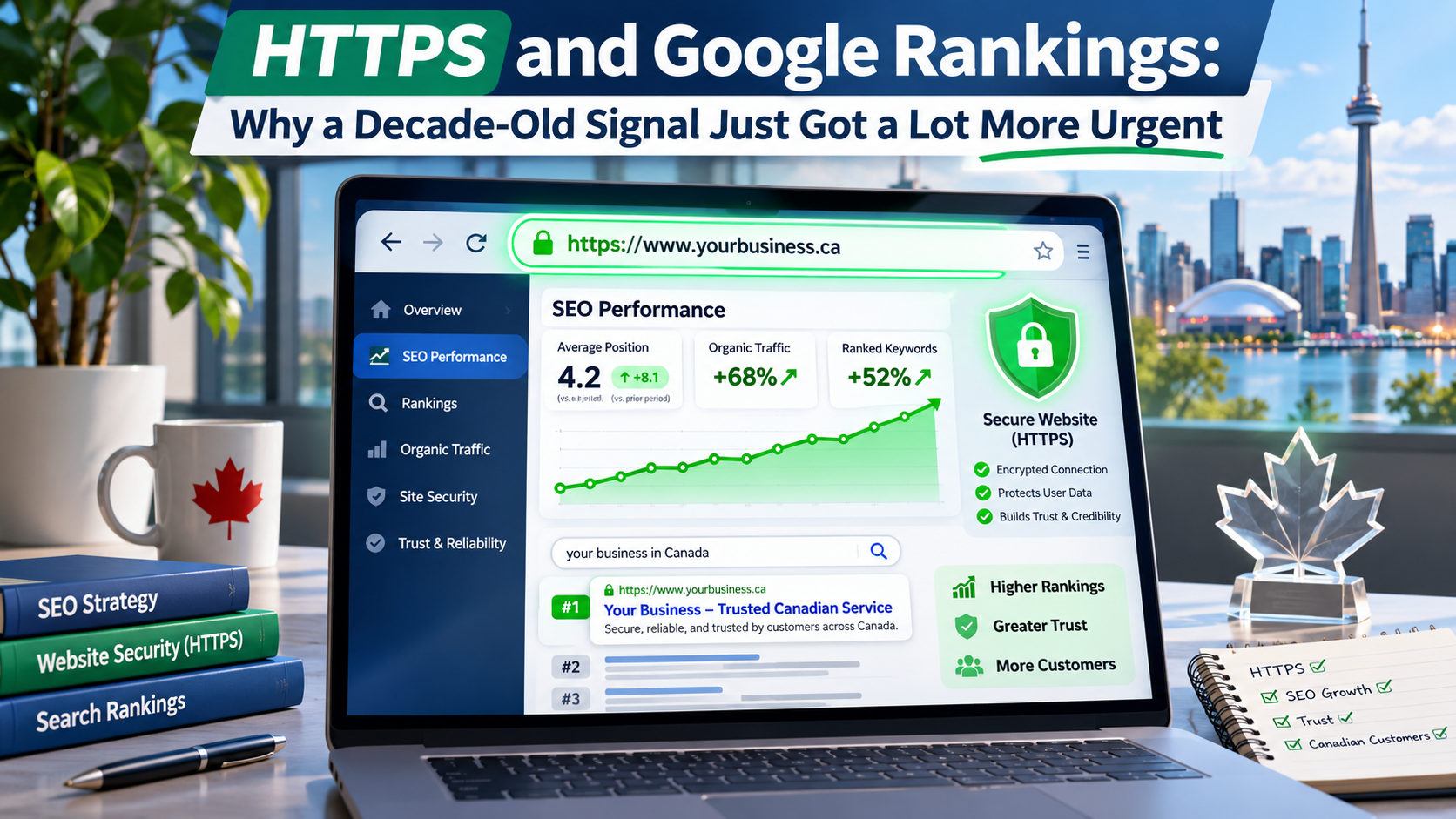
 The idea that Google ranks HTTPS sites a little higher than HTTP ones isn't a rumour, a leak, or something Google is “suggesting” might happen — it's been official, confirmed policy since August 2014. Google's own Webmaster Central Blog announced it directly: after months of testing, encrypted connections would become a ranking signal, starting out, in Google's own words, as “a very lightweight signal,” affecting fewer than 1% of global queries at the time.
So if the question is “will HTTPS help my rankings,” the honest answer is that this stopped being a forward-looking question over a decade ago. What's actually worth a business owner's attention right now isn't the original announcement — it's something that happened far more recently and matters a great deal more than a minor ranking nudge ever did: as of October 21, 2026, Chrome now warns users and asks for explicit permission before loading any public website that isn't on HTTPS, by default, for everyone.
That's a meaningfully bigger deal than a ranking signal, and it's worth unpacking both halves of the story — what's actually old news here, and what just changed this fall — before getting into what a business running on HTTP should do about it.
Let's Get the Timeline Right
Google announced HTTPS as a ranking factor on August 6, 2014, describing it at the time as carrying less weight than signals like content quality, and explicitly noted that the weighting could increase over time as an incentive for site owners to make the switch. That proved true in practice: within two years, independent tracking found HTTPS adoption among top search results climbing from roughly 7% to well over 30% of page-one results, a shift directly tied to the incentive Google had created.
By 2026, HTTPS isn't a differentiator at all — it's closer to a baseline expectation. The vast majority of public websites now run on HTTPS by default, to the point that Chrome's own data shows the typical user encounters a browser security warning rarely, if ever, in an ordinary week of browsing. A brief that frames HTTPS-as-ranking-signal as a current prediction is describing 2014, not 2026 — the signal has already done its work, strengthened exactly as Google said it might, and settled into the background as one assumption among many that a modern site is simply expected to meet.
What Actually Changed This Fall
The genuinely current development is a Chrome security change, not an SEO one. For years, Chrome's response to an HTTP page was a quiet “Not Secure” label in the address bar — visible, but easy to miss, and not something that interrupted browsing. On October 21, 2026, Google's Chrome Security team confirmed that the browser's “Always Use Secure Connections” setting is now the default for every user, not just those who had opted in.
The rollout was staged rather than sudden: the setting existed as an opt-in option as early as 2022, was extended to a public-sites-only variant in 2024, became the default specifically for users with Enhanced Safe Browsing enabled starting with Chrome 147 in April 2026, and finally became the default for all Chrome users with the subsequent release that Google's October 21 post confirmed had completed rollout. Private addresses — local IPs, router admin pages, internal network tools — are explicitly excluded from the warning, which tells you plainly who the change is actually aimed at: public-facing business websites still running on plain HTTP.
Why This Matters More Than the Original Ranking Signal Ever Did
The 2014 ranking signal was always described, by Google itself, as minor — a tie-breaker among many far more influential factors, not something that would make or break a page's visibility on its own. The Chrome change is a different kind of consequence entirely, because it doesn't quietly adjust a ranking a few positions; it inserts an interstitial permission screen between a visitor and the page they were trying to reach.
A visitor who taps a link and lands on a full-screen warning asking whether they really want to proceed to an insecure site behaves very differently than one who simply sees a small grey label they may not have noticed. Some meaningful share of those visitors will back out rather than click through, which shows up as a bounce-rate and conversion problem well before it shows up as a ranking problem — and a page that a large share of visitors abandon on arrival tends to accumulate exactly the kind of weak engagement signals that hurt rankings indirectly, on top of whatever direct effect the original HTTPS signal still carries.
What This Looks Like for a Site Still on HTTP
For a business whose site still runs on plain HTTP, the practical effect starting this fall is straightforward: most visitors using Chrome — still the most widely used browser by a wide margin — now see a warning screen and have to actively choose to continue before the page loads at all. That's true whether the visitor arrived from a search result, a direct link, a social post, or a Google Business Profile listing, and it applies regardless of how good the content on the other side of that warning actually is.
Google's own rollout data is a useful gut-check here: the company reports that the large majority of desktop users encounter zero warnings in a typical week, which is really a statement about how thoroughly HTTPS has already become the norm. A business whose site still trips that warning isn't a rare exception quietly keeping pace with the rest of the web — it's now a visibly unusual case, flagged as such to every visitor who shows up.
The Good News: Free SSL Changed the Cost Calculus
Part of why HTTPS adoption climbed as steadily as it did after 2014 is that the cost and complexity of getting a certificate dropped dramatically not long after Google's announcement. Let's Encrypt, a nonprofit certificate authority, began issuing free, automated SSL/TLS certificates starting in 2016, removing the cost barrier that had kept many smaller sites on HTTP in the first place — a paid certificate and a manual renewal process used to be a real, recurring line item and chore; for most sites today, it isn't.
That shift is also why a free SSL certificate for your online business is a realistic, no-excuses starting point rather than an upsell. Most current hosting environments, including managed WordPress hosting, now provision and auto-renew a free SSL certificate as a standard part of the hosting plan rather than a paid add-on, which means the technical and financial barriers that existed in 2014 have mostly disappeared — what's left is making sure the certificate is actually configured correctly and the whole site is serving every page over HTTPS, not just the homepage.
Migrating Without Losing Rankings
Moving an existing HTTP site to HTTPS is a URL-structure change — every page's address technically changes from http:// to https:// — which puts it in the same category of risk as any other large-scale URL migration if it isn't handled carefully. The core discipline is the same one that applies to any URL change: every old HTTP URL needs a proper 301 redirect to its HTTPS equivalent, not a generic redirect to the homepage, and the redirect should be a single hop rather than a chain of several, since redirect chains slow page loads and can dilute the signal search engines pass through each hop.
Mixed content is the other common migration failure: a page served over HTTPS that still loads an image, a script, or a stylesheet over an old HTTP URL will trigger browser warnings and, in some cases, have that specific resource blocked outright. A post-migration crawl that checks every page for HTTP references in its source — not just the visible content, but image tags, embedded scripts, and canonical tags — catches this before it becomes a visible warning on a live page. Internal links, XML sitemaps, and canonical tags all need to point to the new HTTPS URLs as well; leaving any of them pointing at the old HTTP versions sends mixed signals about which version of the page is the canonical one.
A Quick Checklist for Where Your Site Stands Today
A short audit answers most of what matters here, whether a site has been on HTTPS for years or is only just making the move.
- Does every page load over HTTPS by default, with HTTP requests 301-redirecting to the HTTPS version in a single hop?
- Is the SSL certificate set to renew automatically, rather than depending on someone remembering a manual renewal date?
- Does a browser console check turn up any mixed-content warnings — images, scripts, or stylesheets still loading over HTTP on an otherwise secure page?
- Is HSTS (HTTP Strict Transport Security) enabled, so browsers remember to only ever request the HTTPS version of the site going forward?
- Do the XML sitemap, canonical tags, and internal links all reference the HTTPS URLs rather than leftover HTTP addresses?
The Canadian Hosting Angle
Getting a free SSL certificate issued correctly, renewed automatically, and configured without mixed-content gaps is, in practice, a hosting-configuration question as much as it is a certificate question — which is exactly where the choice of hosting provider comes back into the picture. The hallmarks worth expecting from a leading Canadian web hosting provider on this front are specific and checkable: free SSL bundled into every plan rather than sold as an extra, automatic renewal so a certificate never silently lapses, and straightforward support for diagnosing mixed-content issues during a migration.
For a business already weighing hosting options — whether prompted by this exact issue or a broader review — a Canadian web hosting provider adds the latency and data-residency advantages already worth considering for a primarily Canadian audience, on top of getting the SSL fundamentals handled correctly. 4GoodHosting, running Canadian data centres in Vancouver and Toronto, bundles free, auto-renewing SSL certificates across its hosting plans, which covers the free SSL certificate for your online business question directly as part of a broader hosting decision rather than as a separate purchase.
FAQ
Is HTTPS really a Google ranking factor, or is this still just a rumour?
It's confirmed, not a rumour — Google announced HTTPS as an official ranking signal on August 6, 2014, and has used it ever since. It started as a lightweight signal affecting a small share of queries and was explicitly expected to strengthen over time, which it has.
What changed with Chrome in October 2026?
Chrome made its “Always Use Secure Connections” setting the default for every user, meaning the browser now shows an interruptive warning and requires explicit permission before loading a public website that isn't on HTTPS, rather than just displaying a quiet “Not Secure” label.
Does this new Chrome warning apply to every website?
It applies to public HTTP websites. Private addresses — local IPs, router admin pages, and similar internal network destinations — are explicitly excluded, which is why the change is squarely aimed at public business and content websites still running on plain HTTP.
Is a free SSL certificate good enough, or do I need a paid one?
For the overwhelming majority of business websites, a free, automatically renewing SSL certificate — the kind bundled into most current hosting plans — provides the same encryption and the same HTTPS ranking and browser-trust benefits as a paid certificate. Paid certificates mainly add extended validation branding, which affects visual trust indicators rather than encryption strength.
Will migrating to HTTPS hurt my existing search rankings?
Not if it's done correctly: every HTTP URL redirected with a single-hop 301 to its HTTPS equivalent, no mixed-content resources left loading over HTTP, and sitemaps, canonical tags, and internal links all updated to the HTTPS versions. Most ranking drops during an HTTPS migration trace back to skipped redirects or mixed-content errors, not the protocol change itself.
Key Takeaways
- Google has used HTTPS as a ranking signal since August 2014 — it's confirmed, long-standing policy, not a current prediction.
- As of October 21, 2026, Chrome's “Always Use Secure Connections” is the default for all users, meaning HTTP sites now trigger an interruptive warning rather than a quiet address-bar label.
- The Chrome change is a bigger practical risk than the original ranking signal ever was, since it affects whether visitors reach the page at all, not just where it ranks.
- Free, auto-renewing SSL certificates — standard on most current hosting plans — have removed the cost and complexity that once kept smaller sites on HTTP.
- A safe HTTPS migration needs single-hop 301 redirects, a mixed-content check, and updated sitemaps/canonical tags/internal links — skipping these, not the protocol switch itself, is what causes ranking drops.
- Hosting quality determines whether SSL is a bundled, auto-renewing non-issue or a recurring manual chore — worth checking against any Canadian web hosting provider under consideration.
Conclusion
The HTTPS-as-ranking-signal story is worth knowing accurately: it's over a decade of settled practice, not a current prediction, and treating it as breaking news misses what's actually new. What's genuinely worth acting on is the Chrome change that just rolled out — a default, interruptive warning in front of every visitor to a public HTTP site, which raises the stakes well past the original ranking nudge. For a business still on HTTP, the fix is no longer expensive or complicated; it's a hosting-configuration task that most current plans already include for free. The only real risk left is in how carefully the migration itself is handled.
If your site is still on HTTP, or you're not certain your SSL certificate renews automatically, 4GoodHosting bundles free, auto-renewing SSL certificates across its managed WordPress, VPS, and dedicated hosting plans, served from Canadian data centres in Vancouver and Toronto. Explore the options at 4goodhosting.com and get a straight answer on what a migration to HTTPS would actually involve for your current site.