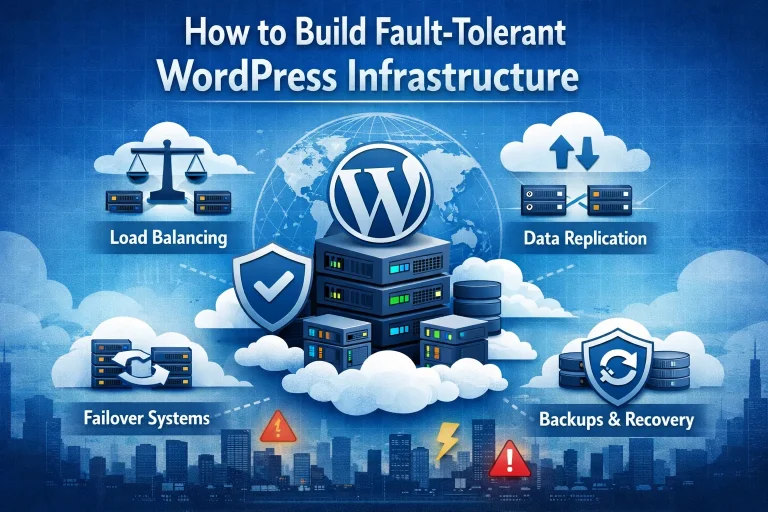





Growth is the reason parents are buying their kids new shoes so often, and why their grocery bill is so high once those kids become teenagers. Websites are never going to have a voracious appetite in the same sense, but there are going to be instances where they do need to grow and have more resources made available to them. For business websites that type of growth is a good thing, as it means ever-greater numbers of people are finding the website. When a website needs to be ‘scaled’ that means it needs to be reformatted, and usually within the context of being bigger and more functional. It’s here that managed hosting with load balancing may be something that you want to consider. The benefits of WordPress managed hosting are quite extensive, and one thing that’s for sure is you will get real value out of your higher yearly term for this type of web hosting. Plenty of small businesses go the affordable route and choose to have a WordPress business website, and if yours is at the point where it needs to be scaled then it may also be the same point where it might make sense to switch over to managed hosting. You will always want to be assured of secure managed WordPress hosting, and we always have that assurance for everyone here at 4GoodHosting. If scaling your website is something you can do yourself then that’s great, and you’re probably a person who’s learned al lot about being a webmaster after first starting out building a Wordpress website. Either that or you were pretty darn good with this stuff to begin with, and you still chose the WordPress platform because of the simplicity it offers and the fact you simply don’t need a website with all the bells and whistles. If neither scenario applies to you and you also know nothing about PIPEDA-compliant hosting then you can opt to have your scaling taken care of for you via managed web hosting. Load balancing is an integral part of this process, and in a lot of ways it’s like your website is a small sea craft and you’re...