



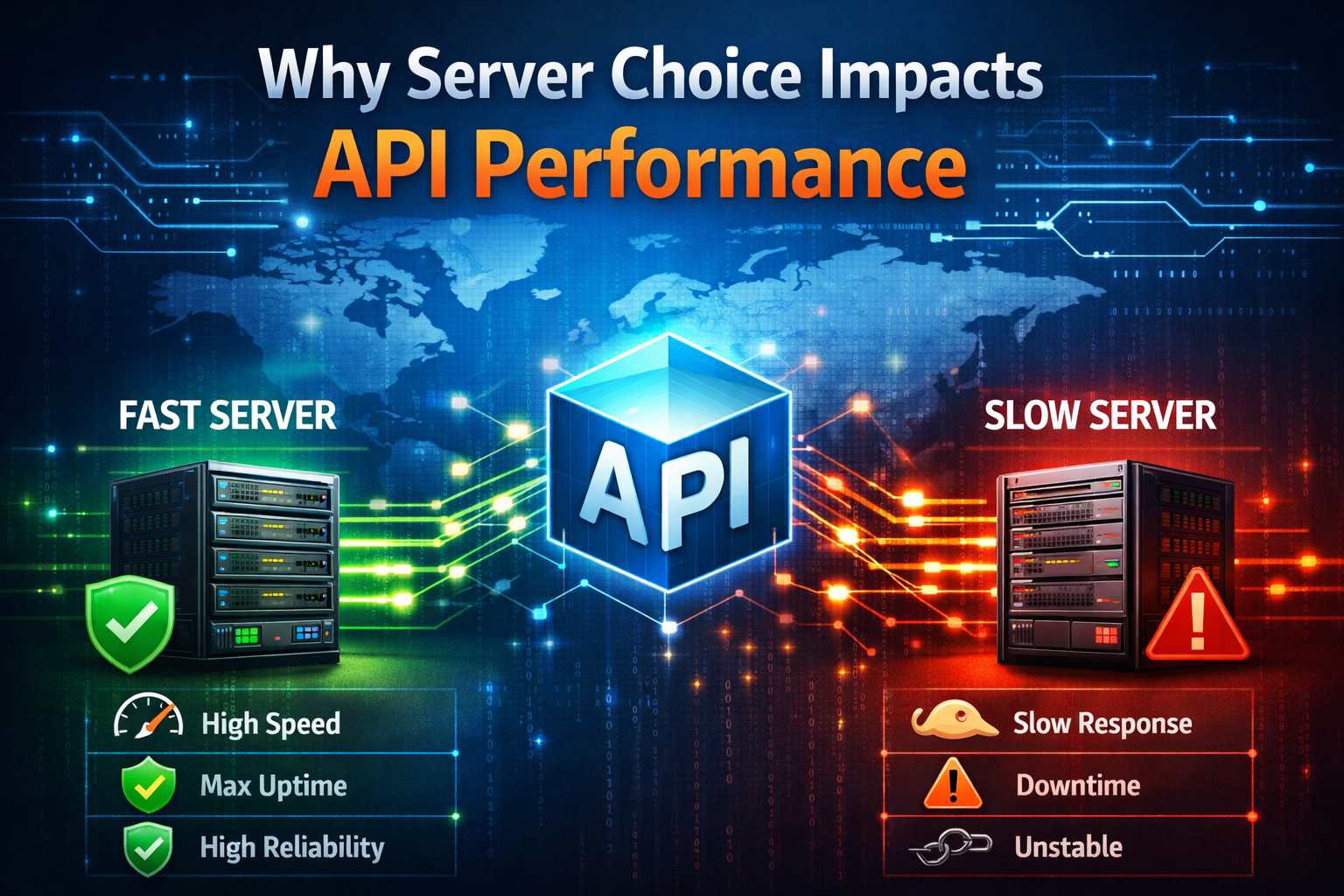
 The average person who’s choosing between shared hosting, VPS hosting, or dedicated hosting probably isn’t going to know that what they’re actually doing is choosing a server as much as they are deciding between different types of web hosting. In the last two instances there the P in VPS stands for private, and of course dedicated is going to mean only for your use. Shared hosting is going to be the most inexpensive option, but sharing a server means you’d best not have a website that’s going to demand more than the resources available. A website’s API performance is a measurement of the responsiveness of live web applications, and so this may have have some asking what’s the best hosting for high API performance.
So if you have a WordPress business website and your site feature live web applications then it’s quite likely shared hosting isn’t going to the right fit for you. At the very least you’ll want to be on a VPS, and if you foresee major growth of your business leading to a lot of site visitor volume increases then you’ll probably do well to move to dedicated hosting now rather than having to do it later. You may also want to take note of PIPEDA-compliant hosting Canada if your site is going to be collecting data from customers, but that’s another topic entirely and we won’t be looking at that here today.
Instead the focus will be exclusively on choosing a type of web hosting with the understanding that you’re choosing a server arrangement more than anything. The best choice for most is to go with managed WordPress hosting with the fastest API responses if your live web applications are a big part of what leads site visitors to become purchasing customers. A VPS or dedicated server with managed hosting is going to be pricier, but having those performance guarantees along with every aspect of site optimization seen to by the hosting provider is often well worth it. It’s right in line with what web designers will want with WordPress hosting for developers too.
By here we’ve established that a server that’s not shared is going to be best for sites with live web applications, and so what we’ll do with the rest of this blog entry is lay out exactly how server choice will affect API performance. It’s relevant stuff to know if you’ve got this type of site, and what will usually happen in this type of scenario is the reader becomes all the more convinced that they need to have theirs on a virtual private server or a dedicated server.
Defining API Performance
API performance is the measurable behavior of your API under different conditions. Examples can how fast it responds, how consistent it is, how many errors occur, and how much load it can handle before breaking down. Avoiding the last possibility there is a big part of why site masters will often opt to go with the best hosting for high API performance. What’s critical to all of this endpoint structure, and there are endpoint design guides to avoid patterns that limit scalability and speed.
As to how this all relates to servers and the capacities they have to provide for you, here’s what you need to be looking for and securing for yourself if you have extensive live web applications on your site.
A predictable serves is one where latency is stable across all requests, and if it’s reliable it’s going to be known to have low error rates. A resilient server is what you’ll have with Managed WordPress hosting with fastest API responses and it’s never going to degrade under high load. It will also be efficient, meaning it won’t eat up significant portions of your CPU’s processing power, memory, or downstream service budgets. It’s here that respondents will usually say ‘well, what about response times’ and of course that’s an expectation that needs to be met too if you have demanding live web applications.
Response time is the duration between sending a request and receiving the complete response, and will include network latency, processing time on the server, and data transfer time. Nearly any server made available through a VPS web hosting package will make the grade with this, and every dedicated server will for sure. But another consideration that you need to look at is throughput. It’s the number of requests your API can handle within a specific time frame, typically measured in requests per second (RPS) or transactions per minute (TPM).
Consider resource utilization as well, with the indicators being how efficiently your API uses server resources like CPU, memory, and network bandwidth. Many core APIs run on Lambda, and if your function’s cold‑start jumps from 50 ms to 500 ms for just 1 billion invocations under heavy load, you’d add 500,000 seconds (over 6 days) of extra cold‑start overhead across that period. This is going to overwhelm most systems, and when that happens all your live web apps grind to a halt.
API Performance with VPS / Dedicated Server + Managed Hosting
A VPS or dedicated server behind your websites is going to mean that API call response times are as short as possible. You’ll also be guaranteed of network latency that is as minimized as possible, especially if your VPS or dedicated server is physically close to users and where your business is located / operating. This is something we’ve gone over before - the benefits of local web hosting. This is emphasized evermore if you’re using a CDN (content delivery network) for your site and taking advantage of WordPress hosting for developers.
All of these gains are taken to an even higher level if you have managed web hosting with a VPS server, or dedicated server. That’s because certain key contributors to better website API performance - caching, asynchronous processing, selective field use, optimizing of code and database query management, and API call minimization - are a part of what’s taken care of for you when pay more to have managed hosting through your provider.
Caching and reduced API call response time go hand in hand. By caching frequently accessed data, you can avoid the need to retrieve it from the server and this lowers the overall response time. Asynchronous processing allows the client to continue with other tasks while the API call is being processed so the perceived response time is reduced and the overall user experience tends to be better - something that’s very important if these are potential customers visiting your WordPress business website.
Minimizing the number of API calls can help to bring response times down too and one way to do this is by using batch requests so that multiple requests can be combined into a single request. From there selective fields can be used to limit the amount of data returned by an API call to only the fields that are necessary. Have your server optimized so that it’s only returning the necessary data and it becomes possible to reduce the response time. Optimizing code and database queries can improve the performance of your API and reduce the response time. This can include techniques such as indexing, query optimization, and code optimization.
By implementing these best practices, you can minimize API call response time, improving the overall performance and efficiency of your API. We talked about how you may want not to overlook PIPEDA-compliant hosting Canada is site users will be submitting data, but what’s more important here as it relates to live web app and API optimization is what you can do yourself to get even more out of your private or dedicated server and managed web hosting together.
It’s likely that your host will have already established a performance baseline for your API's performance by running tests and measuring response times under normal conditions. This helps to identify any changes in performance that may indicate a problem, and there will already be established performance targets. What you can do is use monitoring tools to track the performance of your API in real-time. This will help you to identify any issues as they occur and take action to resolve them.
Ready for High Traffic
Regular load testing is also something you can do, and even if you’re certain you’ve got the best hosting for high API performance. Conduct regular load testing to simulate high levels of traffic and usage to identify any performance issues that may occur under heavy loads. What’s also doable for you is to analyze performance data from your monitoring tools and load testing to identify any patterns or trends that may indicate a problem. This will help you to proactively address any issues before they become more significant.
You may also see opportunities to simplify code, and often it’s very clear to identify where you can remove unnecessary logic and consolidate code. This can make the code more efficient and reduce the likelihood of performance issues. Caching will almost always be a part of the service detail with managed WordPress hosting with fastest API responses, but if you can optimize additional database queries as you become aware of them it means that server efficiency becomes even better.
Examples here can be adding indexes, rewriting queries, or using caching to reduce the need for repeated database queries. By refactoring and optimizing API code it’s very realistic to see improvements with site and live web app performance and even while the site is seeing large volumes of traffic and usage.











