



 It is an entirely different imperative when a WordPress website is seeing business interests in comparison to one that it in existence for simpler aims. If you’re relying on your site to be making your business visible and bringing in new customers then it’s going to be entirely essential that those people have a fully positive user experience right from the very second they land on your homepage for the first time. It’s important they don’t ‘bounce’ for whatever reason, and you want everything that should be visible to them to be just that - readily visible and inviting interactivity with the site. It’s for this reason that WordPress hosting with server-side caching for Canada sites is best.
All of this is explicitly related to the use of plugins, and for most WordPress sites the single biggest factor in making the site distinctive and featuring better functionality is going to be its selection of plugins. The need to clear caches for webpages is well understood, but with WordPress sites there is a more specific needs for caching because of the way failing to do so may mean that some plugins aren’t visible - and usable - on the front end for site visitors. There’s a lot for small business owners to gain by going with Managed WordPress web hosting but your selection of site plugins and the administration / overview of them isn’t one of them.7
You need to be at least somewhat in the know about your plugins, and it’s best to be familiar with webpage caching because of the way plugin visibility and accessibility can be dependent on that page caching. Those site plugins are going to load with more pop if the site is backed by fast WordPress hosting for business, but as far as as the caching part of regular maintenance is concerned the user will need to be choosing between plugin caching or server-side caching.
Plugin caching may be easier, and there are caching plugins for WordPress that make the task as easy as possible. But for certain sites equipped with certain plugins this convenience may hide the fact that it’s not the best route to go with this in the interest of consistent plugin performance. VPS hosting optimized for WordPress isn’t going to make up for any shortcomings resulting from plugin caching, but in many instances server-side caching is the better choice for seeing to it your site plugins are primed to be getting the benefits from faster VPS hosting in the first place.
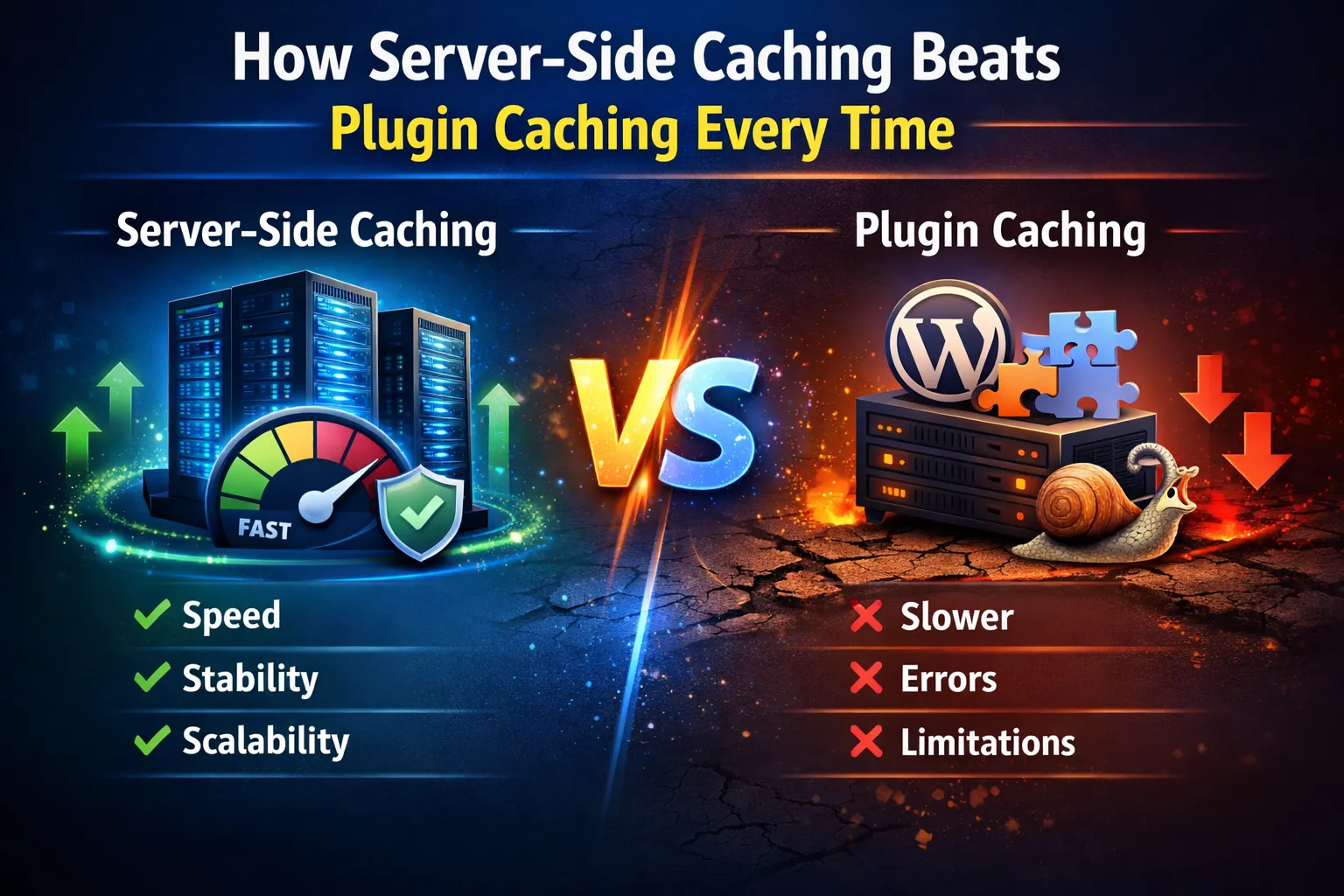
So what we’ll do with this blog entry is go into more detail about how server-side caching really tends to be the better choice in comparison to plugin caching. It’s something that’s good to be aware of if you are making reviews of your site from time to time and addressing any aspects of site performance where thing seem to be lagging in ways they didn’t when your first got the site up and running.
Paving Database Pathways
Wheels are guaranteed to roll more smoothly and with less resistance when they’re doing so on pavement, and so we can sort of use the analogy that with good-server side caching for a WordPress site it is almost like you are putting down paving on the database pathways. Each request submitted for a WordPress site triggers multiple PHP functions and database commands. There are then numerous queries that the server needs to process whenever a page or post is accessed, depending on the template, functions, and plugins used. It’s never good if it takes too long for queries to be completed, and that can be the case when the database contains large amounts of data.
However, sometimes they need to have that large volume of data in them, and so there becomes a need to reduce load times for these PHP and database requests. Especially if the site has a poor time to First Byte, even for nearby locations. WordPress hosting with server-side caching Canada can definitely be a core part of the fix for sites that have this need. This is because server-level caching accelerates the process by storing copies of the HTML file on the server, which makes for less TTFB and server resource usage as the server only needs to serve the cached file.
The primary reason you’ll find so many web hosts advising against the use of cache plugins is because server-level caching is part of what they offer with their services. The difference between static and dynamic content affects caching performance. Static content like graphics, stylesheets, and certain types of JavaScript will not need to be updated frequently and is typically cached. Dynamic content, on the other hand, will almost always require caching. Examples here can be HTML elements, shopping carts, and associate profiles that change based on user behaviour.
There’s even more to be had in the way of performance gains when you approach your caching from the server side and utilizing that along with fast WordPress hosting for business. Improved server performance is the first of them, as the server will only require a minimal amount of time to retrieve duplicate content. Storing query results significantly reduces the need for database search measures. Plus cached content minimizes the workload for data-intensive content.
Improved page load speed: Cache-served pages reduce load times, ensuring that every component loads smoothly even if there’s a high level of incoming site traffic at the time.
Server-side caching also helps reduce server load for websites with dynamic content. Web hosting that supports full-page caching and can significantly reduce response times for dynamic sites, and that’s exactly what we have for you here at 4GoodHosting. Users also tend to like how lower server load means fewer crashes and downtime. This is what’s referred to as server stability, and It helps your website scale to handle more traffic without slowdowns of any sort. Site performance won’t decline just because large number of visitors are arriving at the site at the same time.
Flip Side
We now need to highlight how plugin caching often isn’t as effective for promoting optimal site / plugin functionality. Along with reducing the need for site audits to have to occur so frequently. Server-level caching tends to outperform plugin caching on high-traffic sites, and a large part of the reason for that is the way file-based caching requires more server resources to generate HTML pages. Plus most plugins do not support full-page caching. In most cases, cache plugins generate HTML pages in the same manner as server-side caching. However, cache plugins can modify the front end more effectively than server-level.
Plugin caching can also lead to lazy loading at times. It doesn’t happen often, but depending on site makeup it can be something that occurs if the user is taking this approach to caching and with lazy loading what happens is images, videos, and even some CSS elements load slowly and unevenly. This also doesn’t lend itself to effective use of a CSS for the website either, and between both of these fail points it can create a very unpleasant user experience. Obviously, you want potential customers staying on your website and lazy loading is not going to be conducive to having that happen.
Another consideration will be for websites with extensive backend data or frequent data refreshes. Server-side object caching improves performance and efficiency here too, and that’s because object caching stores database results in RAM. This means they don’t have to be retrieved in full every single time a server request needs to be accommodated. Server-side caching is ideal for high-traffic sites because it enables them to handle many visitors simultaneously. Caching improves page speed and can be used even on small web servers, and this means it lines up ideally with fast WordPress hosting for business.
Convenience Continued
VPS hosting optimized for WordPress takes all these advantages and amplifies them considerably, but as webmaster the one thing you will still need to be mindful of is dynamic site content that is made available by plugins. Any of it that contains individualized details like your preferred items and profile information isn’t going to work with traditional caching methods, which treat all requests equally. That’s really the only potential stumbling block that might be facing you, but all in all there’s nothing but good things to be said for server-side caching for WordPress small business website.
And the convenience of all of this becomes all the more convincing when you learn that there are plugins that are geared to enact server-side caching rather than focusing on the other plugins themselves. Server caching alone will cache your website, but plugins can make it more effective and help regenerate cached pages faster. Make sure WP themes are not too heavy when you choose them though, as heavy themes can cause caching issues. LiteSpeed cache is a good example of one of these plugins and it’s a fairly standard choice for providers offering WordPress hosting with server-side caching for Canada. With millions of installations, it is a well-known WordPress caching plugin. SiteGround Optimizer is a good choice too, supporting both server-level cache and dynamic cache.
Need to know more about VPS hosting optimized for WordPress? Get in touch with us and we’ll be happy to explain all the ways that a private server will equate to better site performance. Including the way that server-side caching can factor into that enhanced performance if you have a WordPress site that is heavy with plugins.