
This tutorial assumes you've already logged in to RoundCube webmail
Now let's learn how to search for specific email messages
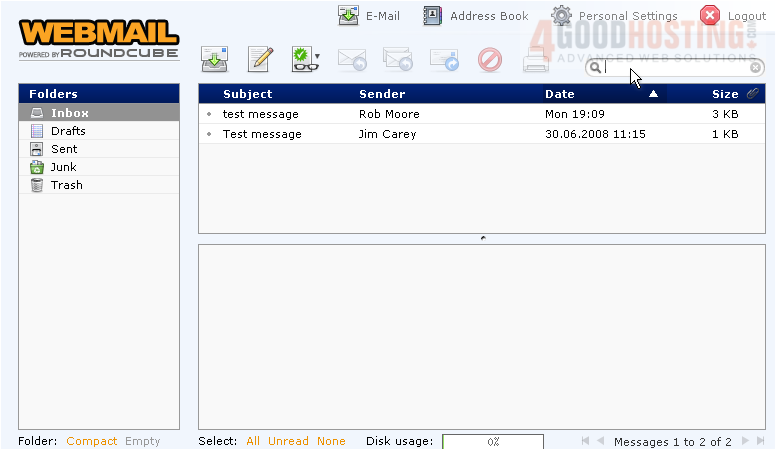
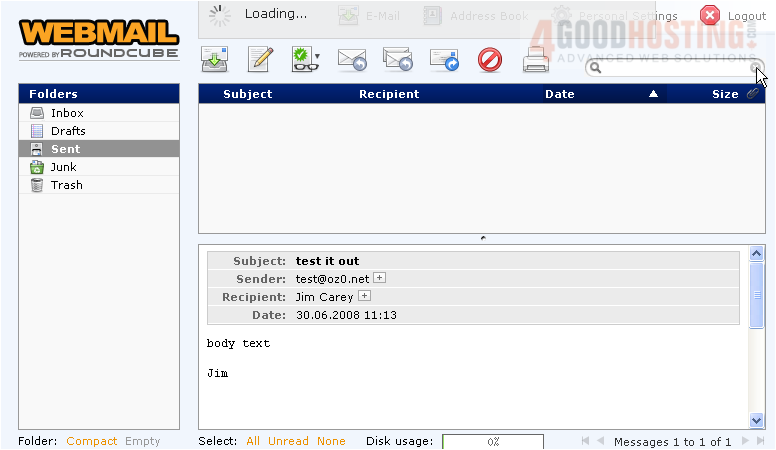
1) This is the search box. Enter a term you wish to search for, then press <enter>
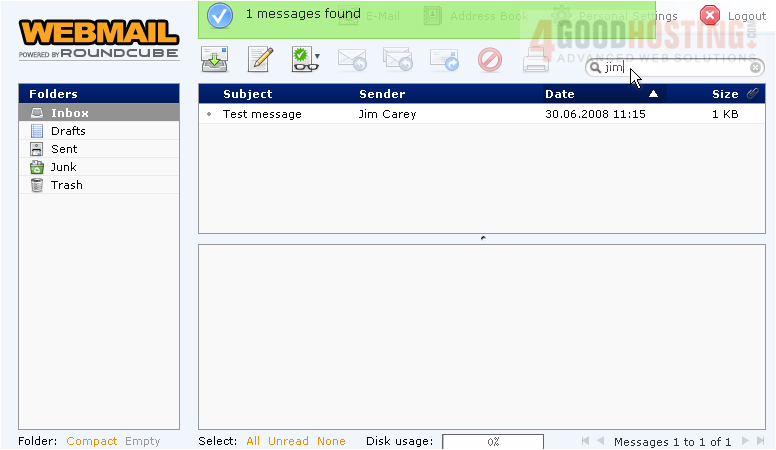
RoundCube searched all messages in the Inbox for the word "jim" and found one match
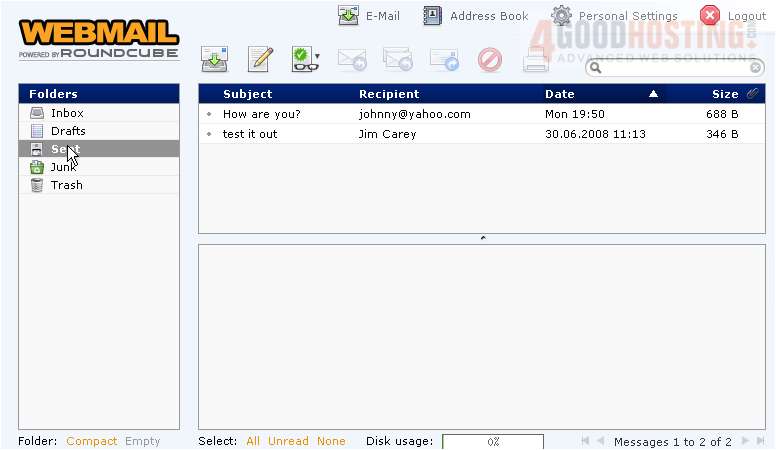
You can just as easily search for messages in other folders
RoundCube found one match in the Sent folder
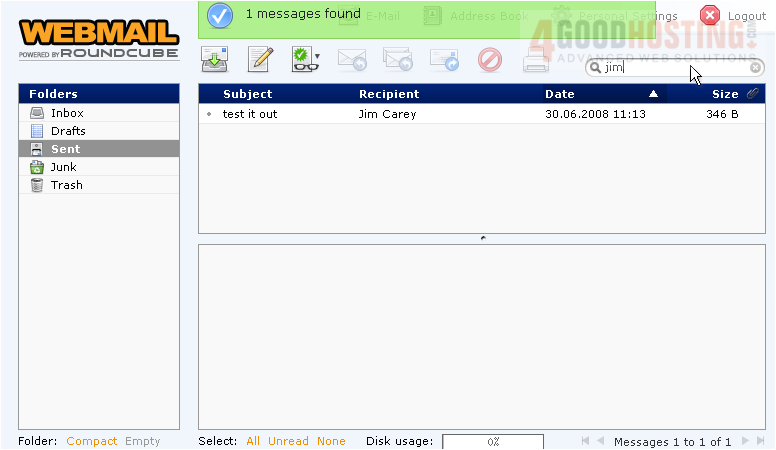
2) To clear the search box, click the X icon here
This is the end of the tutorial. You now know how to search for messages in RoundCube

 WGS AI Assistant