
This tutorial assumes you've already logged in to RoundCube webmail
Now let's learn how to open an email message so we can read it, and perhaps respond to or forward it
When you first login to RoundCube, you'll see that the Inbox is highlighted..... which means the messages shown here are in the Inbox
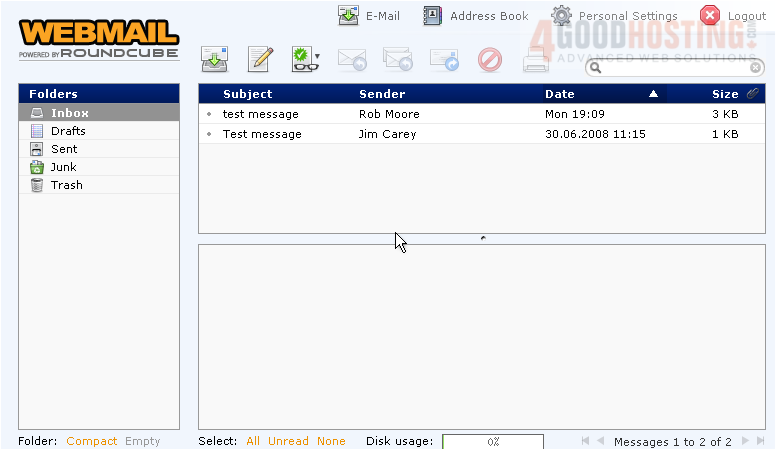
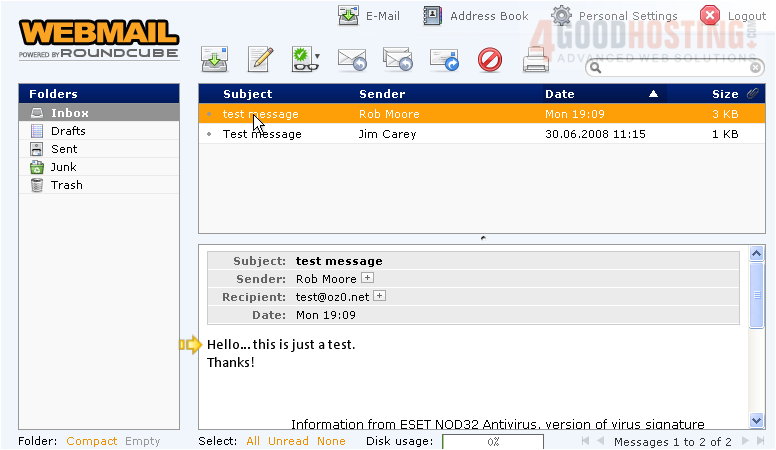
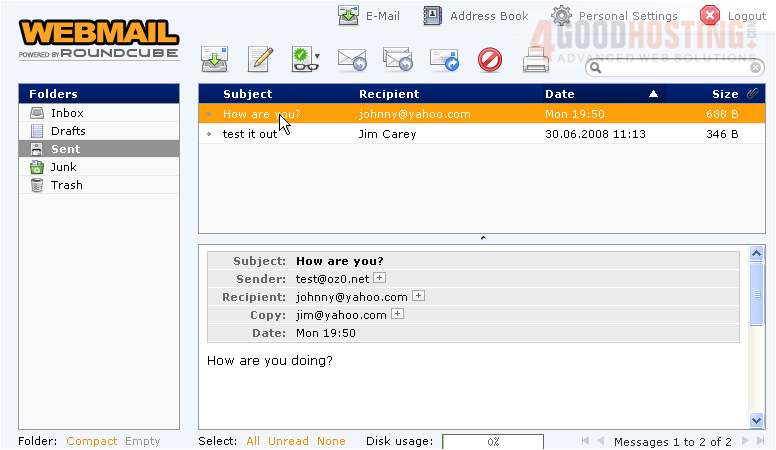
1) To open a message, simply click on it here. The message will then open in a window below the list of messages
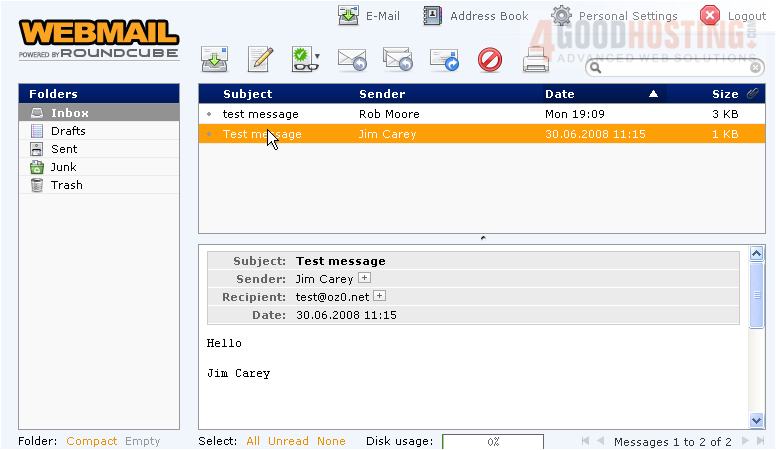
2) Click to open another message
3) To view messages in any of the other folders, select the folder here.....
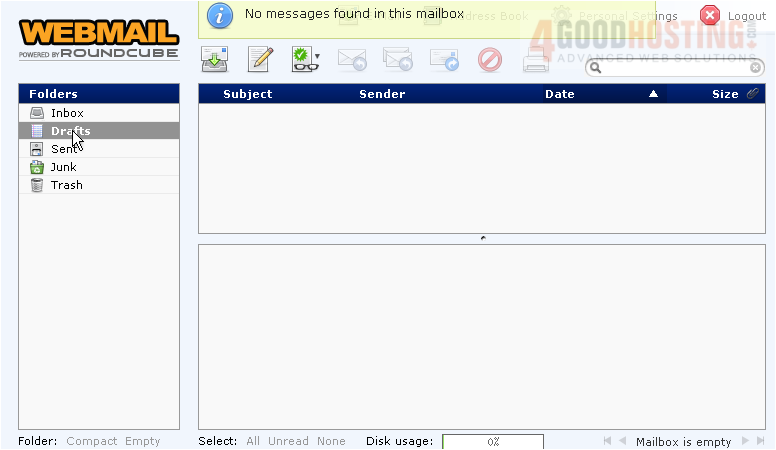
4) Then click to open the message you want to see
This is the end of the tutorial. You now know how to open email messages from any folder

 WGS AI Assistant