
This tutorial assumes you've already logged in to RoundCube webmail
Now let's learn how to mark messages as read or unread
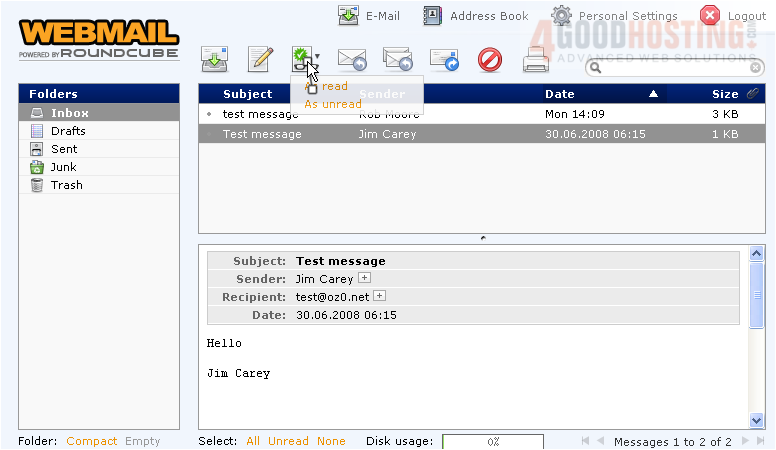
Both messages in the Inbox folder are currently marked as "Read"... you can tell this because the text is regular instead of bold
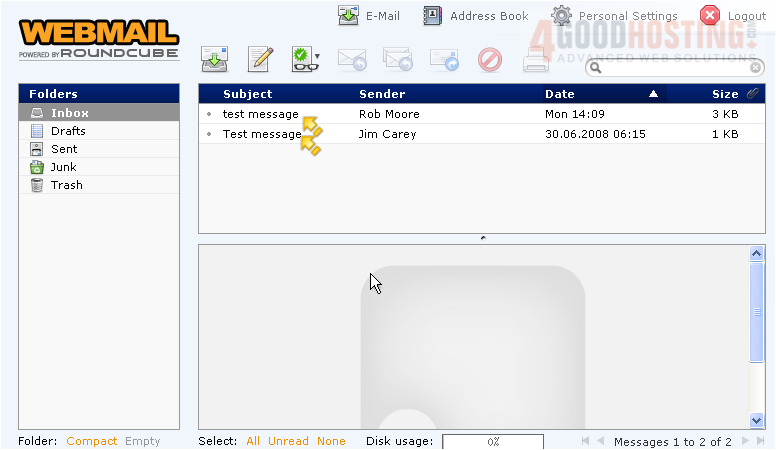
1) Let's highlight one of the messages
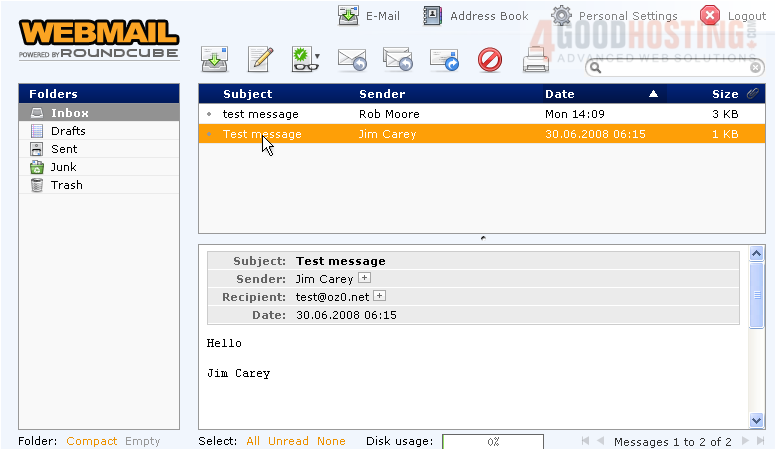
2) Click the Mark Messages icon
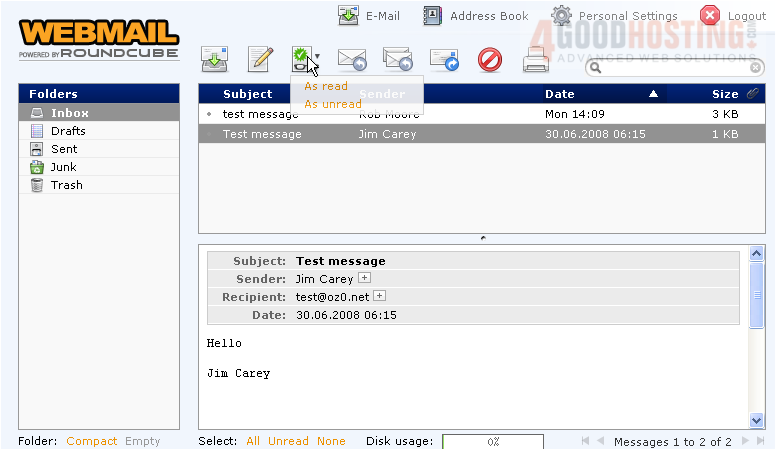
3) Let's choose to mark this message as "Unread"
The message is now marked as unread (since its text is bold), and our inbox shows 1 message as being unread
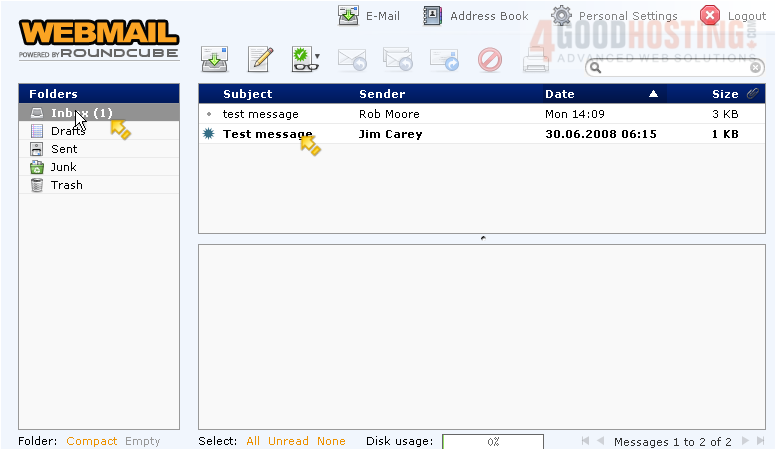
Selecting an unread message automatically changes its status to "Read"..... but if the message was already selected, you can mark it as "Read" by choosing the option in the Mark Messages icon
This is the end of the tutorial. You now know how to mark messages as read or unread in RoundCube

 WGS AI Assistant