
This tutorial assumes you've already logged in to Horde webmail. Now let's learn how to export our contacts
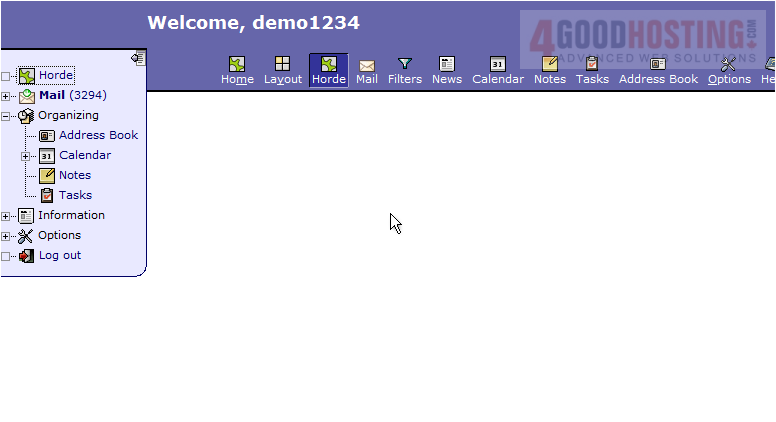
1) Click the Address Book icon...
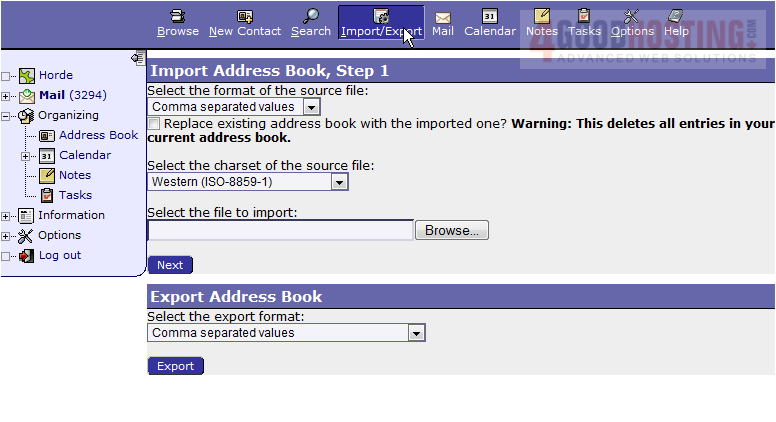
2) Then click the Import/Export icon. Here we can export our Horde contacts so that we can use them in another program such as Excel. Let's go ahead and Export the contacts now. Click Export.
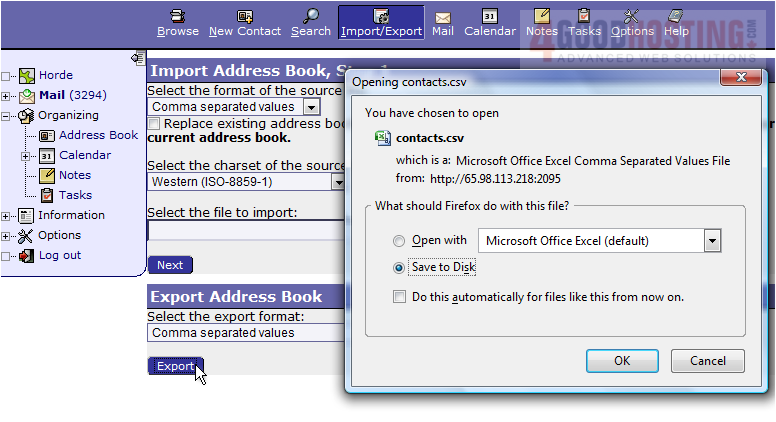
3) Click OK.
4) That's it! Our contacts have been exported and can now be used in other programs.
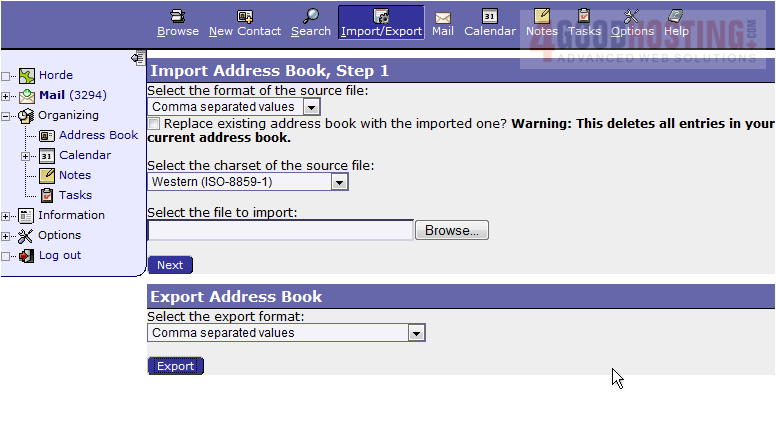
This is the end of the tutorial. You now know how to export your contacts from Horde

 WGS AI Assistant