
This tutorial assumes you've already logged in to Horde webmail. Now let's learn how to create tasks. Adding a task is equivalent to adding to a To Do list. It gives you a reminder of upcoming tasks
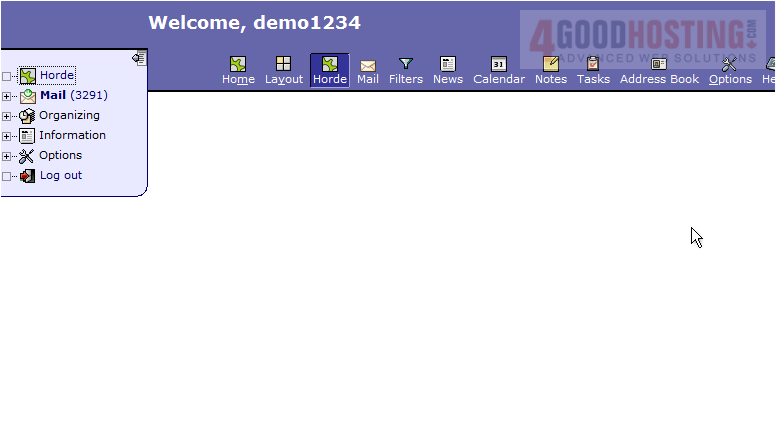
1) Click the Tasks icon in the top navigation bar.
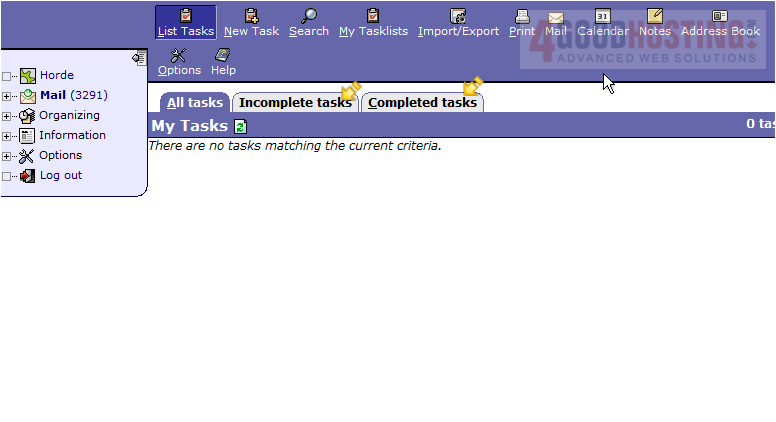
2) This is the Tasks page where we can view both incomplete and complete tasks. Click the New Task icon.
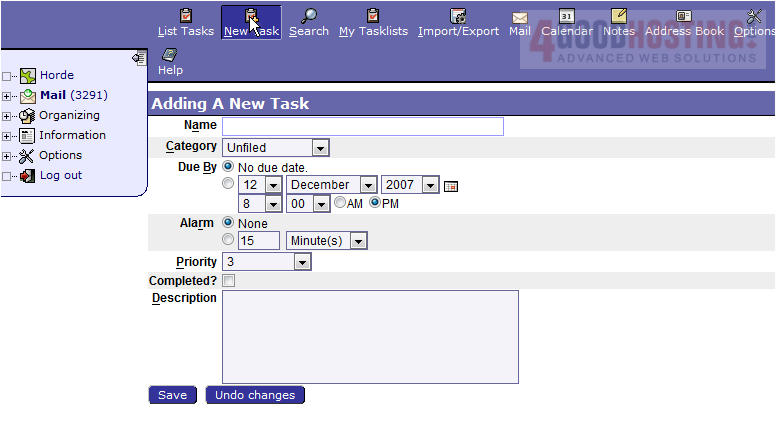
3) This is the page where we can add a new task. Options for a task include category selection, a due date, an alarm, a priority level and a description. Let's go ahead and add a new task. After giving the task a name, description and set the due date, click Save.
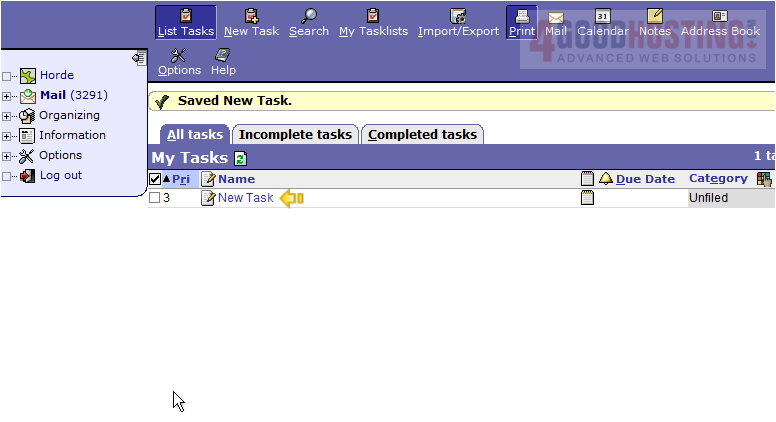
4) That's it! The new task has been added and can be seen here.
This is the end of the tutorial. You now know how to create tasks in Horde

 WGS AI Assistant