
This tutorial assumes you've already logged in to Horde webmail. Now let's learn how to create folders.
1) Click the Mail link, then click the Folders icon.
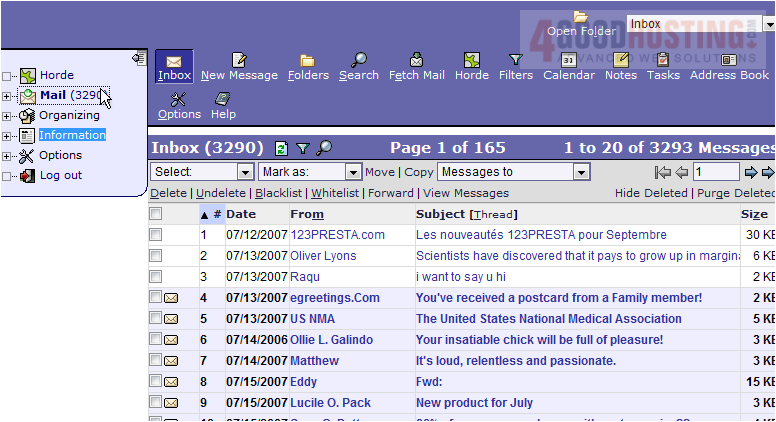
2) This is the Folders page where we can use folders to manage our emails. Let's go ahead and create a folder now.
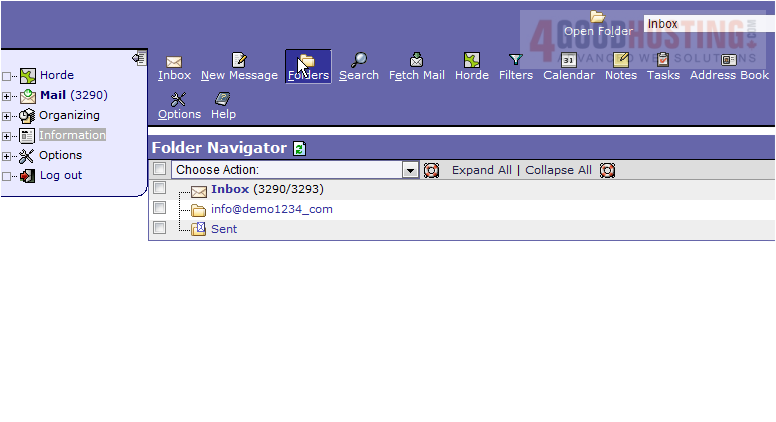
3) Select the Create Folder option.
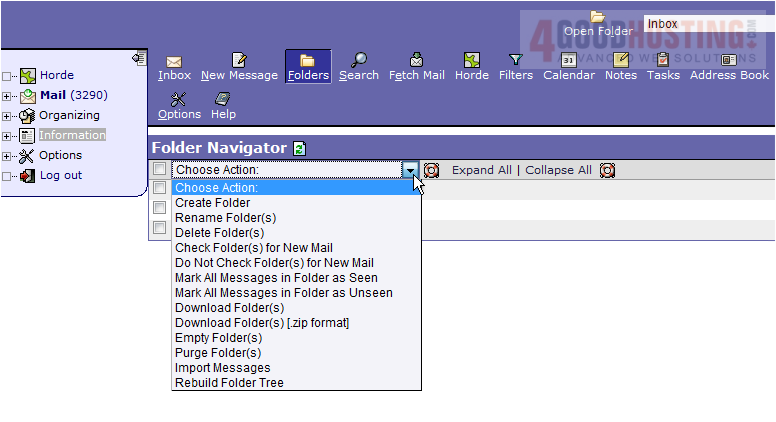
4) Enter a name for the new folder, then click OK
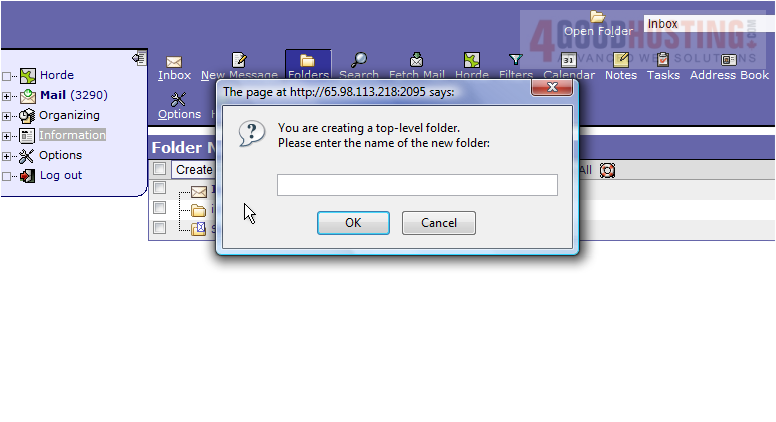
5) The new folder has been created, as we can see here
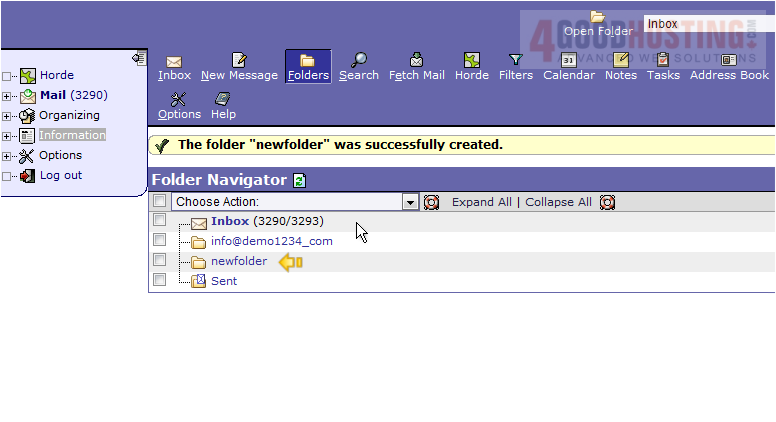
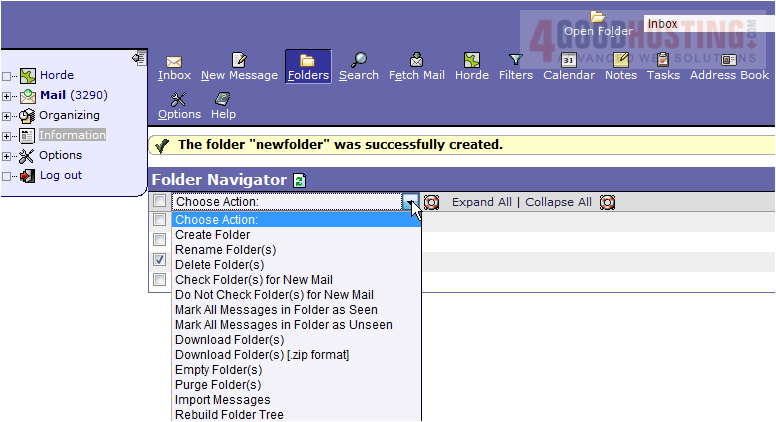
6) Now let's delete the folder we just created... select it in the list, then click the Delete Folder(s) action.
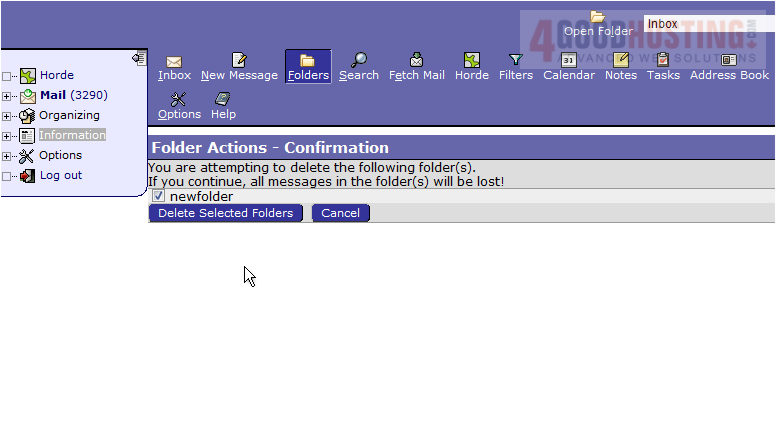
7) Then click Delete Selected Folders
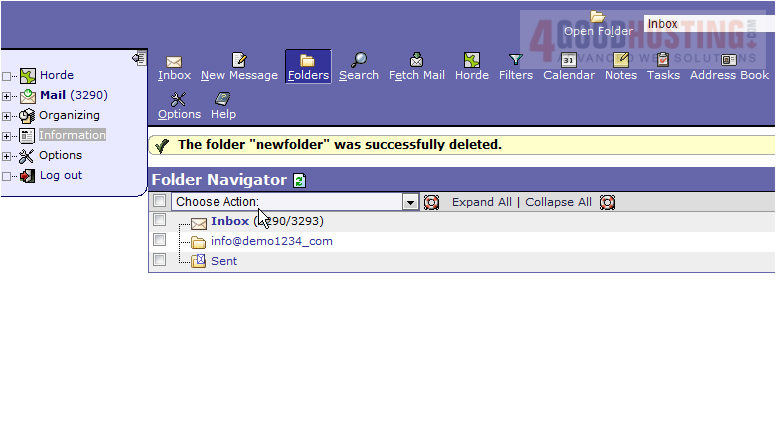
8) The new folder has been deleted. We can return to this screen to create additional folders at any time
This is the end of the tutorial. You now know how to create folders to manage emails in Horde

 WGS AI Assistant