
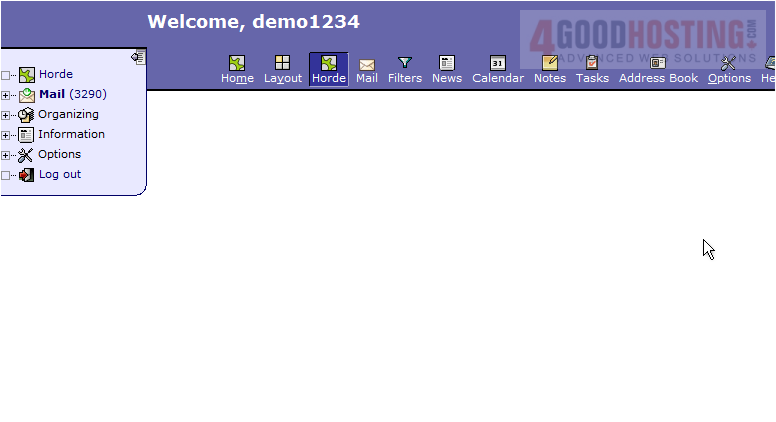
This tutorial assumes you've already logged in to Horde webmail. Now let's learn how to edit our personal information
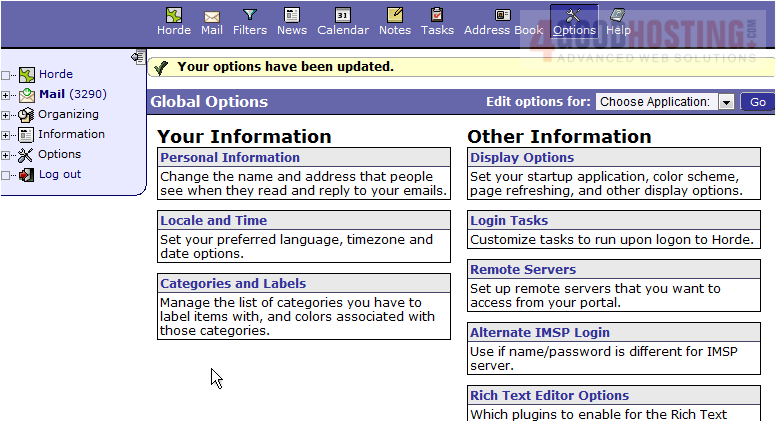
1) Click the Options icon in the top navigation bar.
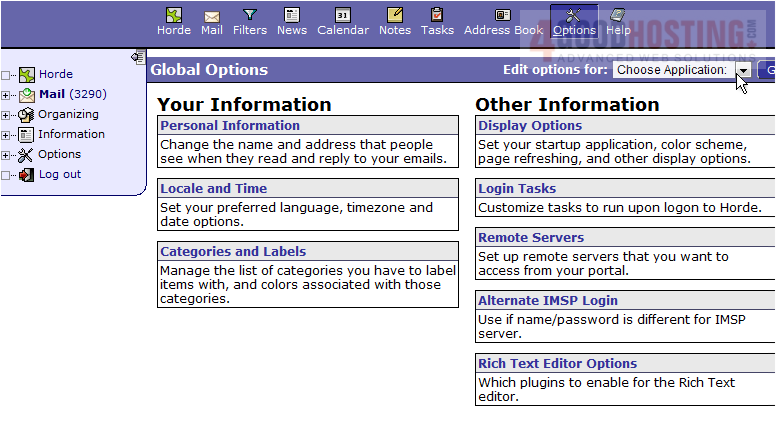
2) Then click the Personal Information link.
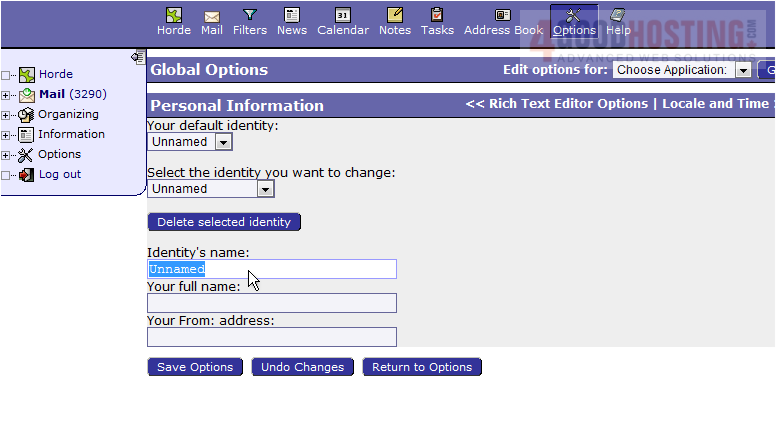
3) Enter the Identity name, your full name, then enter your email address in the fields below.
4) When finished, click Save Options.
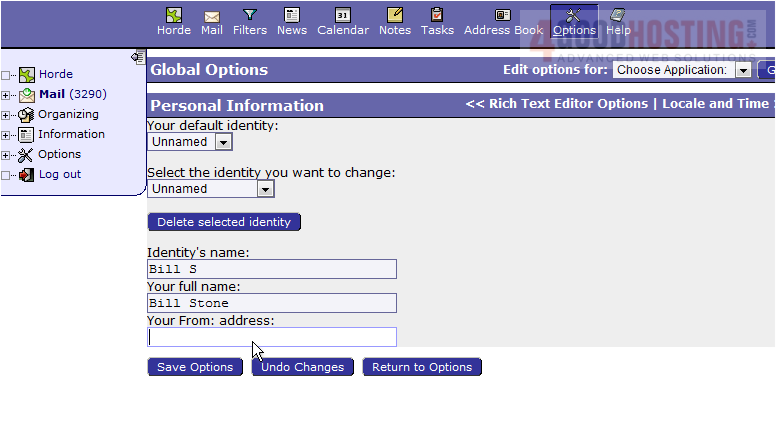
5) That's it! Your personal information has now been edited. You can return here at any time to update your personal information.
This is the end of the tutorial. You should now know how to edit your personal information in Horde

 WGS AI Assistant