
In this tutorial, you will learn how to find out why mail cannot be sent to a particular e-mail address. You'll also see how to look up the MX (mail exchange) records for a valid e-mail address.
1) Locate the Email category.
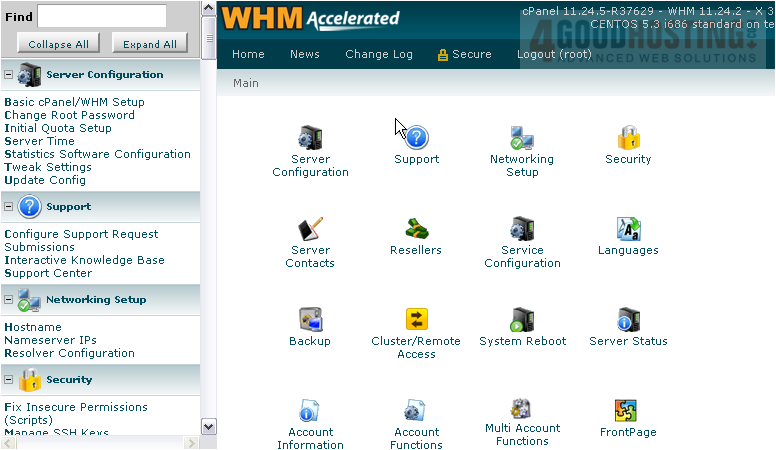
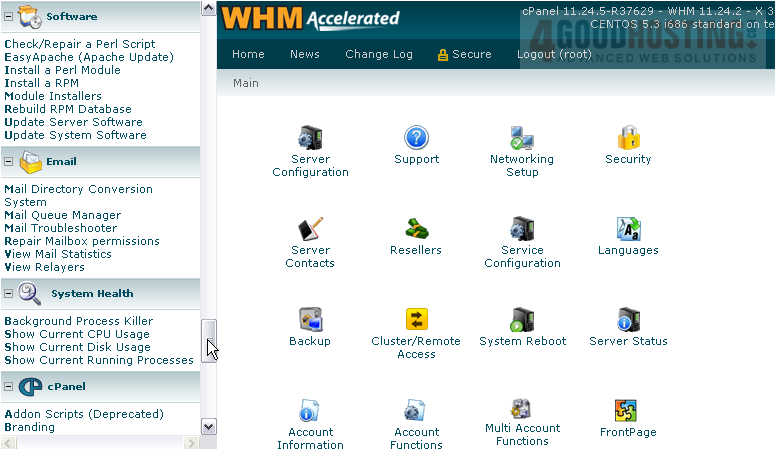
2) Go to Mail Troubleshooter.
3) Enter an e-mail address on which to perform a trace. For testing purposes, we'll enter one that should definitely not exist.
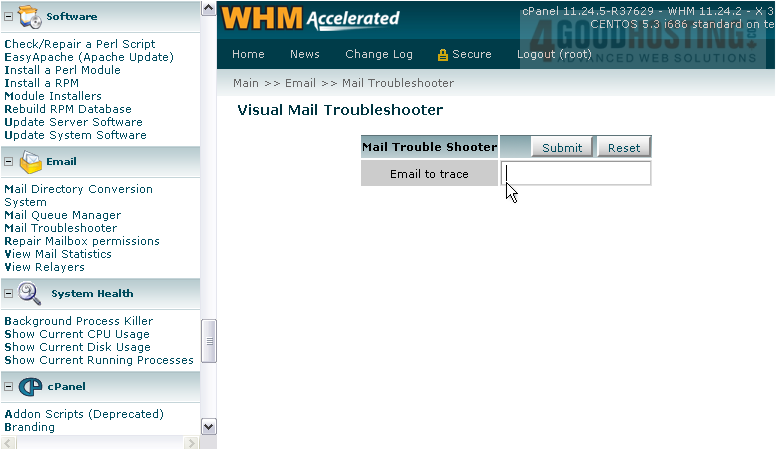
4) Click Submit.
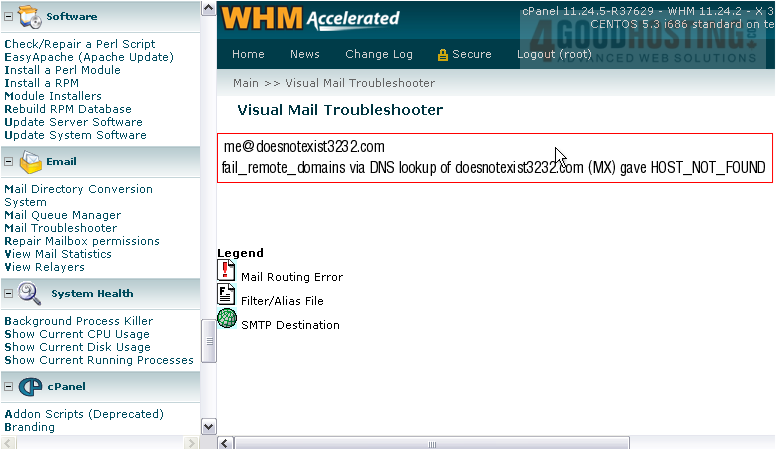
When attempting to perform an MX lookup for the domain name, no information about the host could be found.
5) Return the the troubleshooter.
6) Now let's try a valid e-mail address.

7) Submit the form.
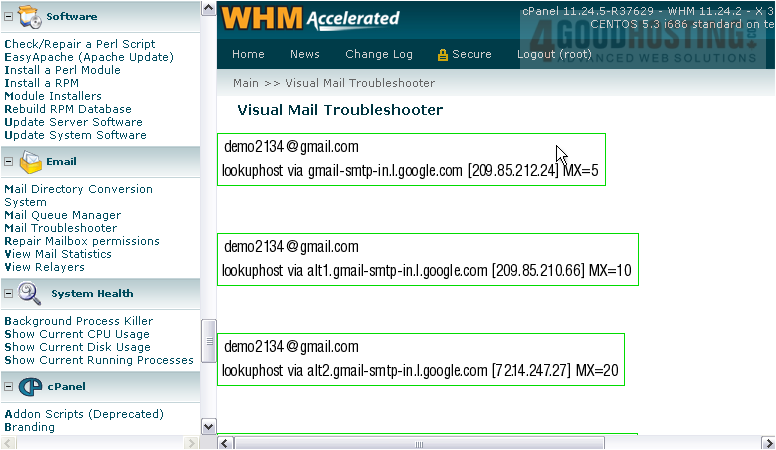
As you can see, an individual graphic will display for every mailserver on record for the domain name.
This is the end of the tutorial. You now know how to use the Mail Troubleshooter in WHM.

 WGS AI Assistant