
When granting a MySQL user access to a database, you have to specify which hosts are allowed to log in as that user.
The MySQL Access Hosts tool in WHM allows you to specify certain hostnames and IP addresses that should automatically be added to every user of every database on your server.
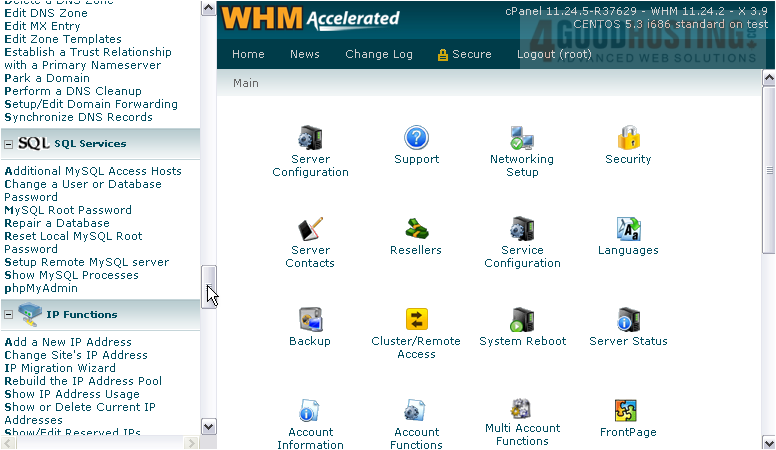
1) Find the SQL Services category.
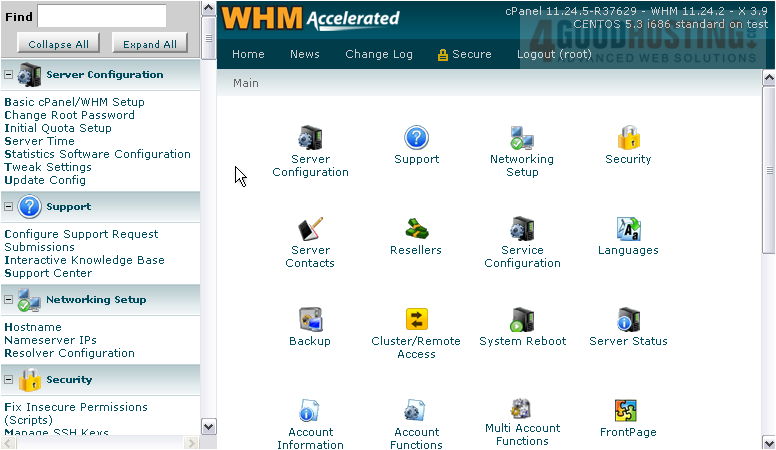
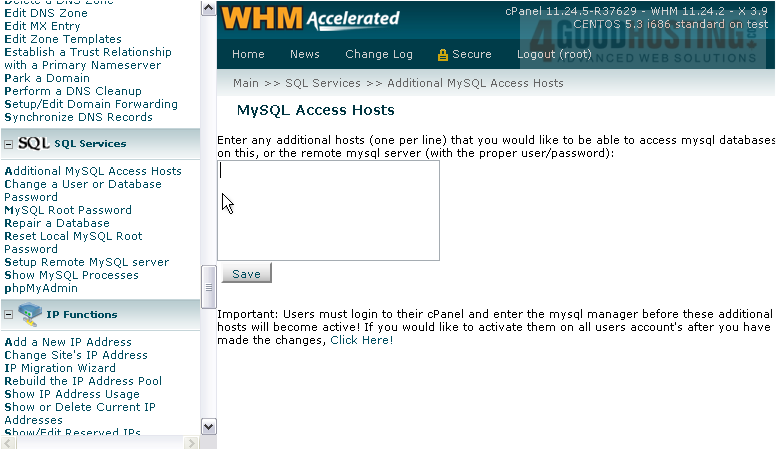
2) Go to Additional MySQL Access Hosts.
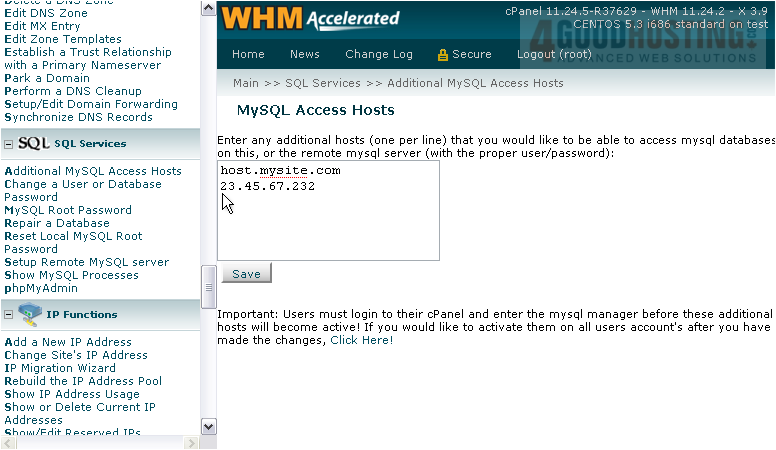
3) Enter as many additional hosts here as you want, one per line.
4) Finish by clicking Save.
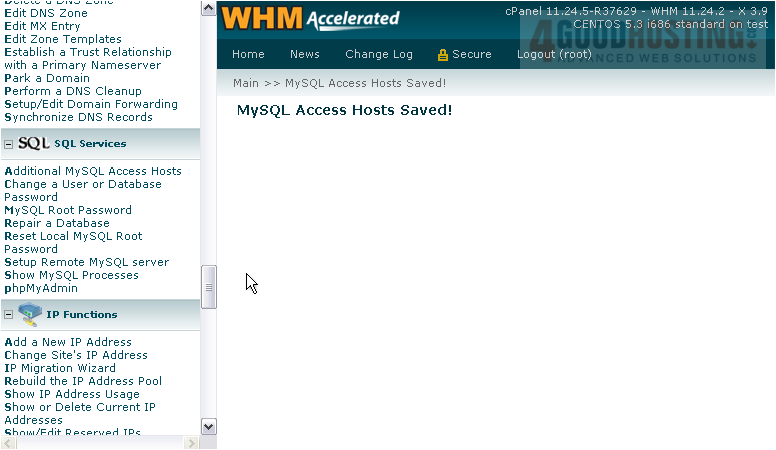
The MySQL Access Hosts have been saved, but there's one more step that should be done.
5) Return to the same page.
In order for these additional hosts to become active, every user must log into their cPanel accounts and enter the MySQL Manager. There's a tool here that allows you to circumvent that, if you want.
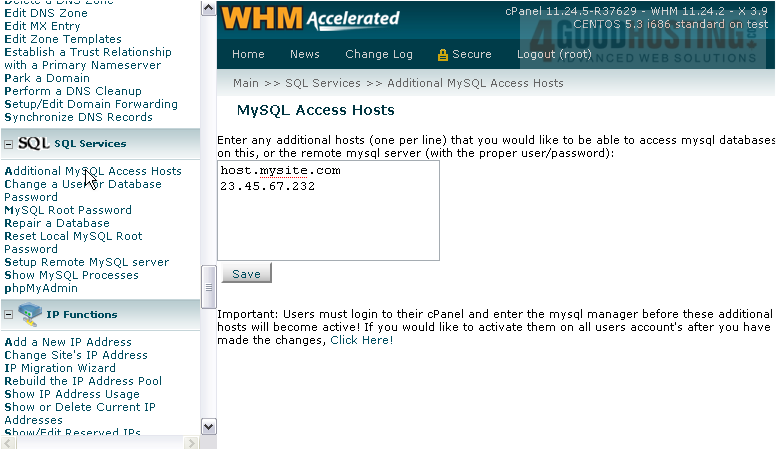
6) Click here.
That's it! All accounts on the server have been updated to use the new hosts.
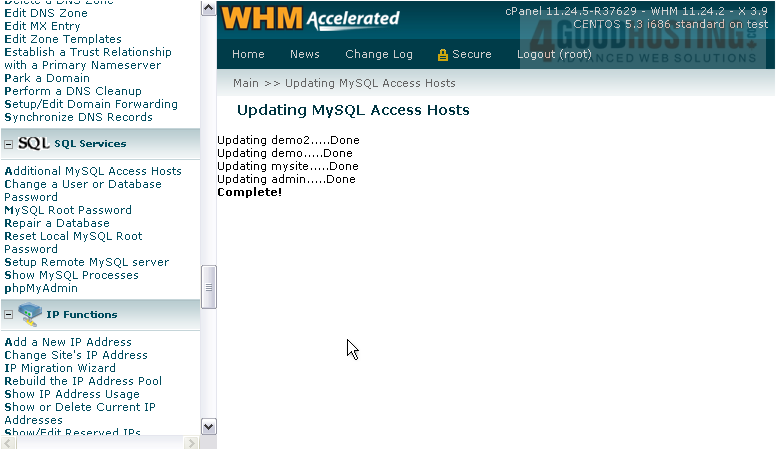
This is the end of the tutorial. You now know how to add additional MySQL access hosts in WHM.

 WGS AI Assistant