
In the event you need to restart a service manually, WHM does provide you with the tools to do so for most of the services on your system.
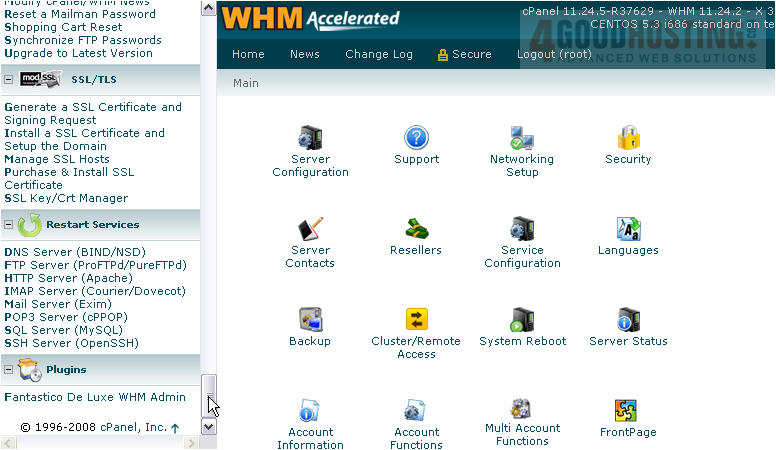
1) Scroll all the way down in the menu to Restart Services.
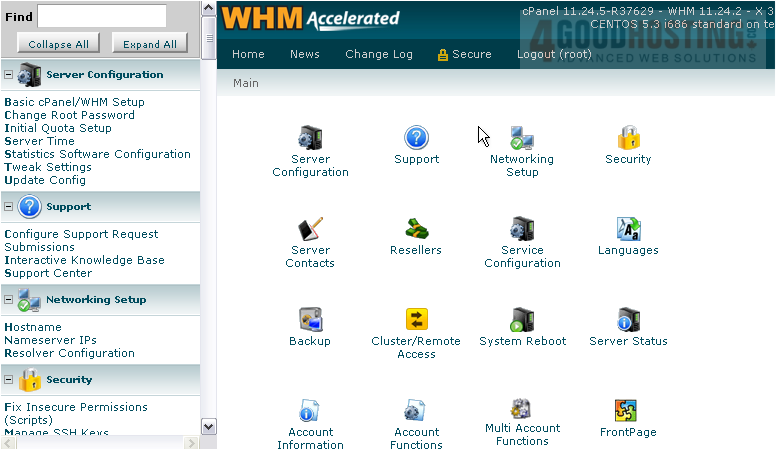
2) Let's restart the FTP server.
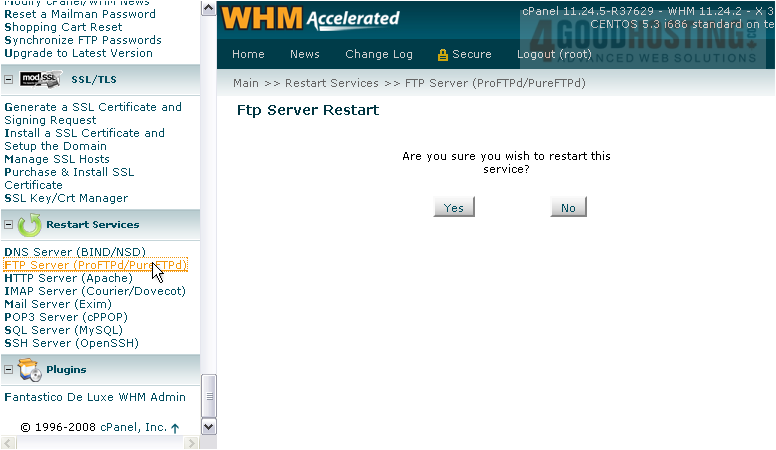
3) Confirm that you wish to restart this service.
4) Wait for the service to restart. It may take several seconds, depending on the service.
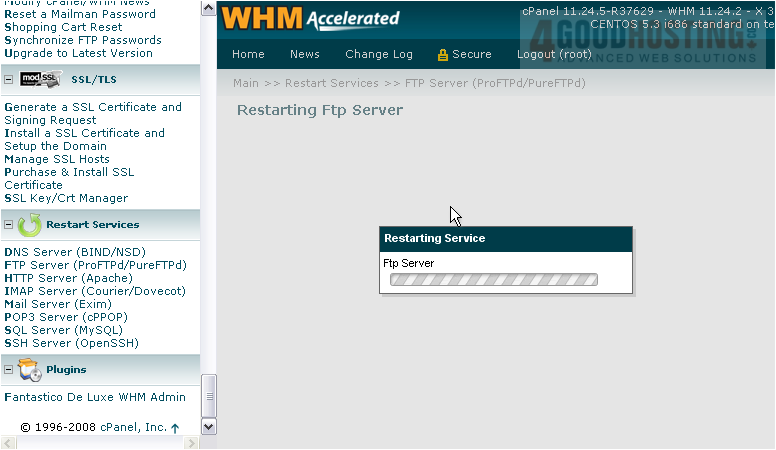
You should see the output of the service restart script, hopefully with an OK message at the bottom.
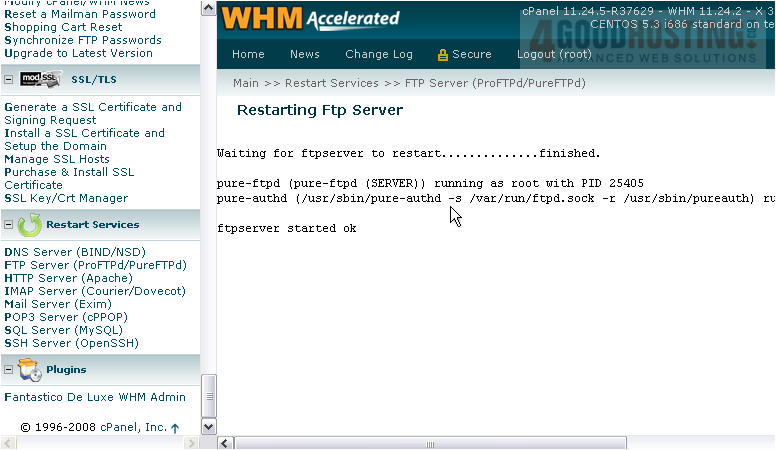
All service restart pages on the list function in exactly the same fashion as the one you've just seen.
You now know how to restart services in WHM whenever you need to do so.

 WGS AI Assistant