
This tutorial assumes you are already logged in to WebsitePanel
Now let's learn how to use the applications installer
1) Click on the plan you want to add an application to
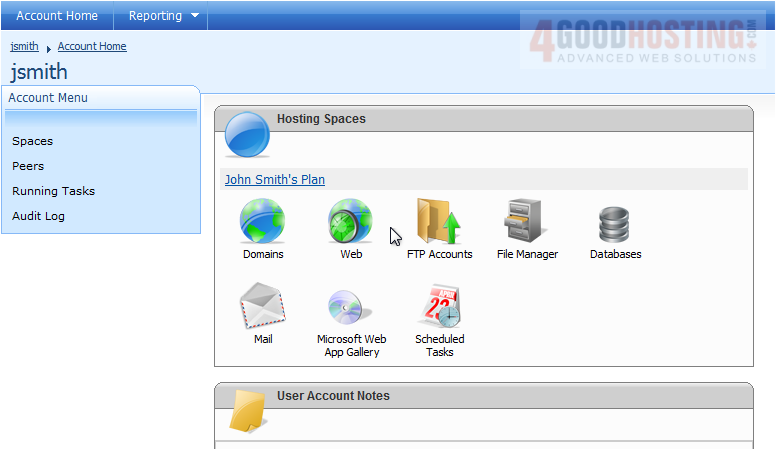
2) Then click Microsoft Web App Gallery
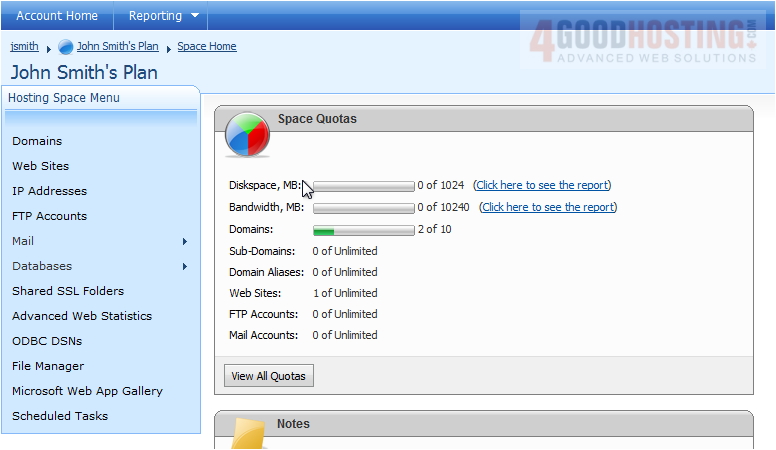
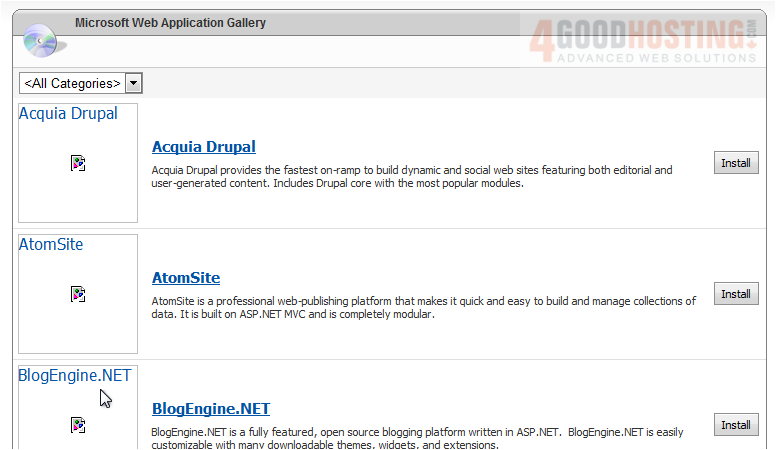
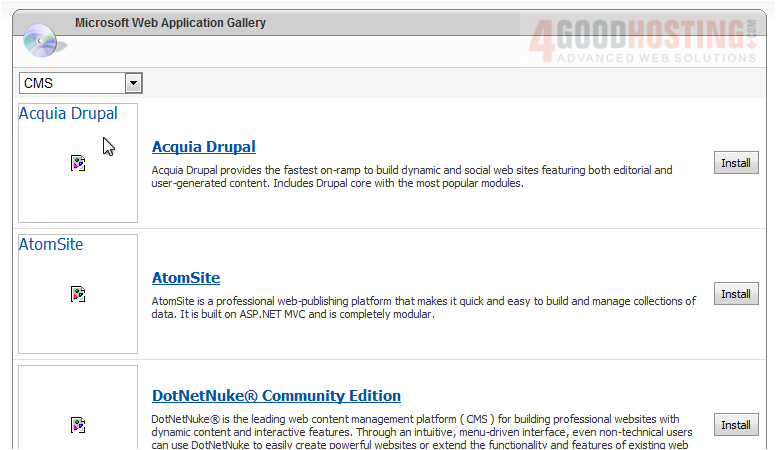
This page will show you all the applications that are available to install
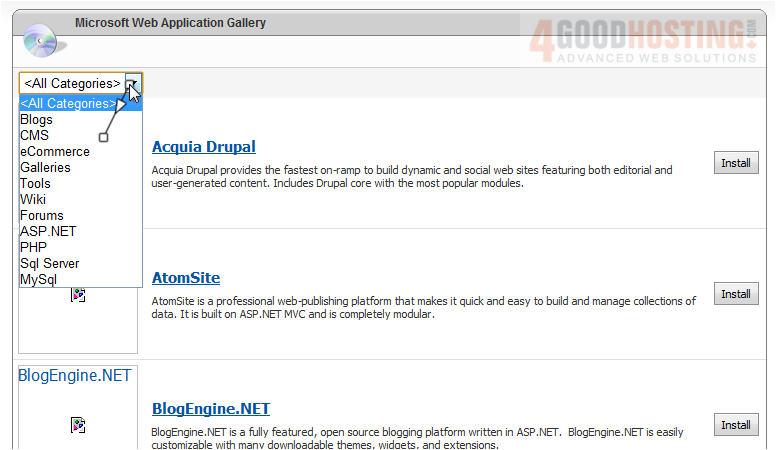
3) You can select a specific category from the list
4) Choose the application you wish to install, then click Install next to it
You can view more information about this application here
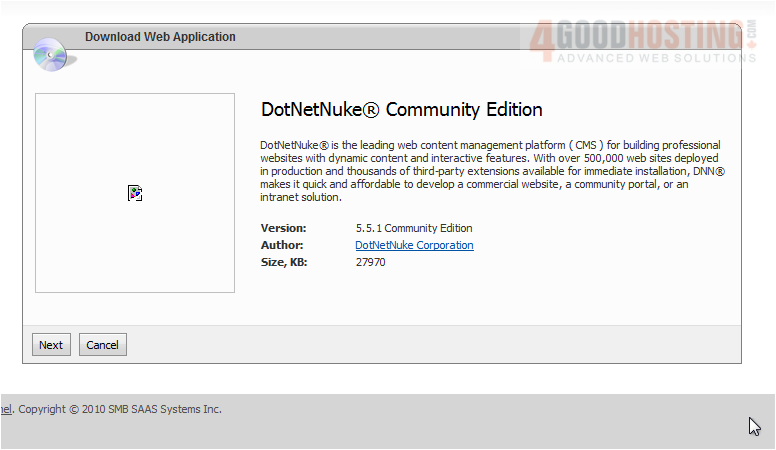
5) Click Next
6) Select the location where you want this application installed
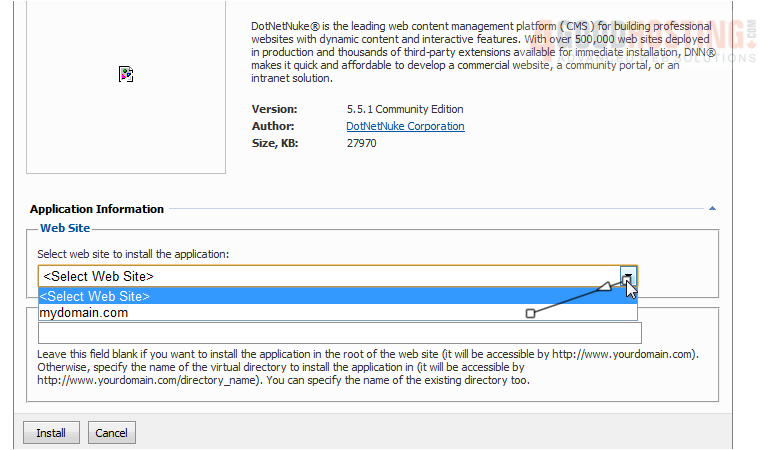
7) Click Install
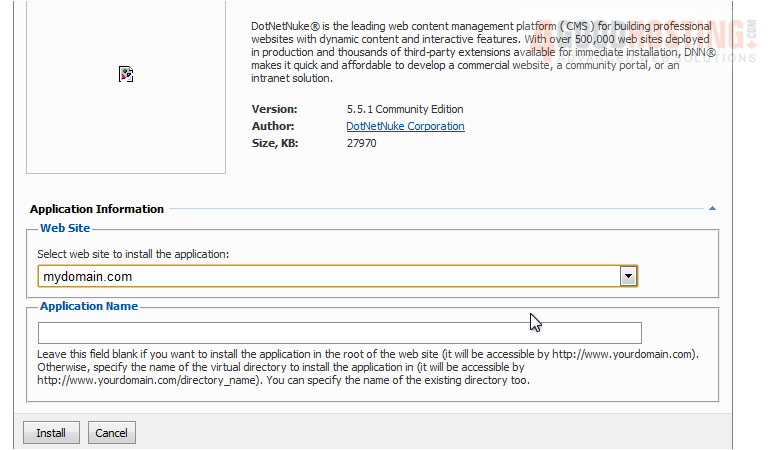
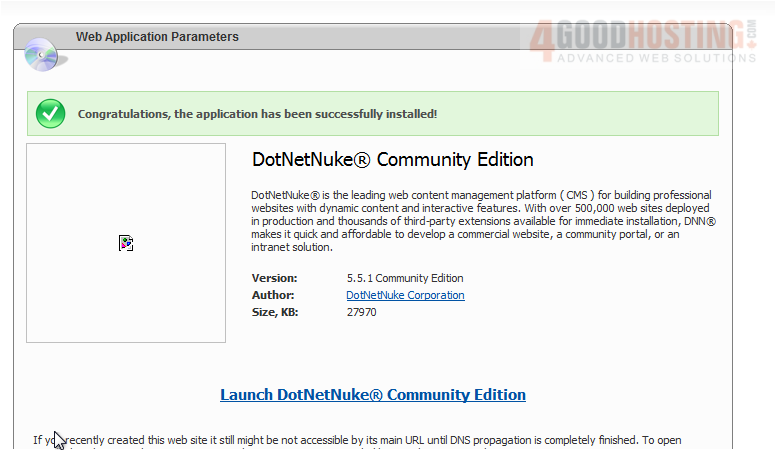
Success! The application has been installed
This is the end of the tutorial. You now know how to use the applications installer in WebsitePanel

 WGS AI Assistant