
Portal Home  /  Knowledgebase  /  Parallels Plesk Panel 10 reseller series  /  How to synchronize a subscription with its…

How to synchronize a subscription with its Service Plan in Plesk

Guide from Parallels Plesk Panel 10 reseller series — written for Canadian customers. Billing always in CAD.

Parallels Plesk Panel 10 reseller series

After customizing a subscription, you can revert back to the original plan by synchronizing it. This will unlock the subscription, so that any future changes made to the plan will apply to the subscription.

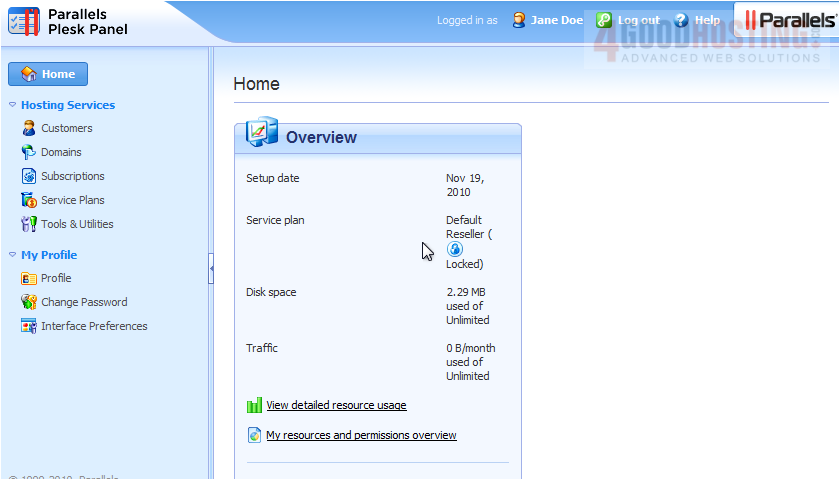
1) Go to Subscriptions.

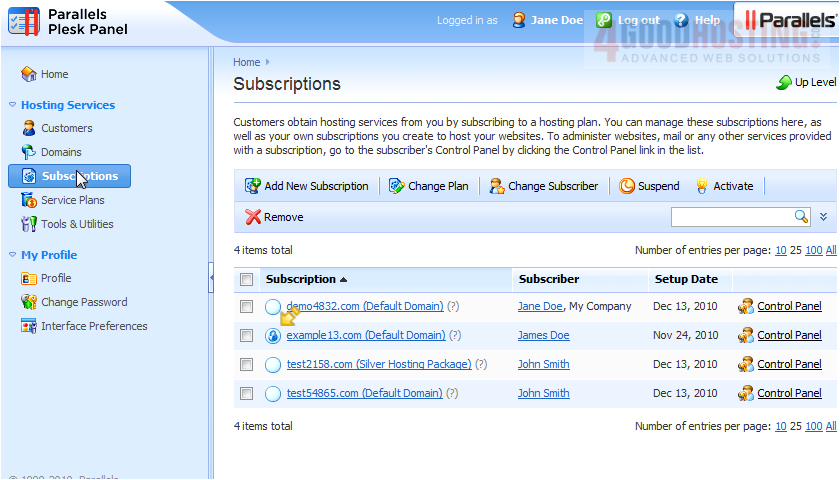
2) A subscription that has been locked from synchronization will have this icon next to it. Click the locked subscription.

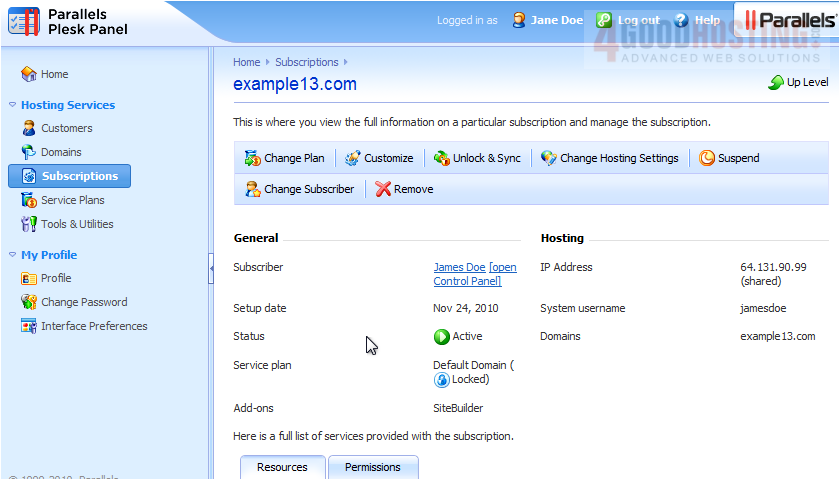
3) Choose Unlock & Sync.


That's it! Now you know how to unlock and sync a subscription.

Was this answer helpful?

🇨🇦 Canadian support that answers

Chat or ticket — Vancouver & Toronto team, same timezone as most of our customers. Billing always in CAD.

Open a support ticket

Live chat

Quick questions while you’re working through this guide.

Start chat

More in this category

Browse other guides in Parallels Plesk Panel 10 reseller series .

Parallels Plesk Panel 10 reseller series →