
This demo assumes you've already logged in to cPanel
Now let's learn how to setup email filters
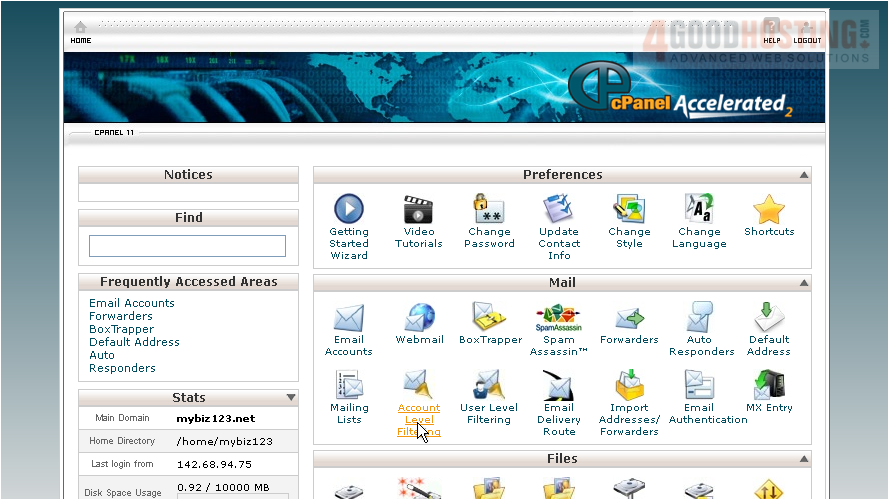
1) Click the Account Level Filtering icon
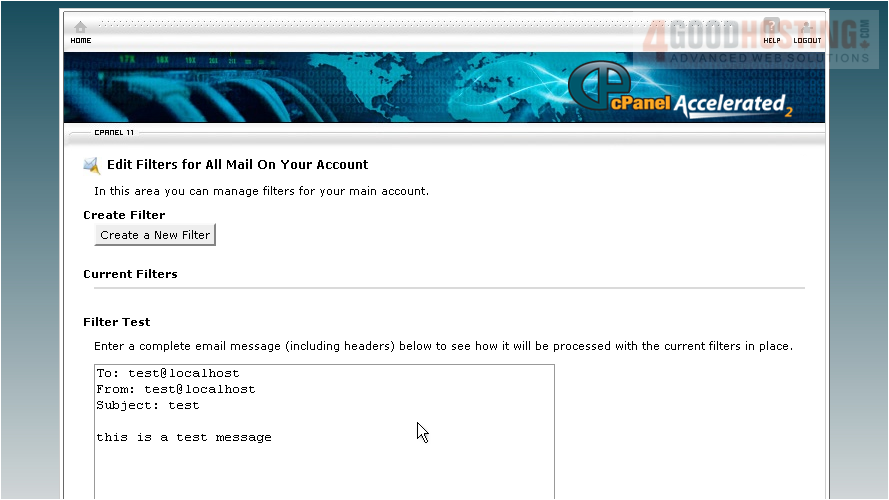
2) Then click Create a New Filter
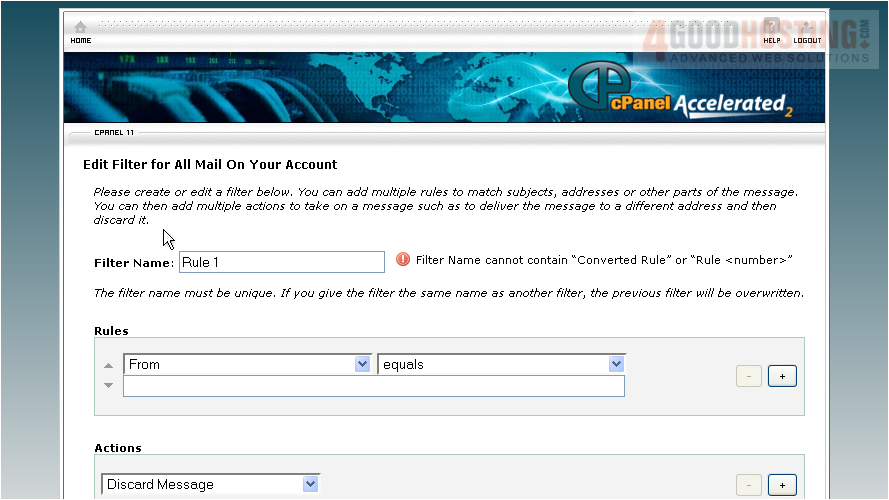
3) Enter a name for the filter here
4) Then specify the rule
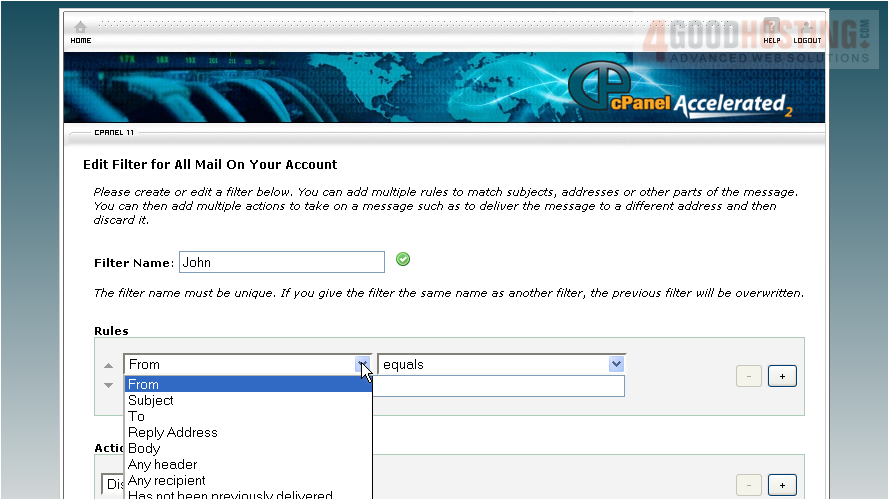
5) Now choose an action for when the TO field CONTAINS the text "john"
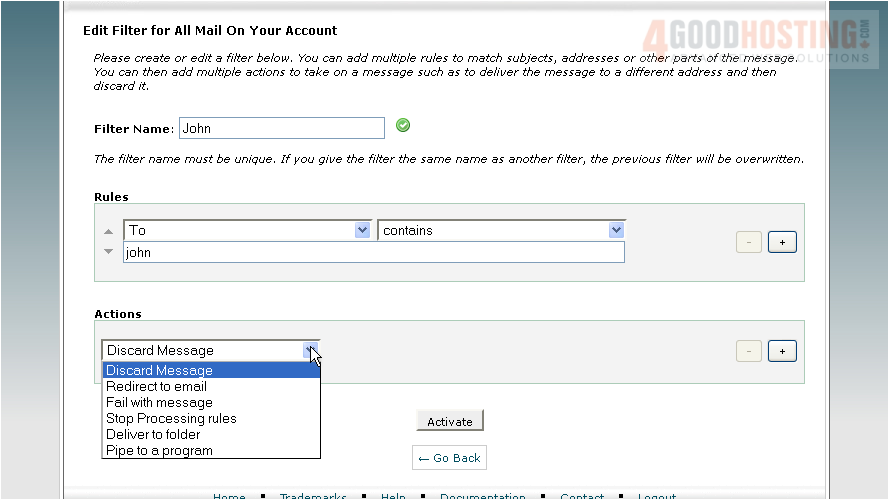
6) So in this case, the action is to deliver the email to the "john" folder. Click the Activate button
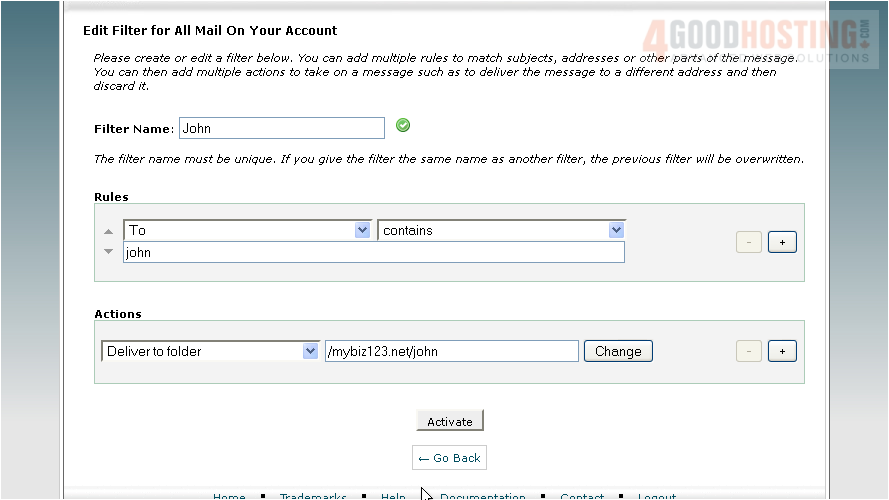
That's it! The filter has been created
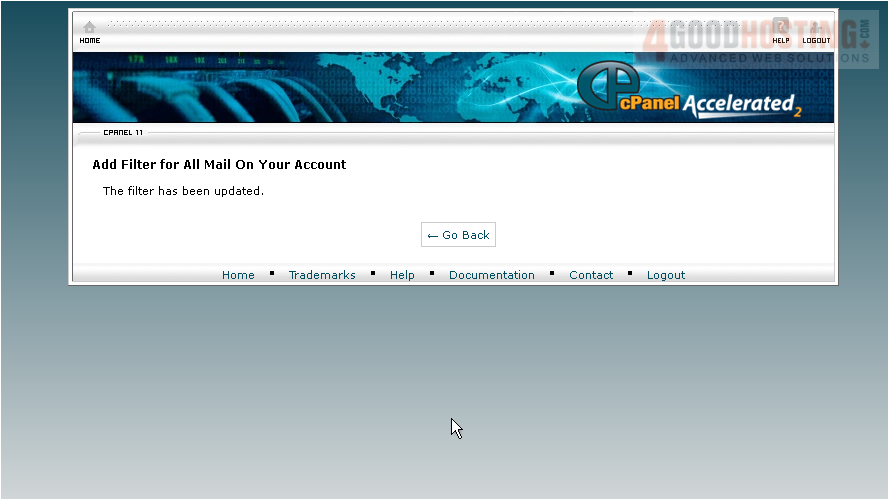
From here you can edit existing filters or Delete them
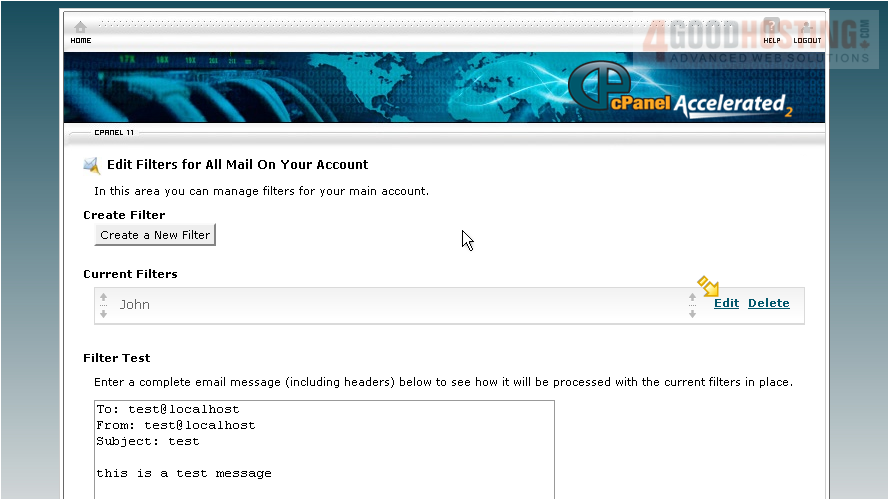
This is the end of the tutorial. You now know how to create email filters from cPanel

 WGS AI Assistant