
This demo assumes you've already logged in to cPanel
Now let's learn how to change the cPanel style
1) Click the Change Style icon
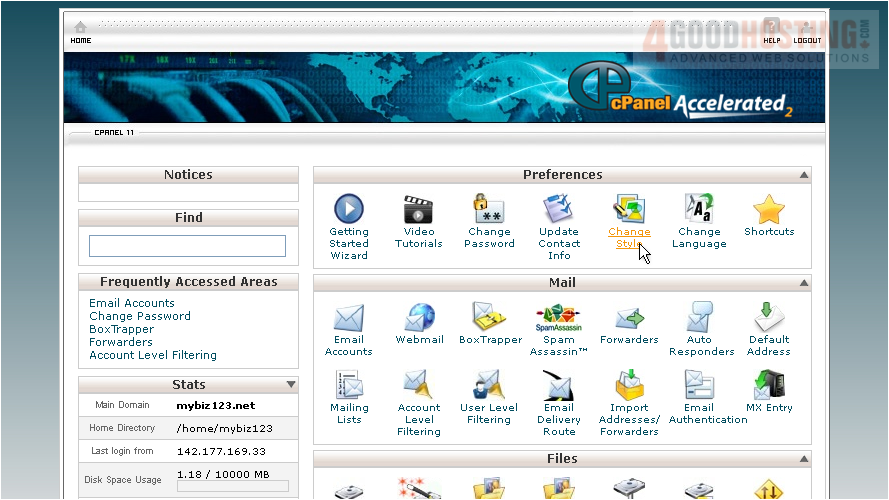
Changing your control panel theme does not change any functionality, only the way it looks
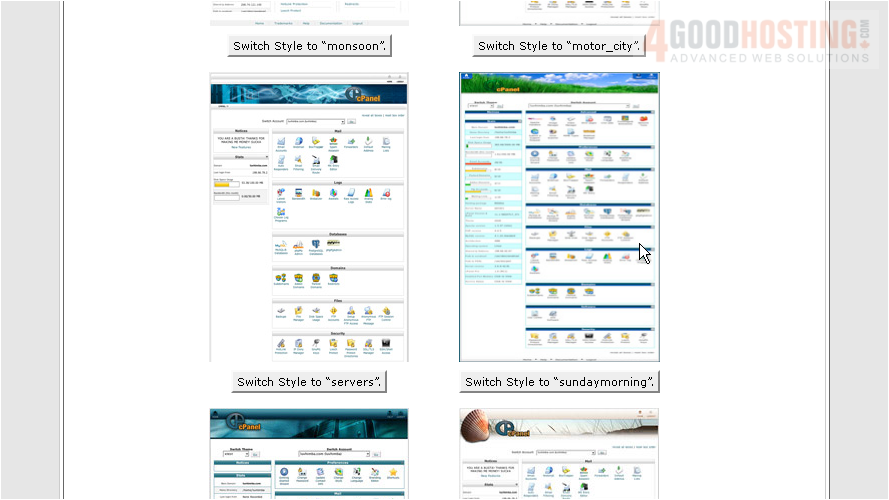
There are several styles available to choose from...

2) To change your style, simply click the Switch Style button
That's it! As you can see, the "look" of our control panel has changed
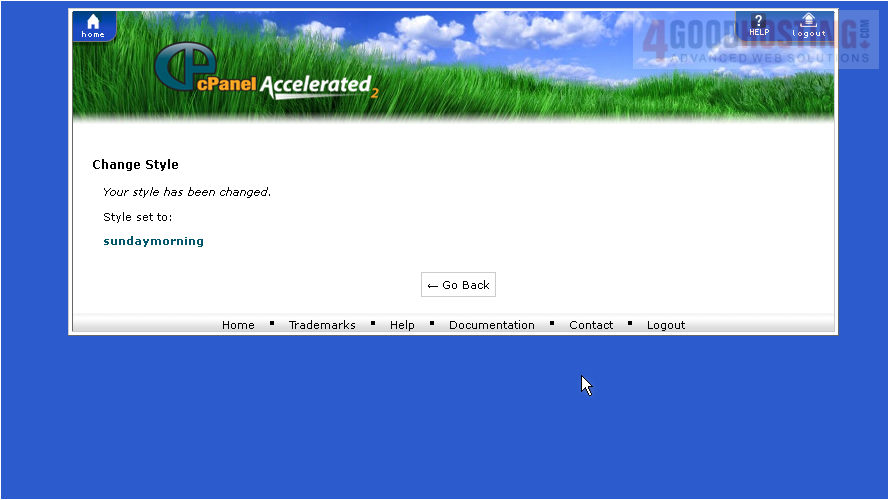
3) To change it back, simply repeat the process
This is the end of the tutorial. You now know how to change the style of your cPanel control panel

 WGS AI Assistant