
This tutorial assumes you've already logged in to RoundCube webmail
Now let's learn how to use multiple identities
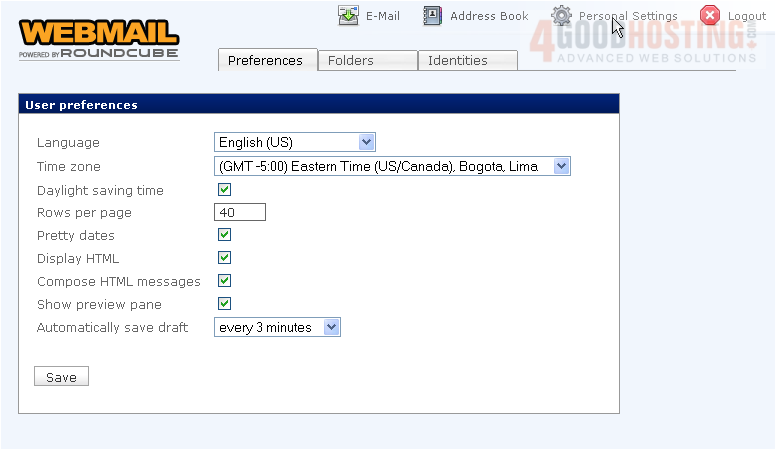
1) Click the Personal Settings link here
Â
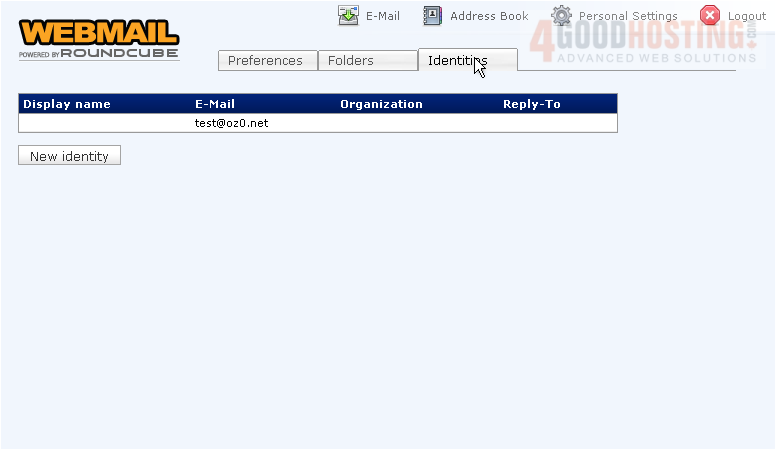
2) Then click the Identities tab
Â
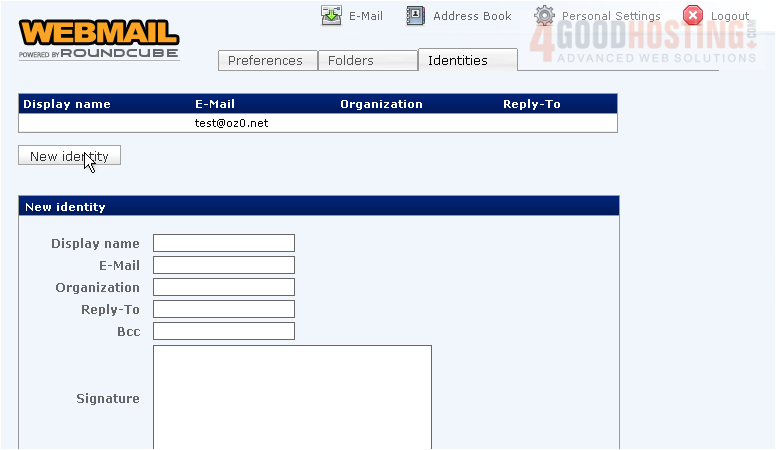
3) To create a new identity, click the New identity button here
Â
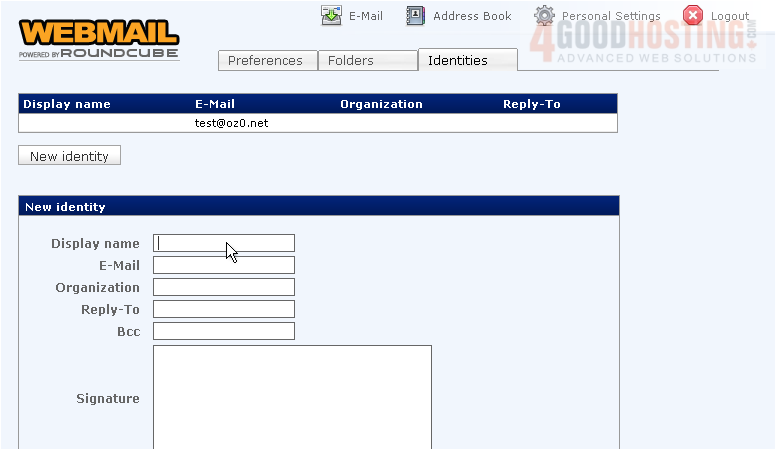
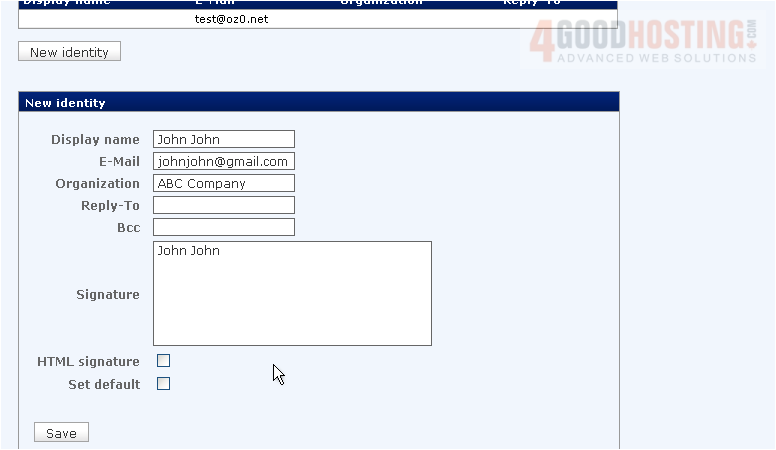
4) Enter the desired information for the new identity
Â
5) When finished, click Save
Â
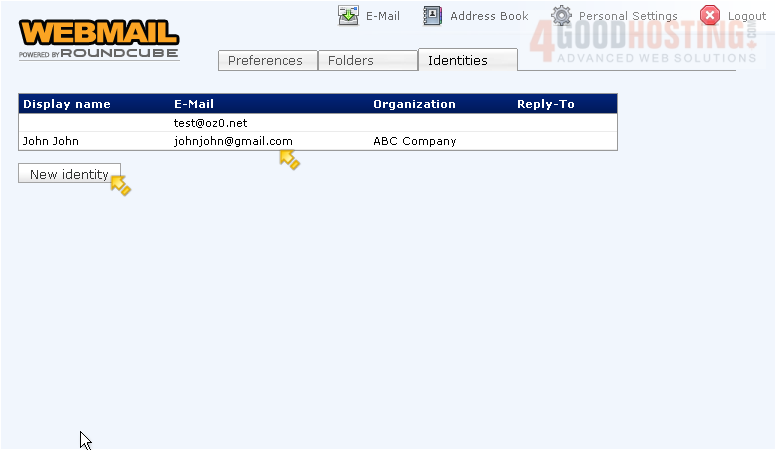
The new identity is now listed along with our original identity
Â
You can create as many identities as you wish, by repeating the steps we just did
Â
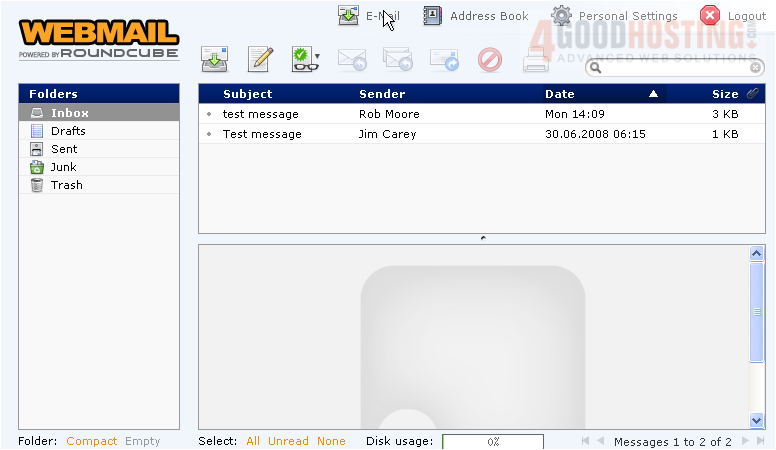
6) Let's return to the main E-Mail page
Â
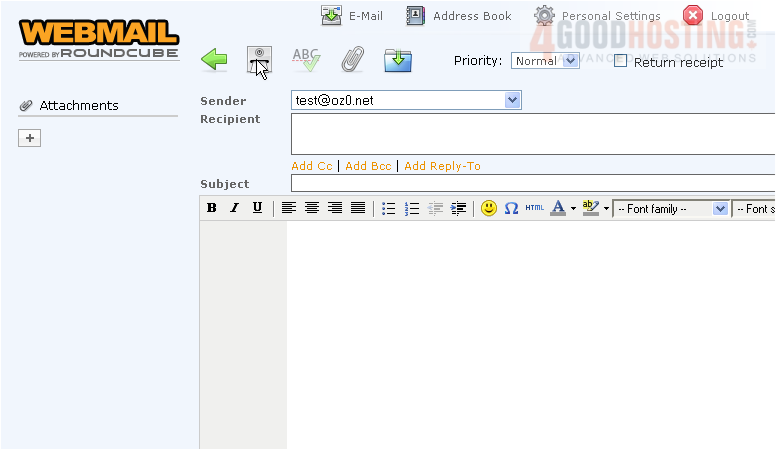
7) Click here to compose a new message
Â
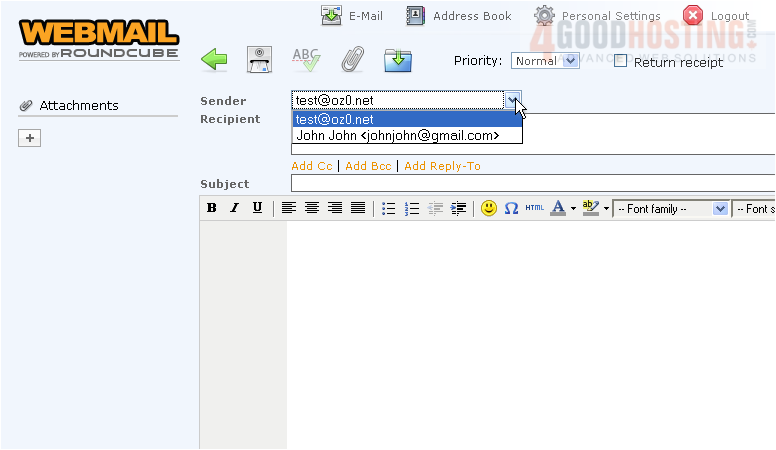
8) Now when sending email, we can choose to send FROM any of our identities by selecting the identity from this Sender drop-down box
Â
This is the end of the tutorial. You now know how to use multiple identities in RoundCube

 WGS AI Assistant