
Portal Home  /  Knowledgebase  /  Softaculous series  /  How to remove a script installed by Sofaculous

How to remove a script installed by Sofaculous

Guide from Softaculous series — written for Canadian customers. Billing always in CAD.

Softaculous series

If you decide you no longer need an installed script, you can remove it from Softaculous.

1) Click this box icon.
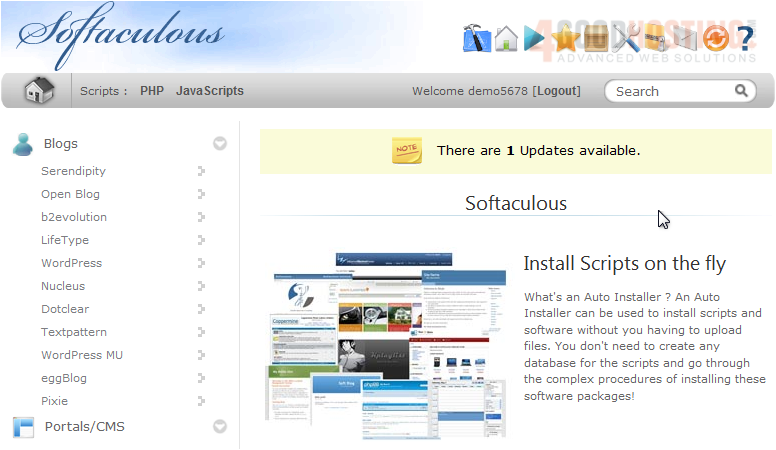

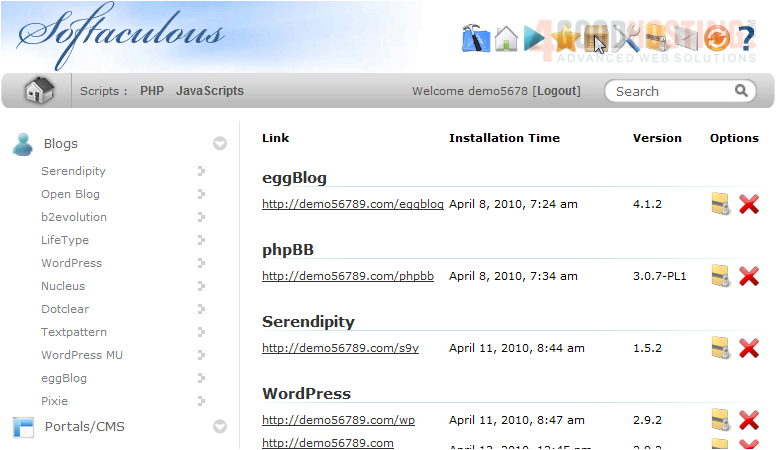
2) Click the red X next to the software you want to remove.

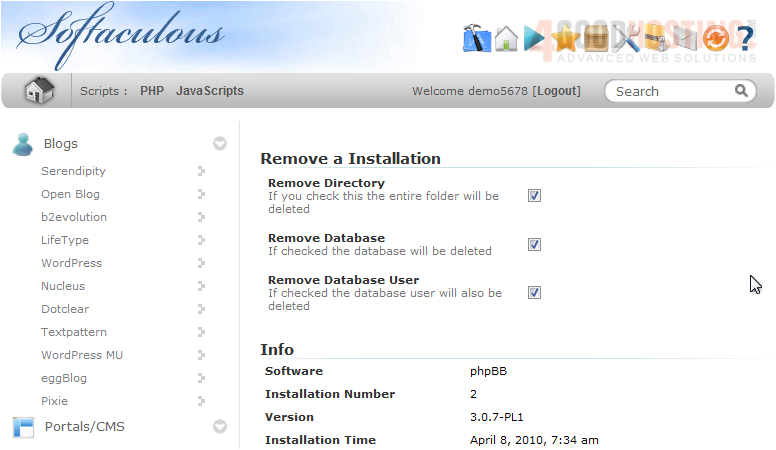
3) Uncheck any of these boxes if you want to save the directory, database or database user for future installations.

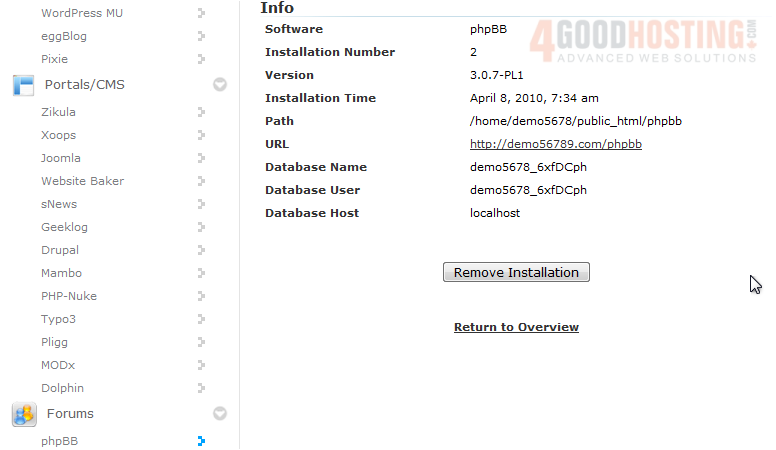
4) Click Remove Installation.

5) Click OK to confirm.
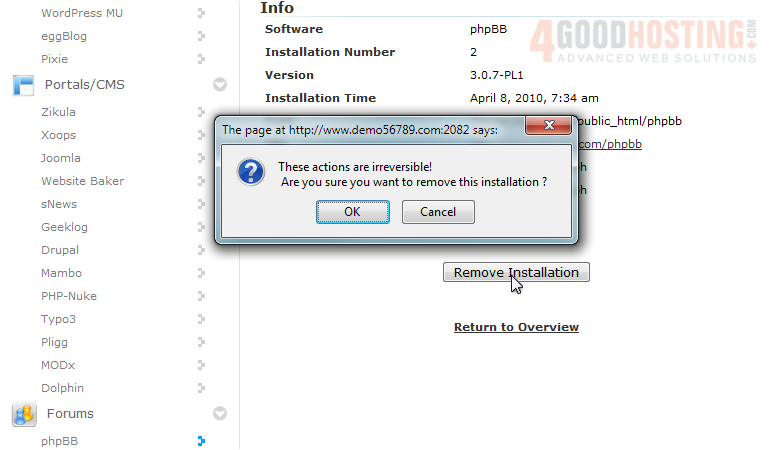


After a moment, the script will be uninstalled.
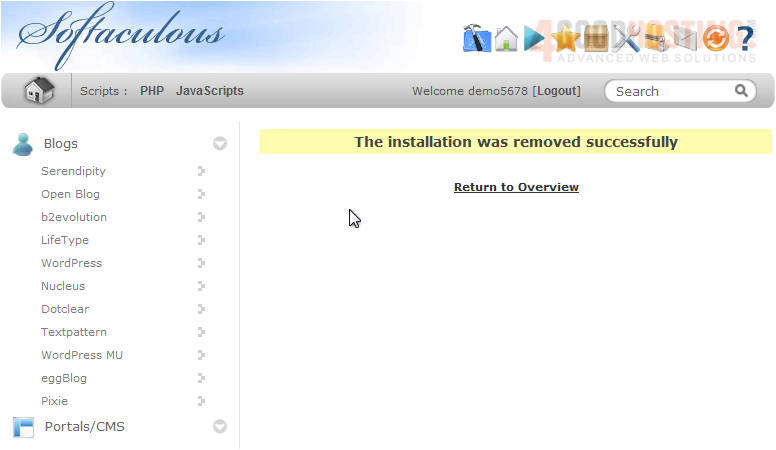


This concludes the demonstration. You now know how to remove a script installed in Softaculous.

Was this answer helpful?

🇨🇦 Canadian support that answers

Chat or ticket — Vancouver & Toronto team, same timezone as most of our customers. Billing always in CAD.

Open a support ticket

Live chat

Quick questions while you’re working through this guide.

Start chat

More in this category

Browse other guides in Softaculous series.

Softaculous series →