
As of April 2010, Softaculous contains 138 scripts and applications, so how do you choose the one that's right for you?
Softaculous contains both a rating system and demos of each software included.
1) Let's look at Script Ratings.
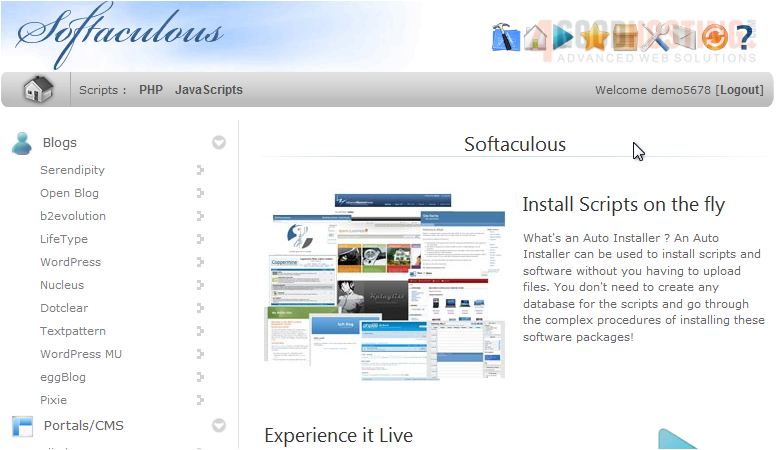
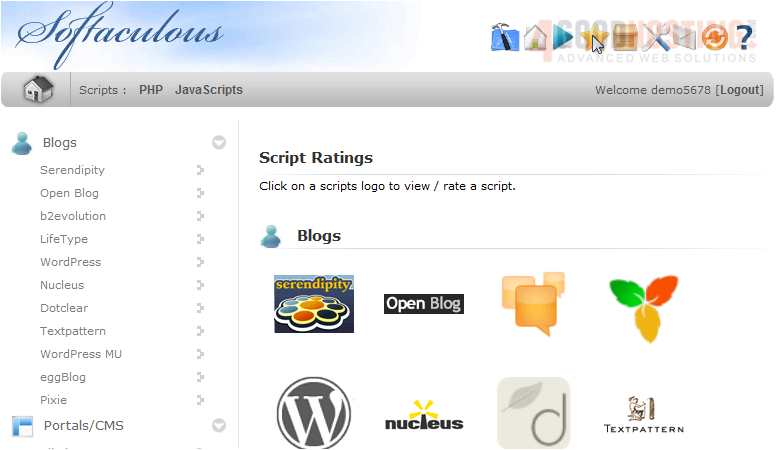
2) Click any logo to view or rate a script.
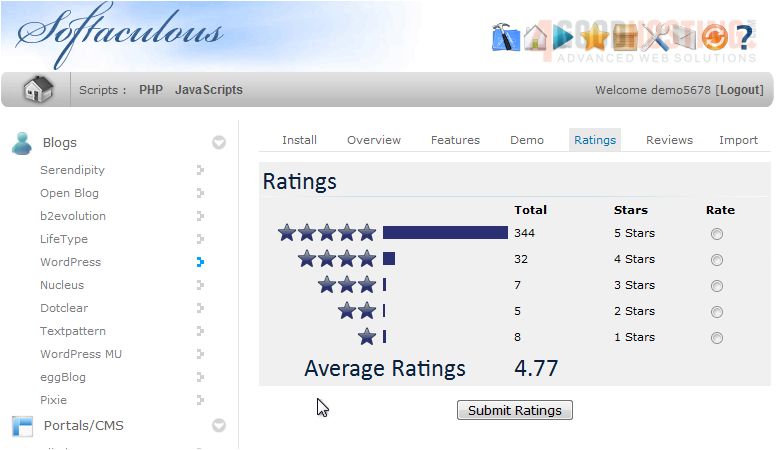
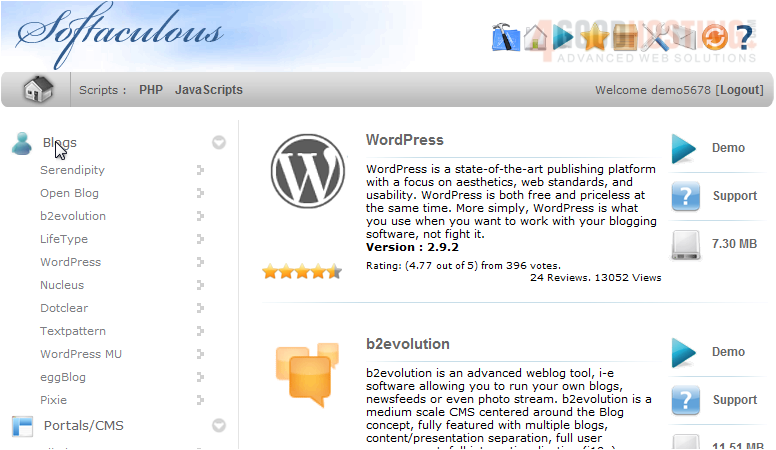
Here we can see how many people have rated this script and the average rating at the bottom.
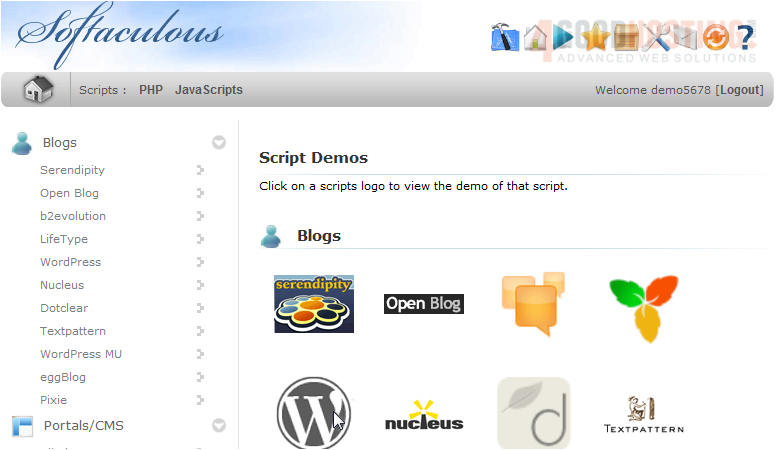
3) Now let's look at Script Demos.
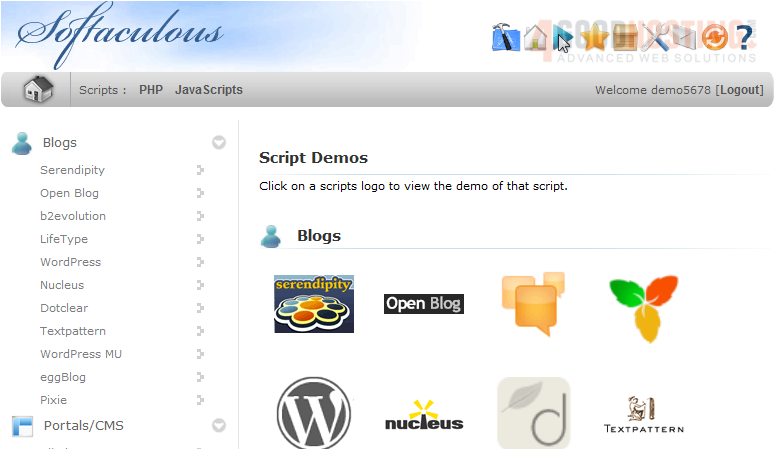
4) Click a logo to view the demo.
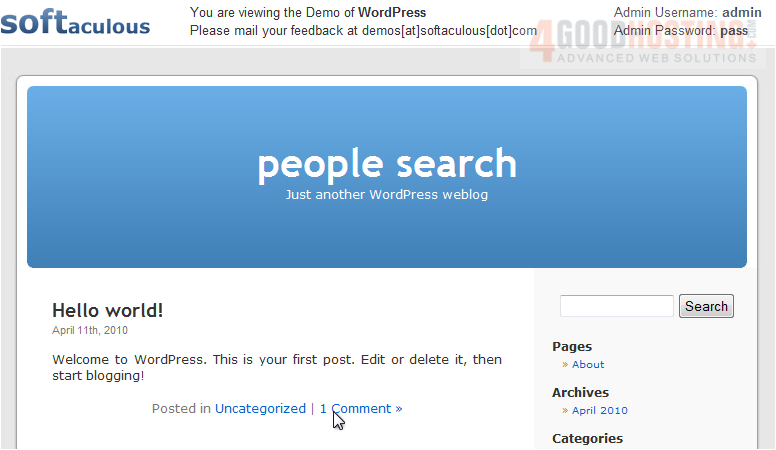
This demo of WordPress will let you try out the program without having to install it first.
5) When you are done, go back to Softaculous.
6) Click any title to go to the category view.
We can compare multiple software side by side and view the number of ratings each has.
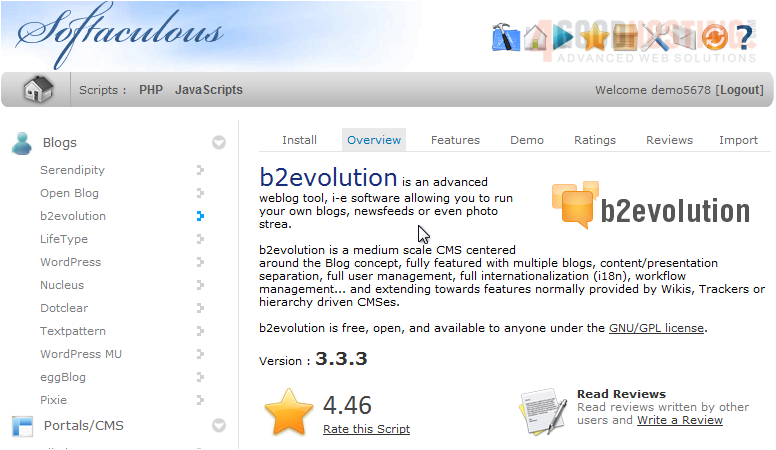
7) Click a blog title.
We are taken to the Overview page which shows the software description, version and more.
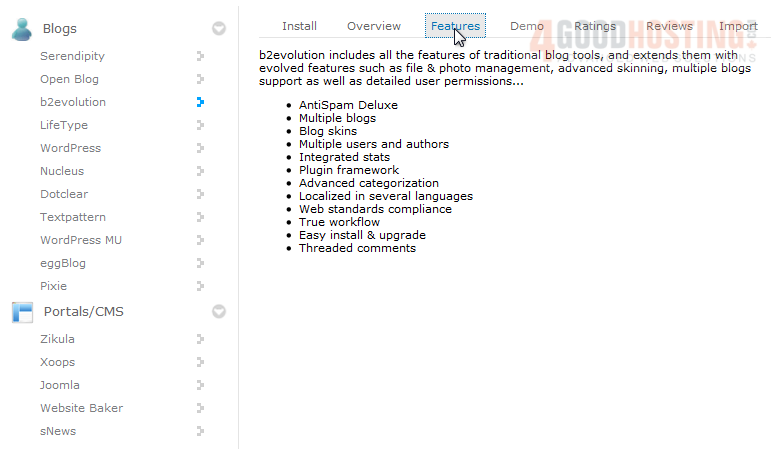
8) Let's look at Features.
This page shows a list of the features contained in this software to help you further decide if it's right for you.

 WGS AI Assistant