
Softaculous is an auto installer for cPanel and DirectAdmin that lets you quickly install a variety of web applications. These applications, also called scripts, make it easy for you to make the most of your web hosting account.
Some of the categories of scripts Softaculous lets you install include Blogs, Portals & Content Management Systems, Forums, and E-Commerce.
Before you can find Softaculous, you must have purchased a license for the software and installed it on your server.
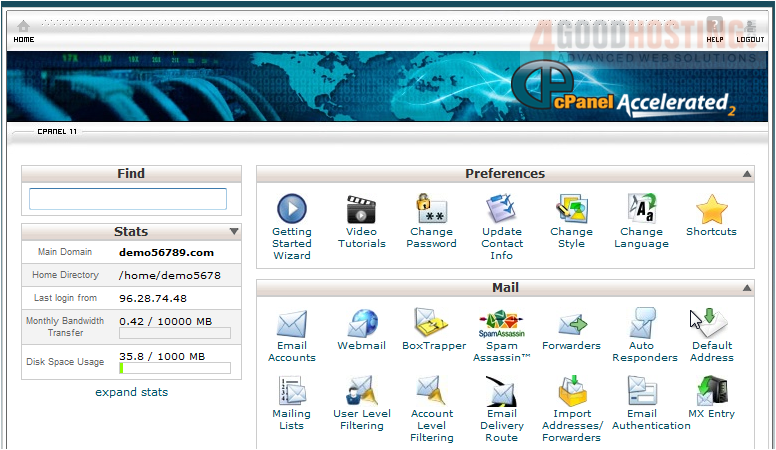
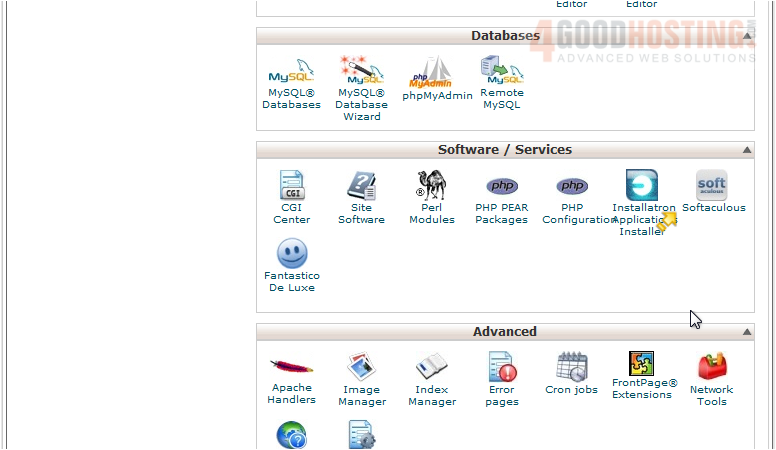
1) Scroll down to Software / Services
2) Here it is in the list.
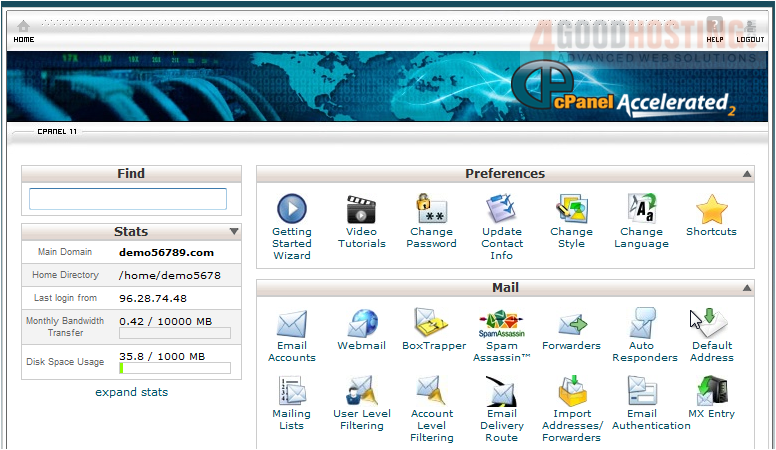
Let's scroll back to the top and see another way to find Softaculous.
3) Begin typing Softaculous in the Find box.
As you type, cPanel will filter out anything that doesn't match what you type.
4) Click the icon to open Softaculous.
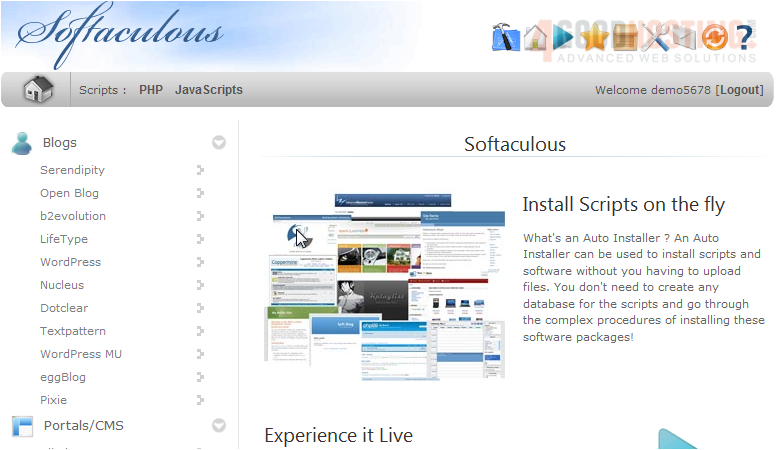
You are now ready to begin installing applications on your server.

 WGS AI Assistant