
This tutorial will show you how to change the settings in Softaculous.
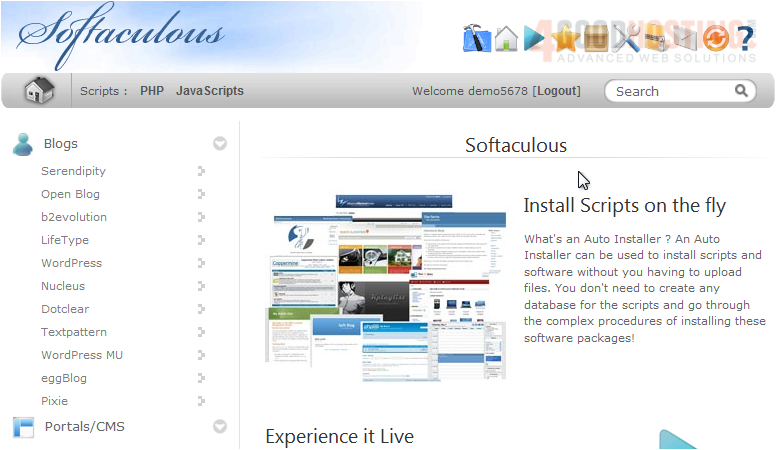
1) Click the tools icon.
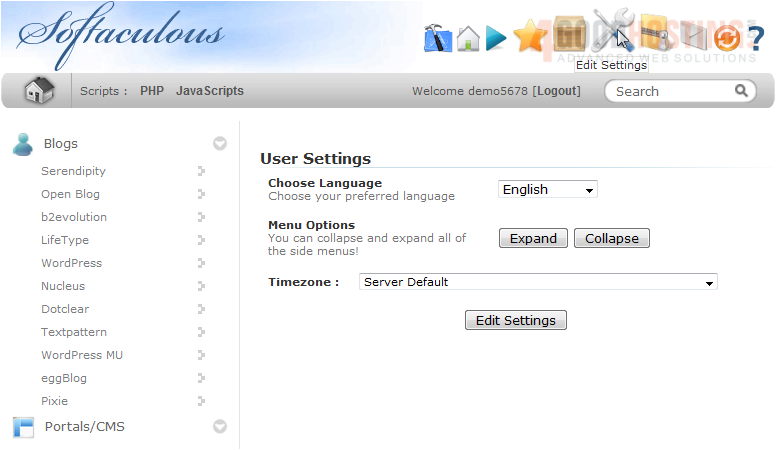
2) You can set your preferred language here.
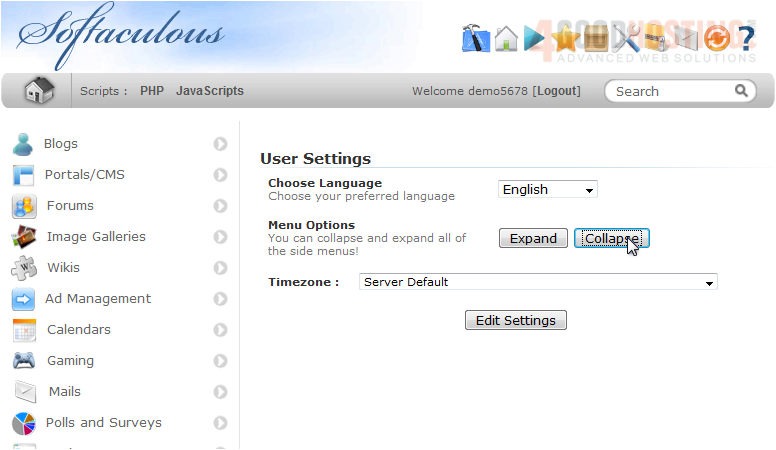
3) Use this button to collapse all the menus at the left.
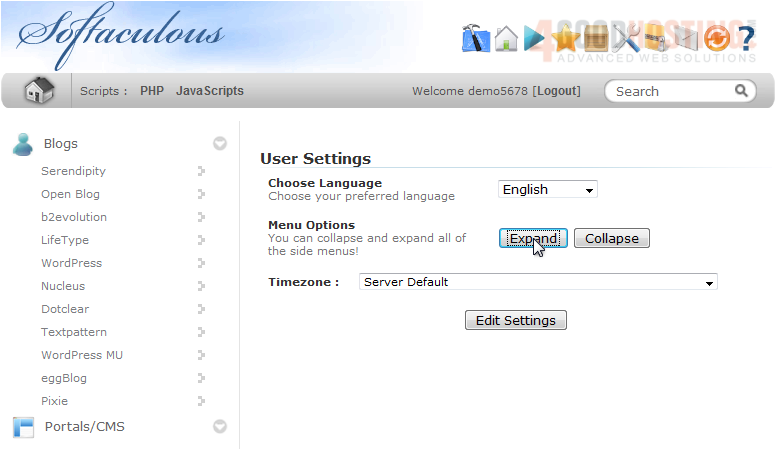
4) Click this button to expand the menu.
5) Set your timezone here.
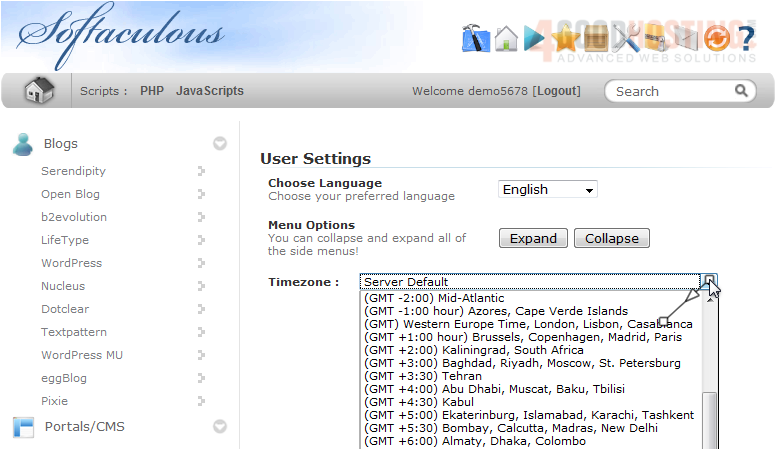
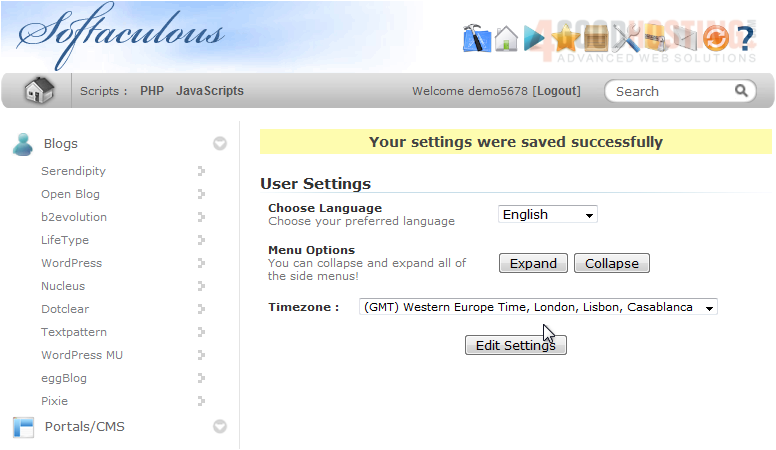
6) When you are done, click Edit Settings.
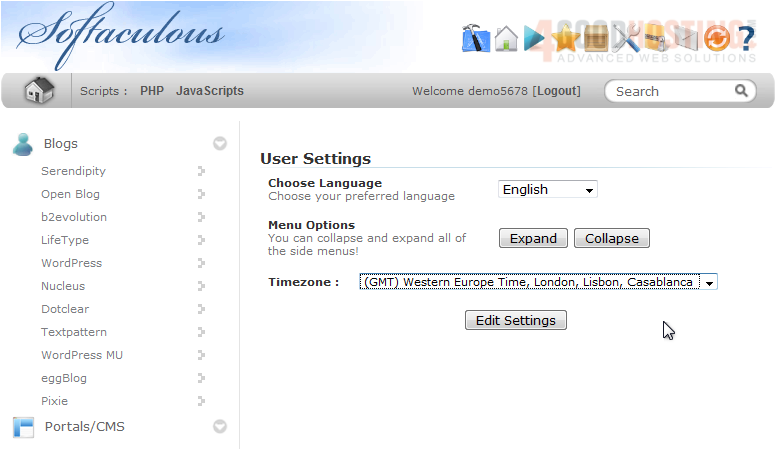
Let's see how to change email settings.
7) Click the mail icon.
8) You can change the email address where mail will be sent here.
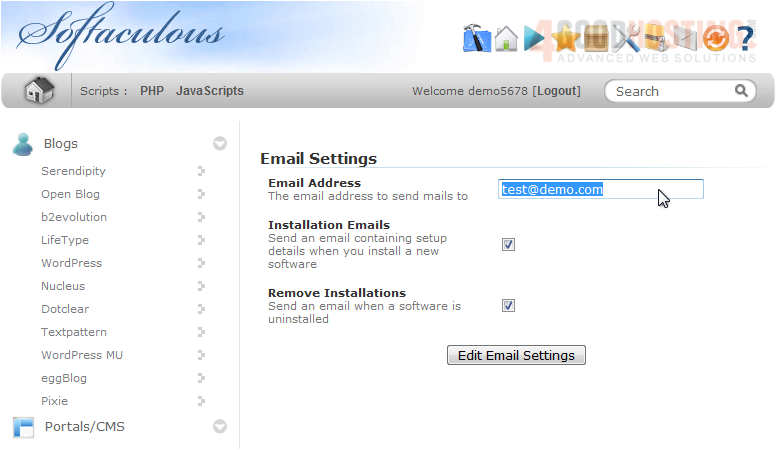
Leave this box checked to send an email containing setup details when a script is installed.
Leave this box checked to send an email when a software is removed.
9) Click Edit Email Settings.
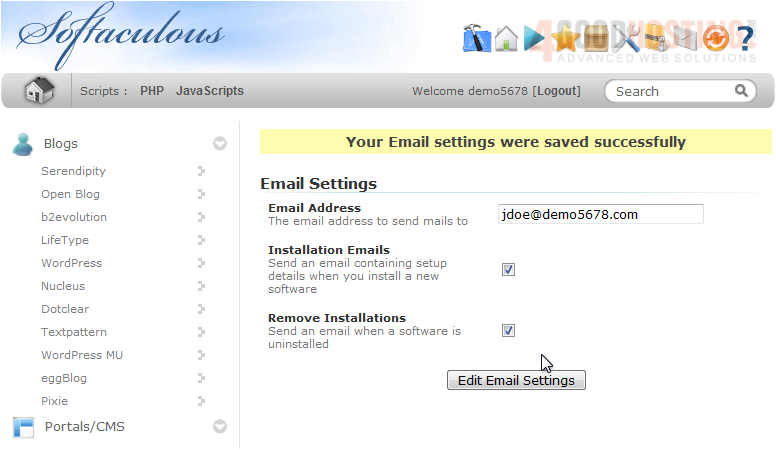
That's it! You now know how to edit settings and email settings in Softaculous.

 WGS AI Assistant