
Let's see how to install DokuWiki in Softaculous.
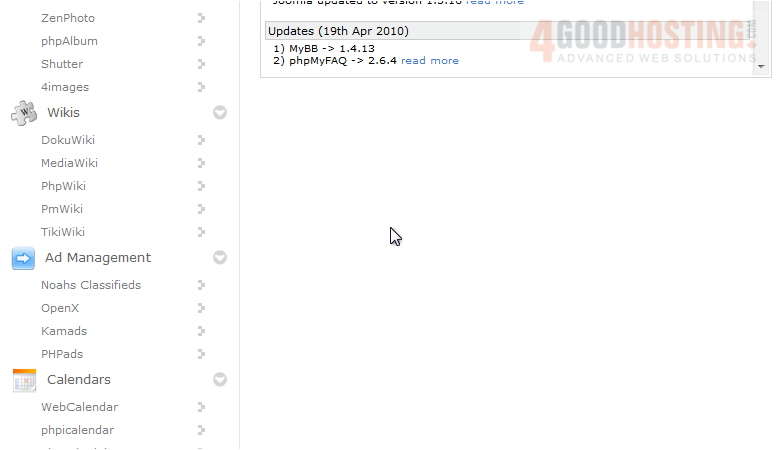
1) Scroll down to the Wiki group.
2) Find DokuWiki in the menu.
You will be taken to the software's Overview page where you can view information about it before installing.
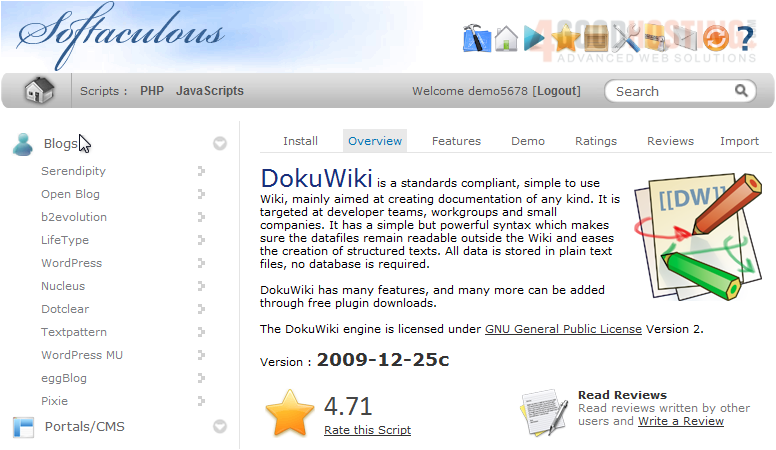
3) Go to Install.
All the defaults for these options should be fine for most purposes, but we'll take a look at them anyway.
If you have multiple domains on your account, you can choose where to install DokuWiki.
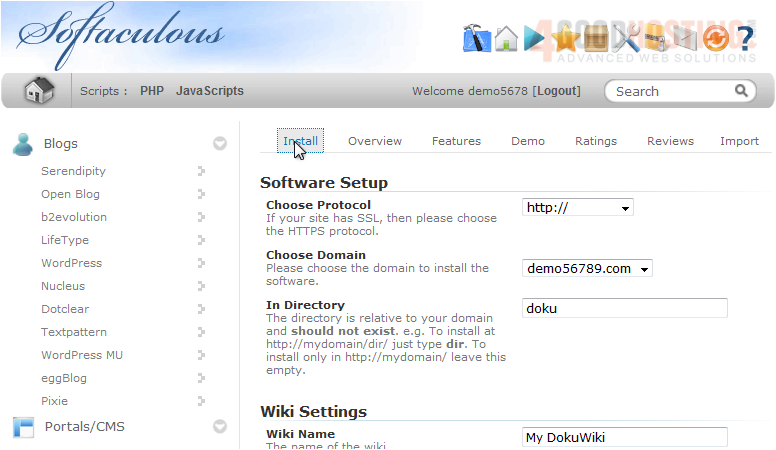
The next two box allows you to set the directory name which should not exist on the server yet.
Set the Wiki Name and ACL Policy, whether the wiki should be Open, Public or Closed, here. These can be changed later from the software's admin panel.
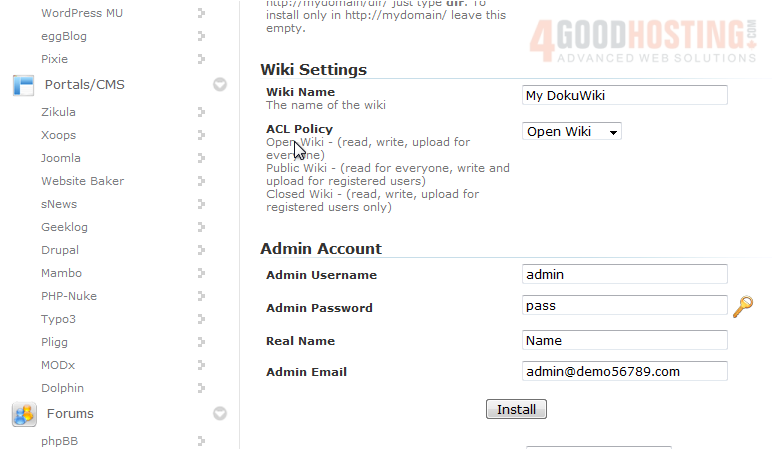
Enter a username, password, real name and admin email for the admin account.
4) Click Install.
After a moment, the software will be installed.
5) Use this link to view your newly installed application.

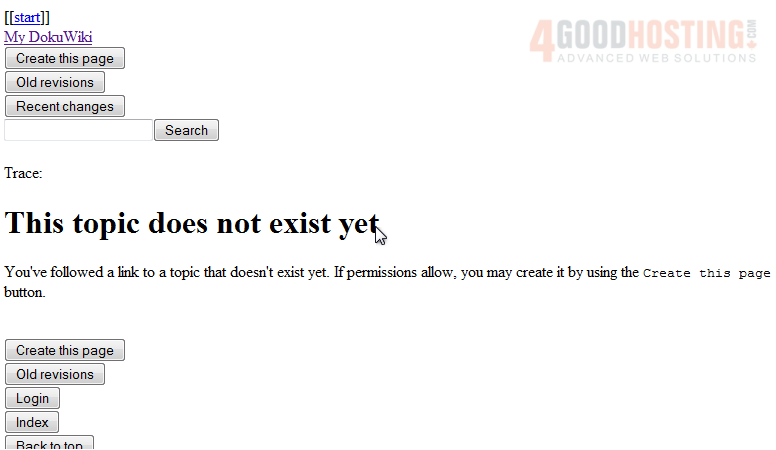
Here is your new wiki, installed and ready for use.

 WGS AI Assistant