
This demo assumes you've already logged in to WebHost Manager (WHM)
With WHM, you have the ability to suspend hosting accounts so that they will no longer work. You may want to do this if an account is using too many server resources, if the customer hasn't paid their bill, or accounts will automatically be suspended if they've reached their monthly bandwidth limit
Now let's learn how to modify the page that displays in a visitor's browser if an account is suspended
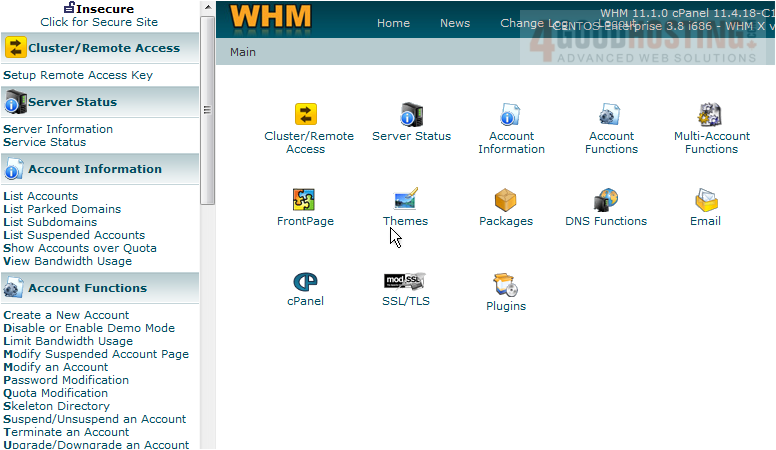
1) Click the Modify Suspended Account Page link here
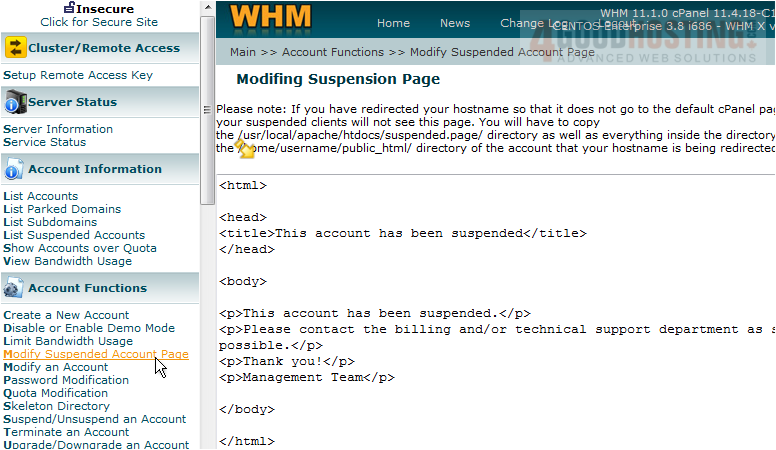
Here is where you modify your suspended accounts page. Let's go ahead and paste the custom HTML code that corresponds to our suspended accounts page
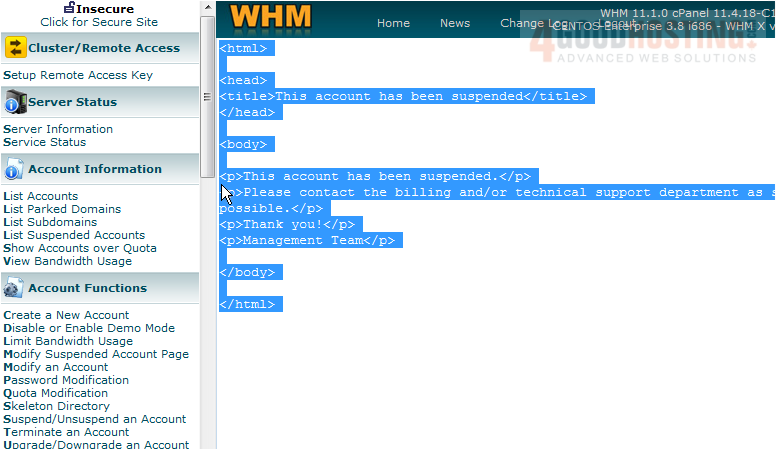
2) Select everything in the text box (we're going to replace the entire page)
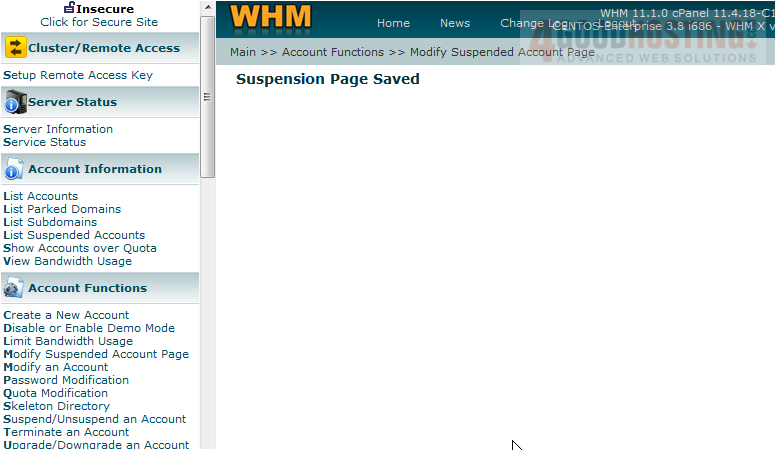
3) Now enter (or paste) the HTML code of your new suspended accounts page. Click the Save button
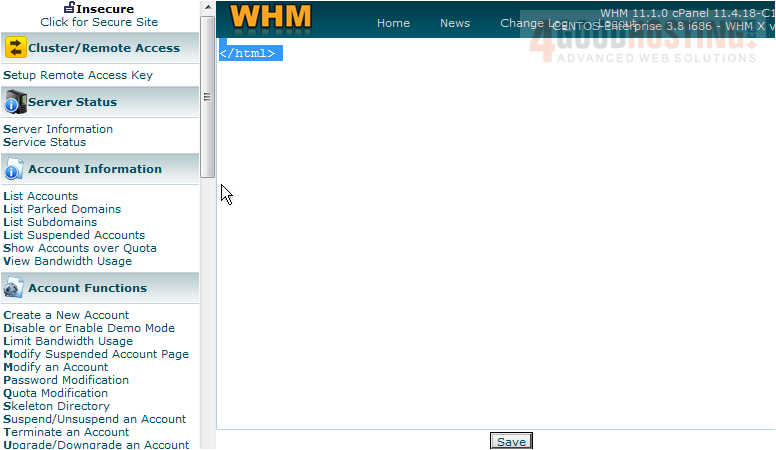
That's it! We've just modified the page that displays in place of any account's home page that is suspended
This is the end of the tutorial. You now know how to modify your suspended accounts page

 WGS AI Assistant