
This tutorial will show you how to install CubeCart in Installatron.
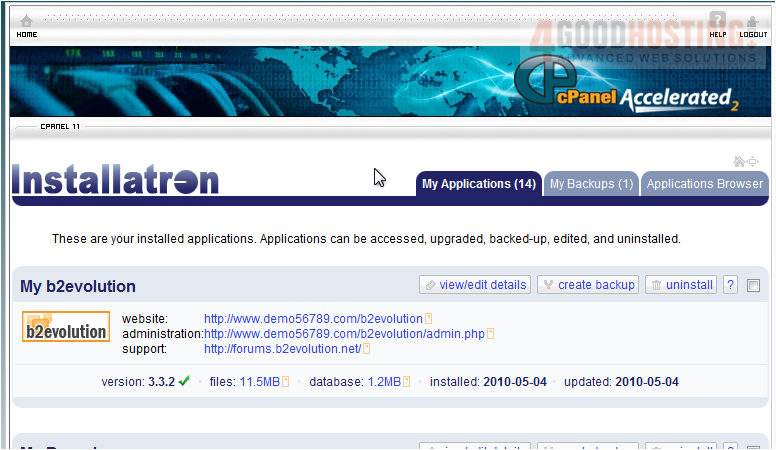
1) Go to Applications Browser.
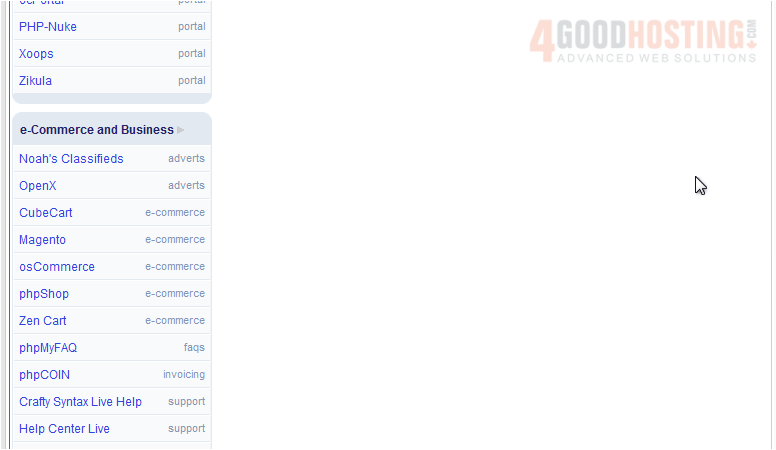
Scroll down until you find the script in the menu on the left.
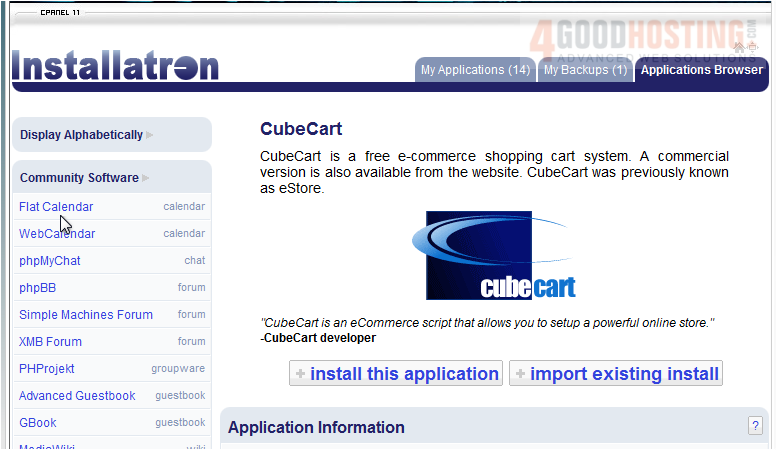
2) Select CubeCart.
3) Click Install This Application.
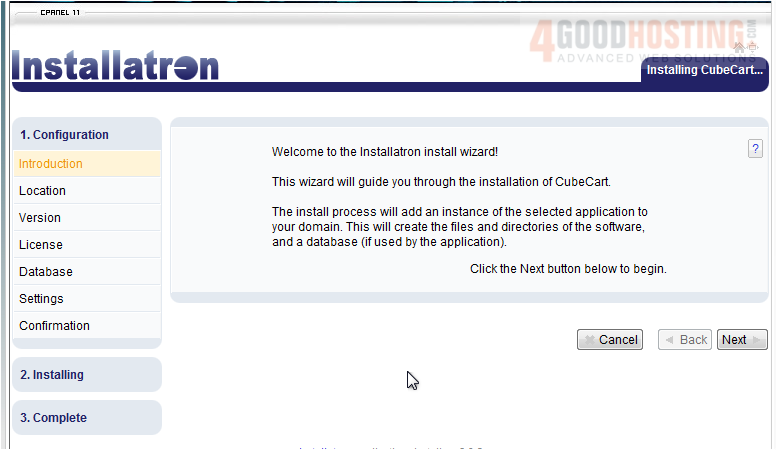
4) Click Next to begin.
5) If you have multiple domains, choose the one where this script should be installed.
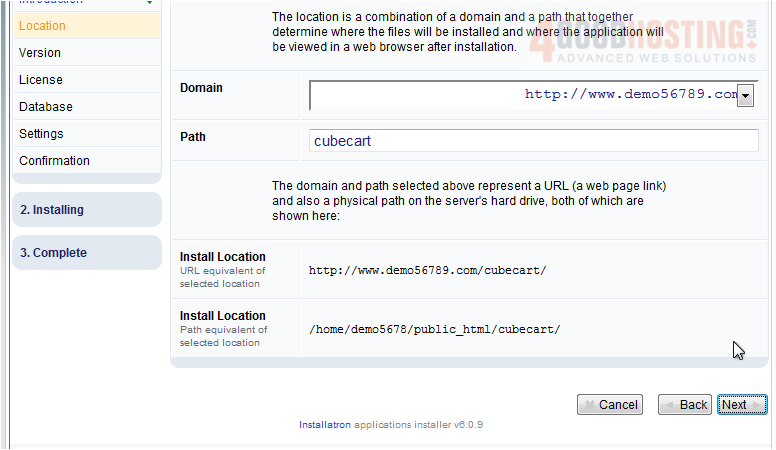
6) Set the path here.
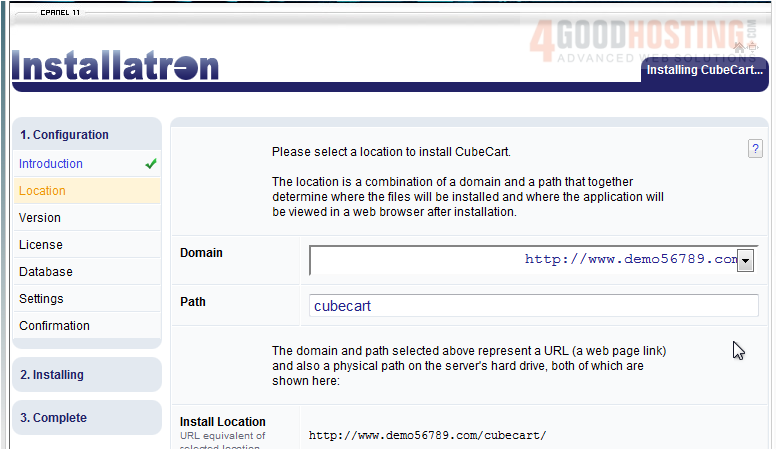
7) Click Next.
8) Choose the version you want to install. You should pick the newest version unless you require an older release.
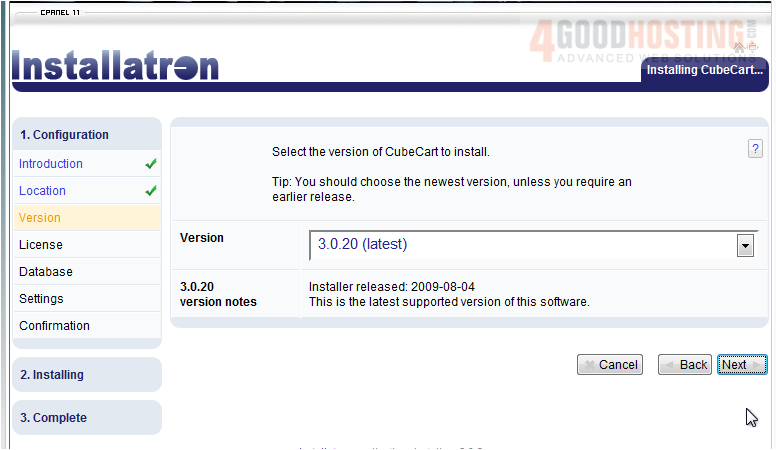
9) Click Next.
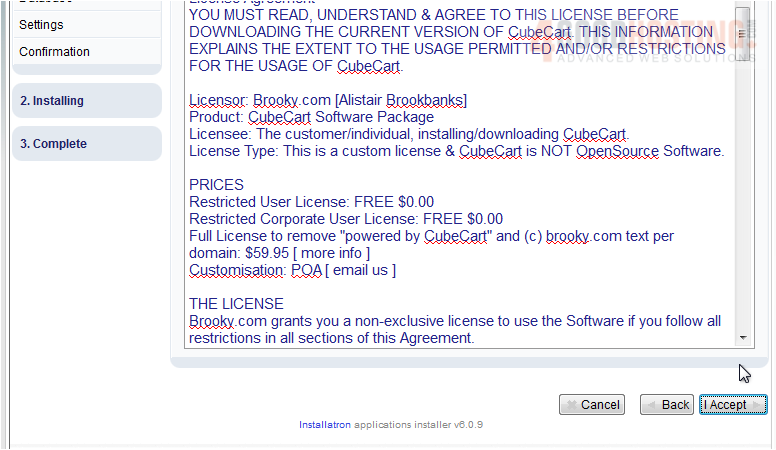
You must accept the End User License Agreement to install.
10) Click I Accept.
11) Select your database settings. Leave the default to automatically create and setup a database for you.
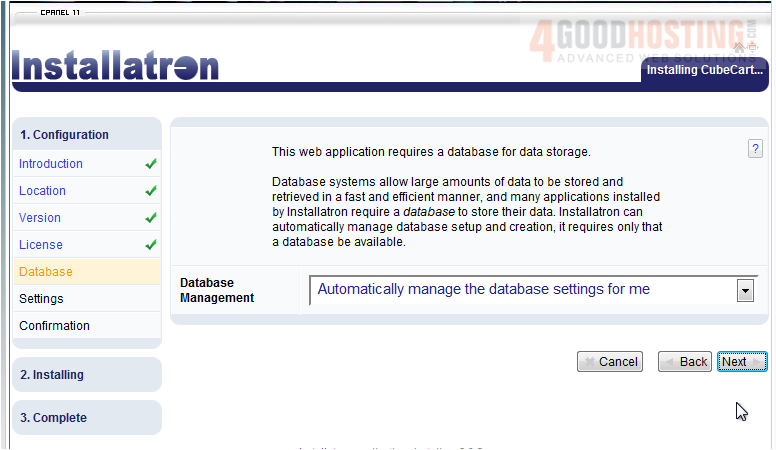
12) Click Next.
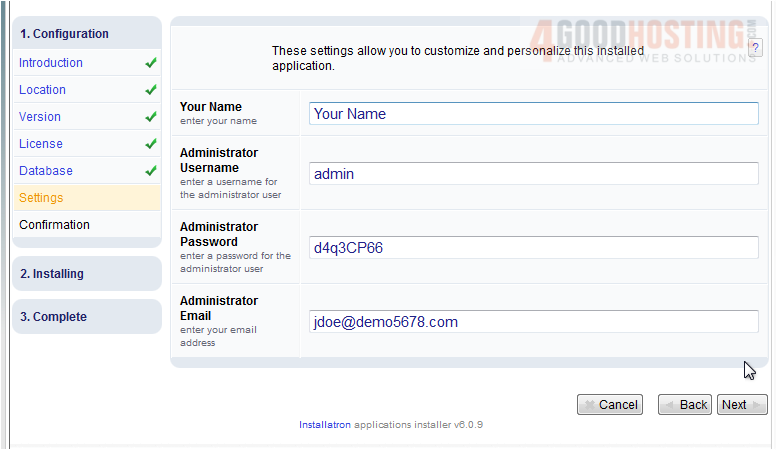
13) Enter your name and the desired admin username, password and email for this installation, then click Next.
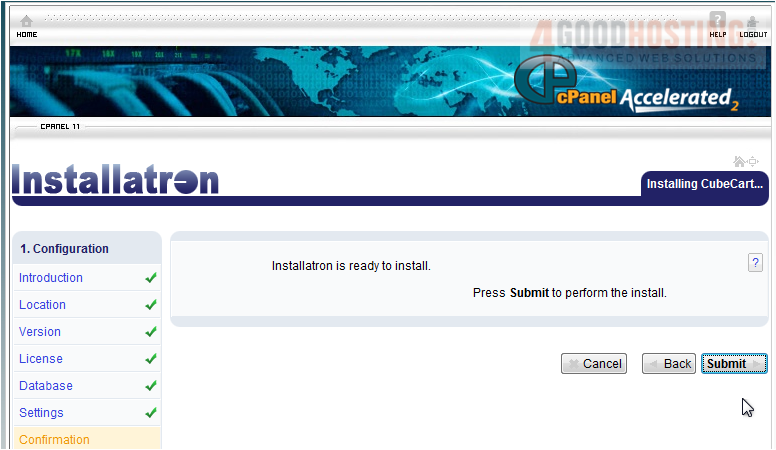
14) Click Submit.
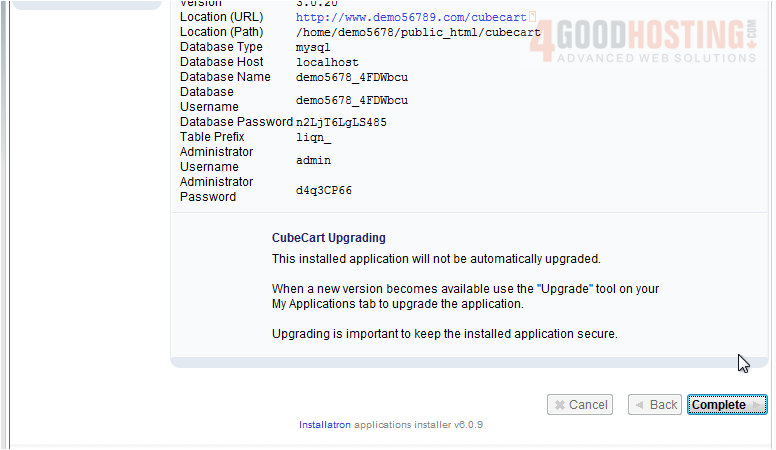
After a moment, the software will be installed. This page will show details about the installation.
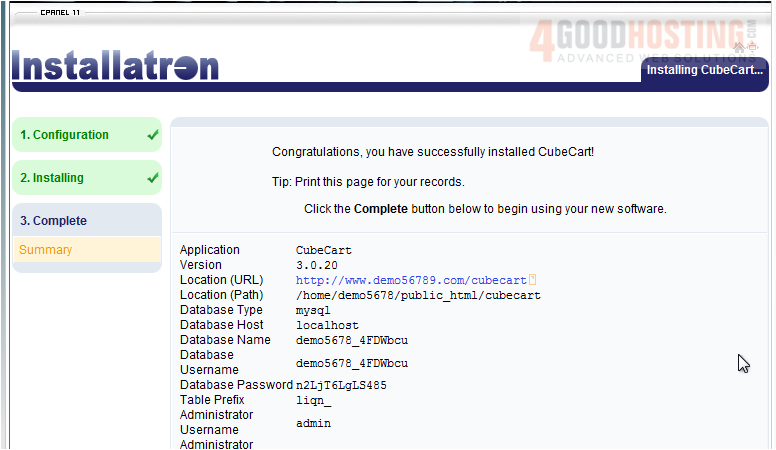
15) Click Complete.
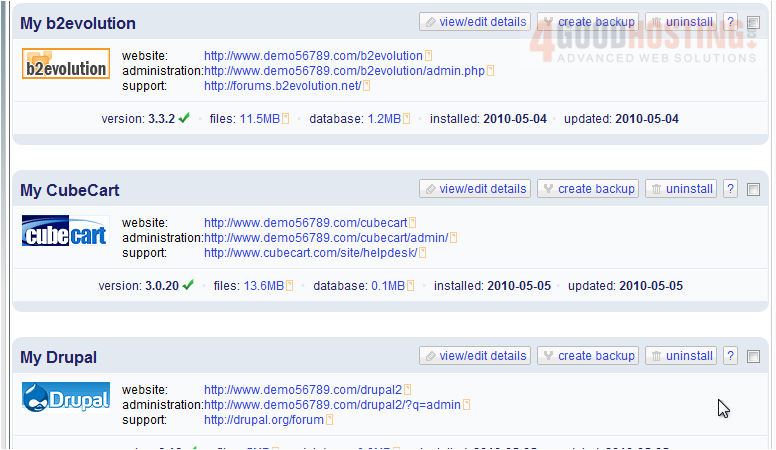
16) Click this link to view your new installation.
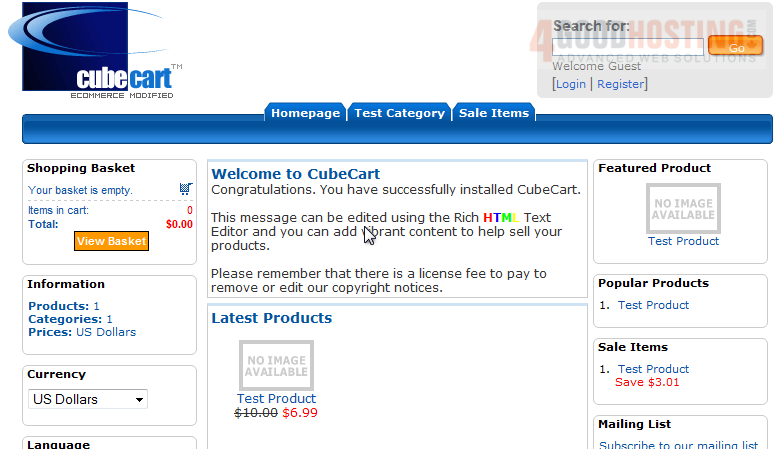
Here is your new software, ready to be used.

 WGS AI Assistant