
This tutorial assumes you've already logged in to SquirrelMail webmail
Now let's learn how to write an email message
1) Click the Compose link. This is the page where we can compose emails. Let's fill out the form here and send an email
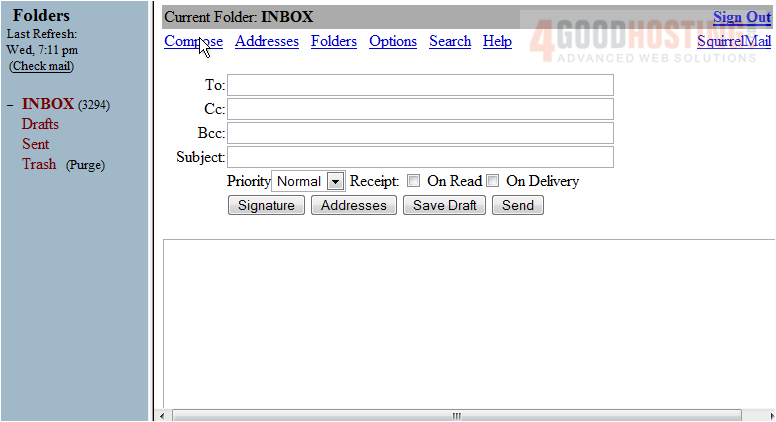
2) Enter the email address we are sending this message to here
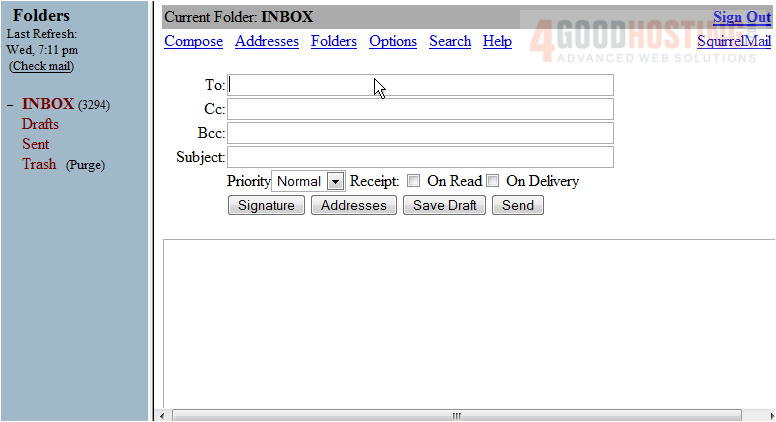
3) If you would like to send a copy of this email to another person, enter their email address here. If you want to copy people but don't want others to see that you've copied them, enter their address in the Bcc field
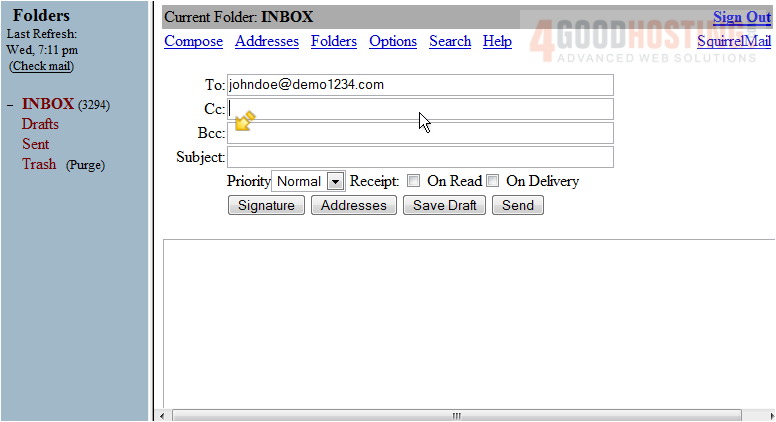
4) Enter the Subject of the email message here
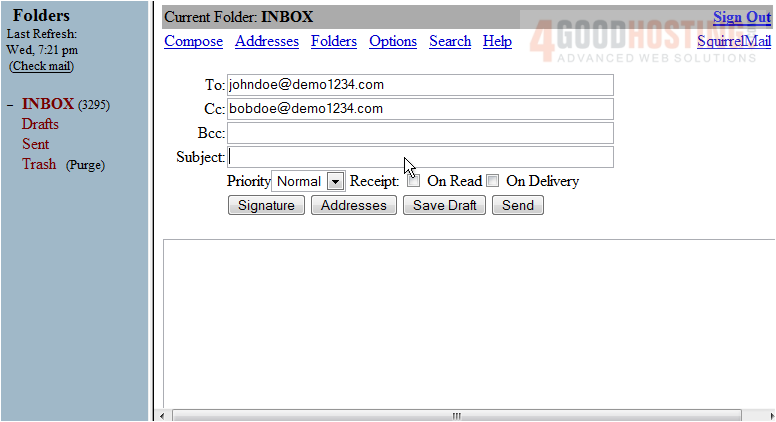
5) Enter the body of the message here
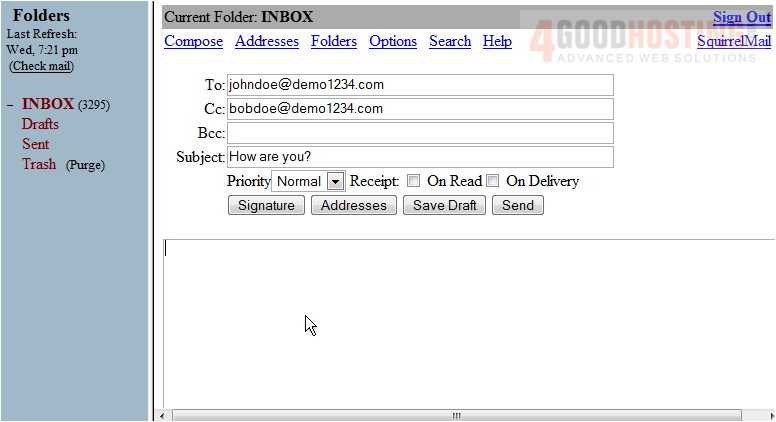
6) When ready, click the Send button here
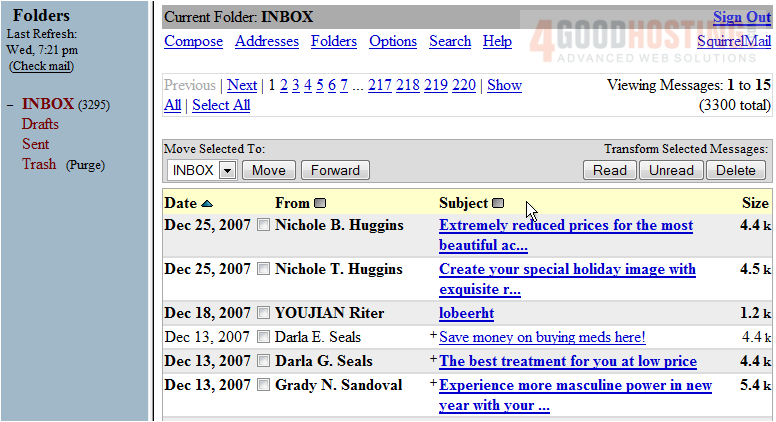
That's it! The message has been sent. Let's check the Sent Folder to see the message
7) Click the Sent link here
There it is! The email message we just sent
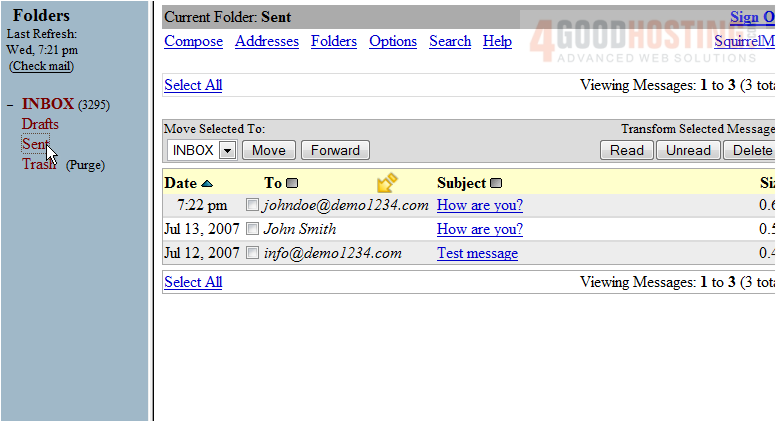
This is the end of the tutorial. You now know how to write an email message and send it from SquirrelMail

 WGS AI Assistant