
This tutorial assumes you've already logged in to SquirrelMail webmail
Now let's learn how to manage contacts in the address book
1) Click the Addresses link
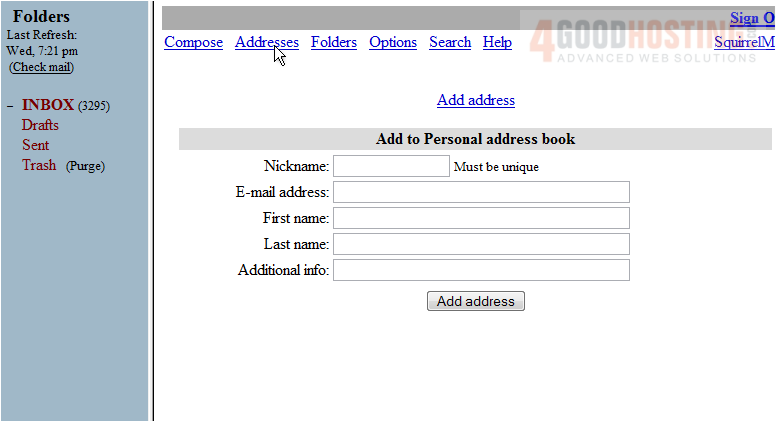
This is the address book page. Currently there are no contacts in our address book. Let's add one now
2) Enter a Nickname for the contact here
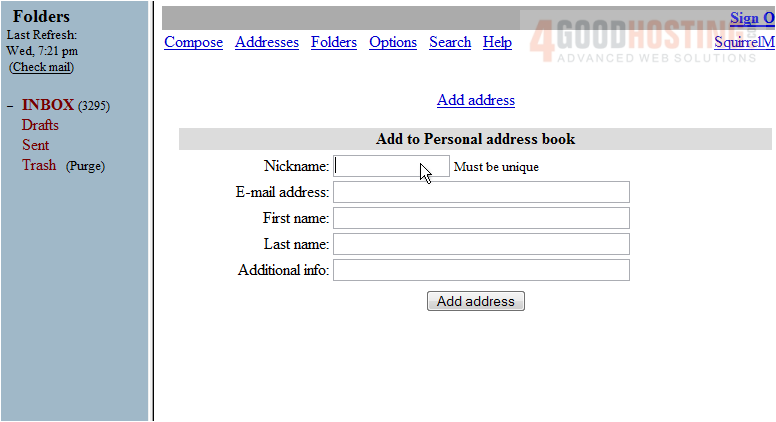
3) Enter the E-Mail Address here
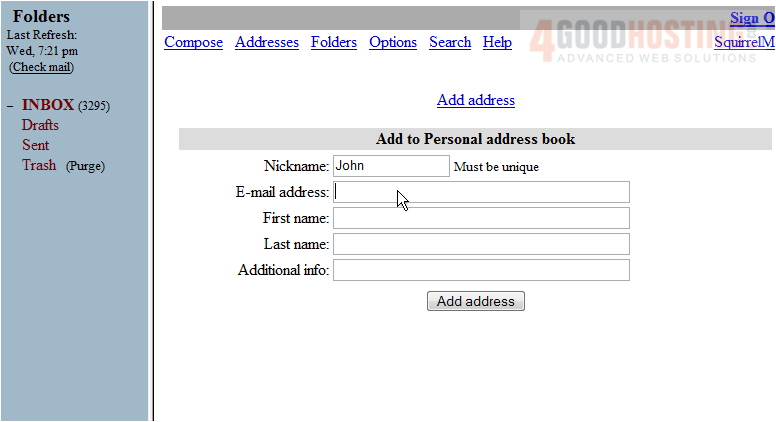
4) Enter the First Name here
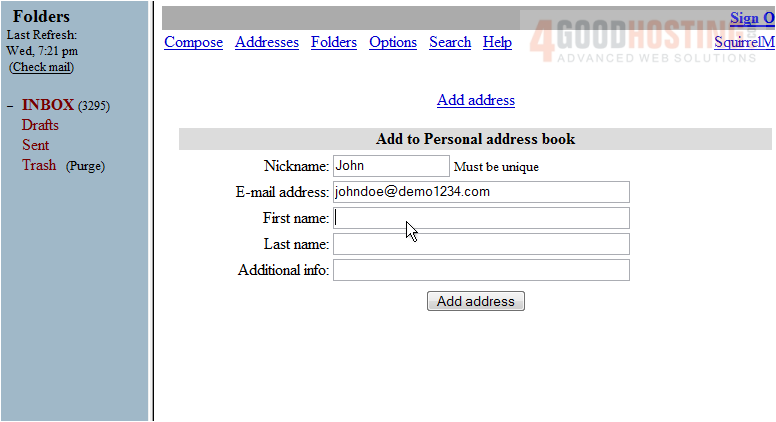
5) Enter the Last Name here
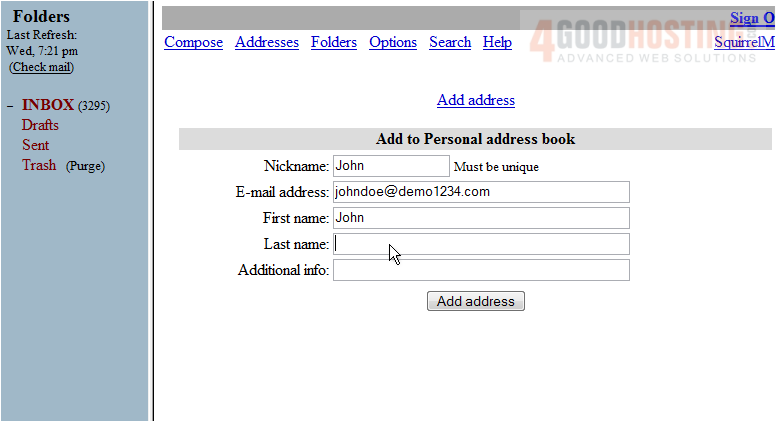
6) Enter any additional info about the contact you may have here
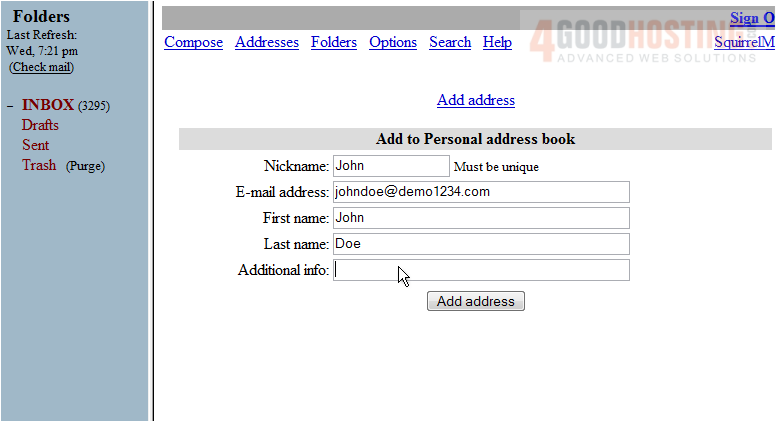
7) Click Add address
That's it! The new contact we added can be seen here
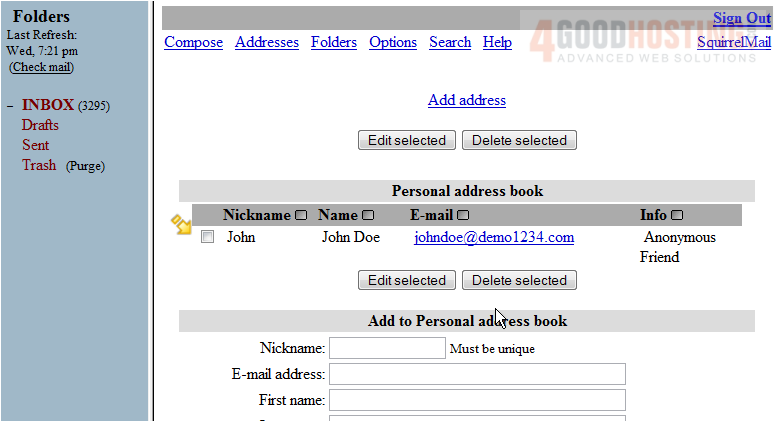
Let's delete the contact we just added
8) Select the check box and then click Delete selected
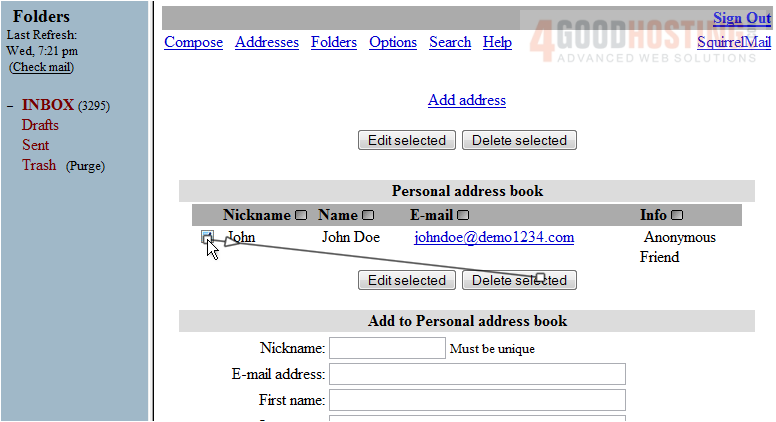
This is the end of the tutorial. You now know how to manage your contacts in SquirrelMail

 WGS AI Assistant