
This tutorial assumes you've already logged in to SquirrelMail webmail
Now let's learn how to search for messages
1) Click the Search link here
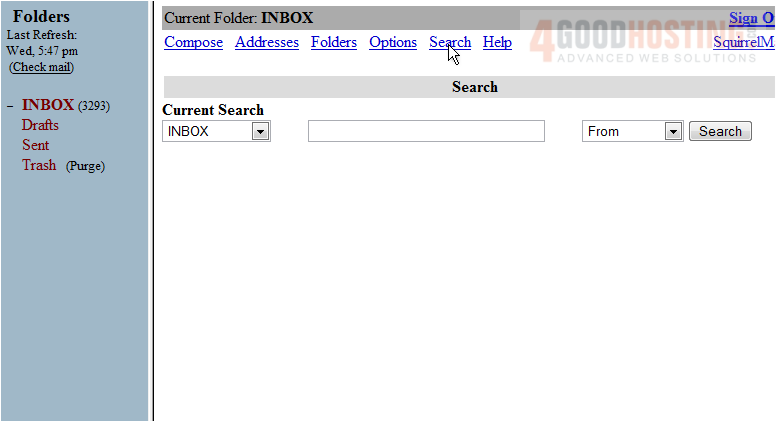
This is the Search page, where we can search in specific folders
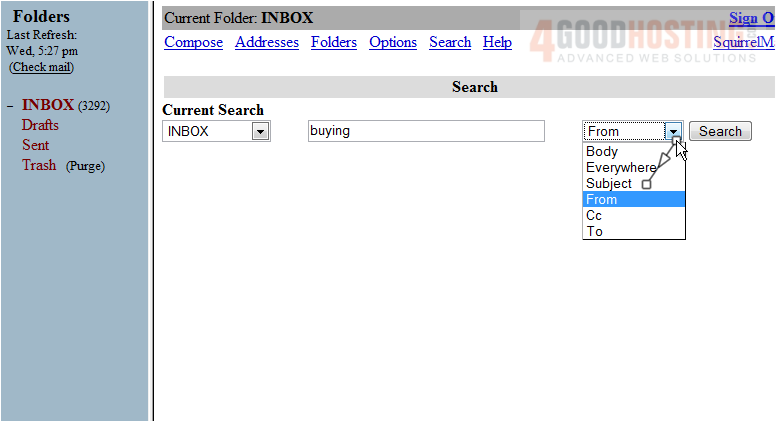
2) Enter a search term here
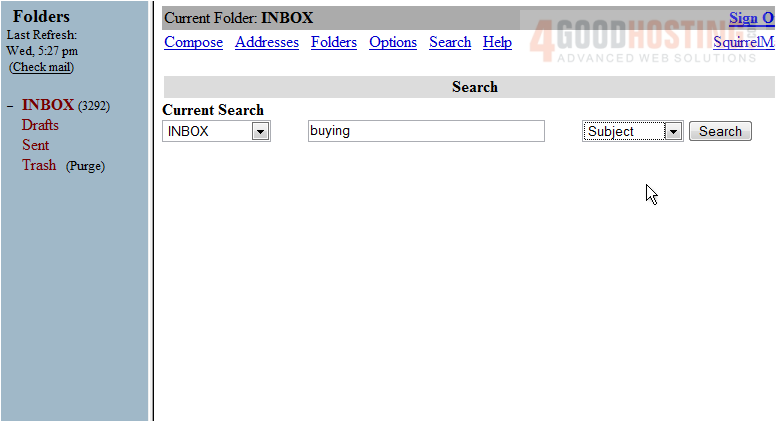
3) Choose where in the message to search for the term here
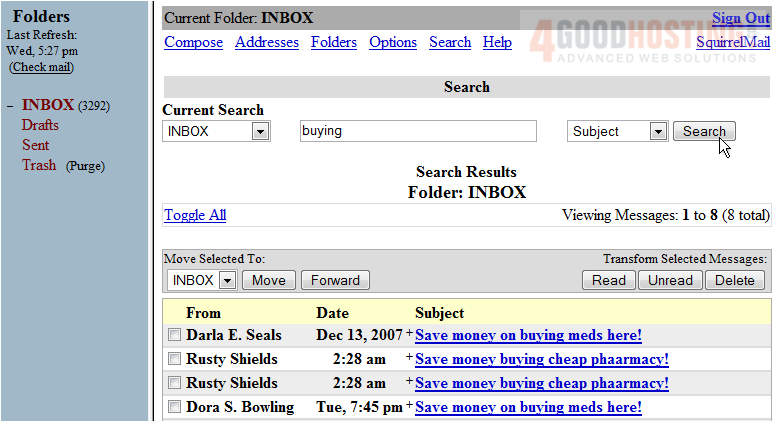
4) Then click Search
5) That's it! The search results are shown on this results screen. We can view an email by clicking on the subject of the message
This is the end of the tutorial. You now know how to search for messages in SquirrelMail

 WGS AI Assistant