
1) Facebook allows you to receive notifications via e-mail and SMS on your phone. Or, if you find yourself receiving too many notifications, you can turn some of them off.
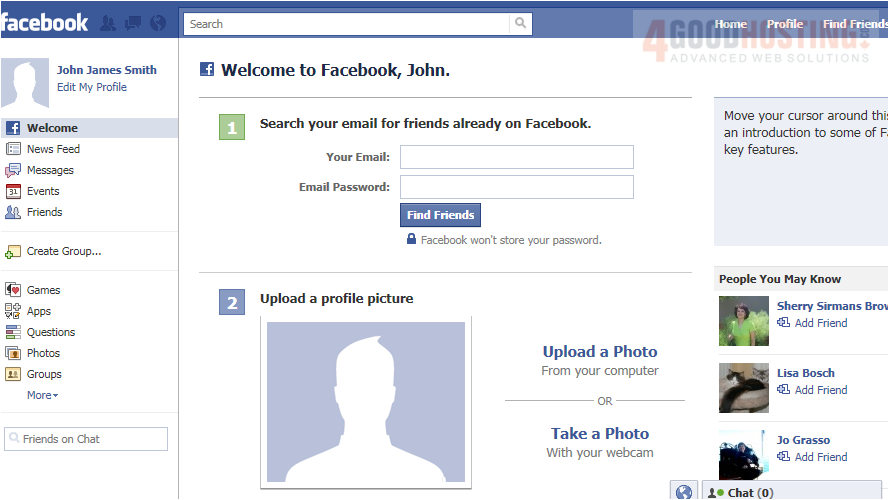
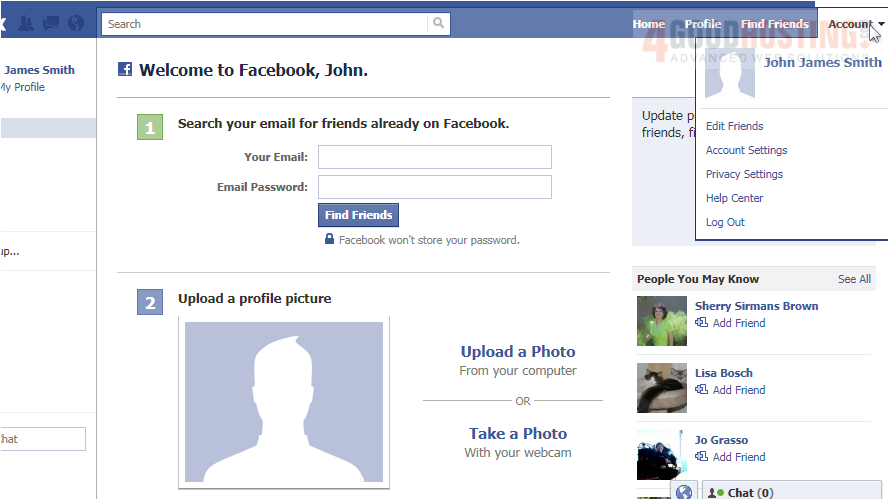
2) Go to Account, then click Account Settings.
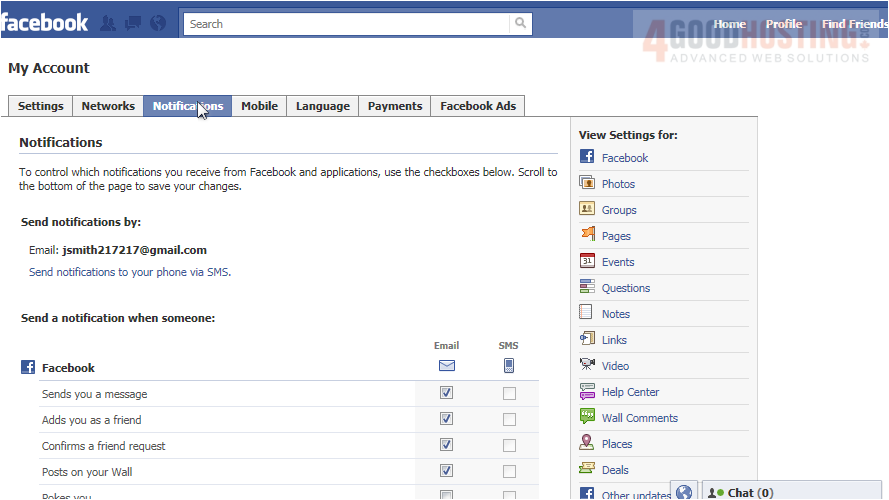
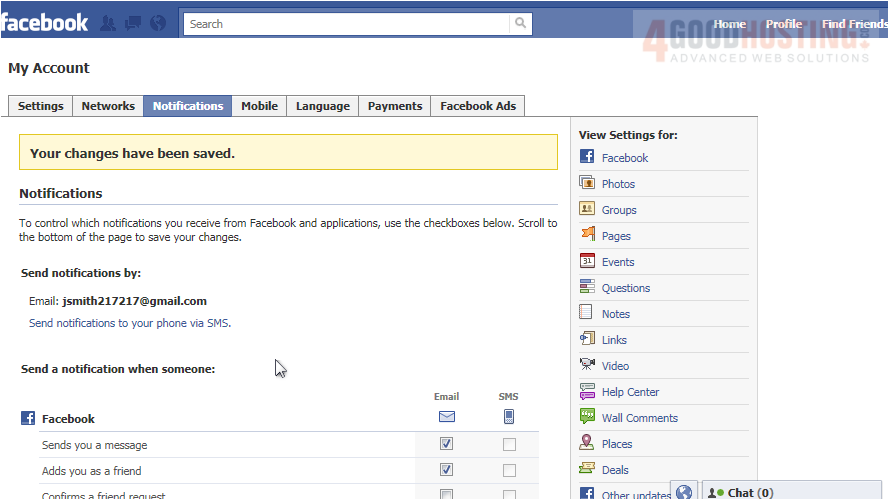
3) Go to the Notifications tab. Before you can receive SMS notifications, you will have to activate your phone with Facebook, which we will learn how to do later in this series.
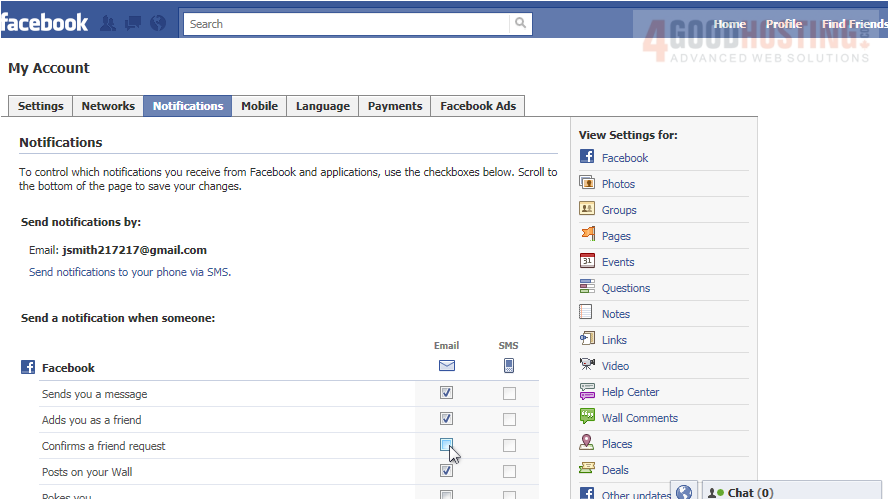
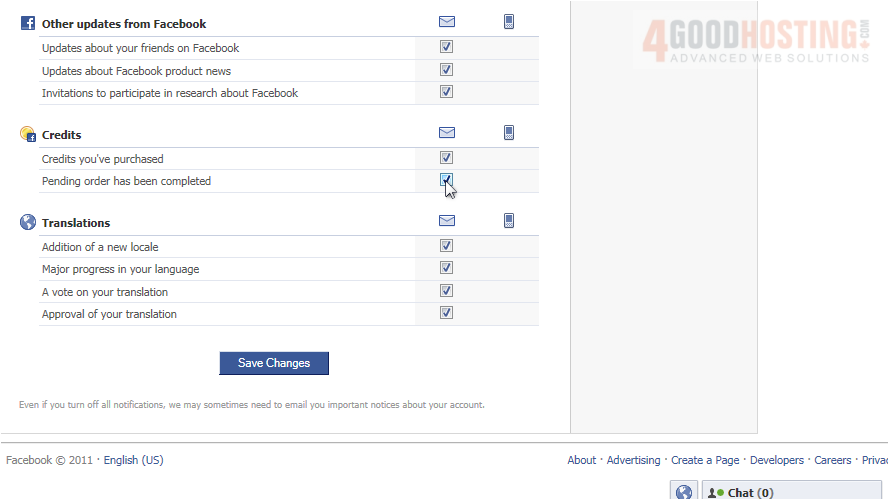
4) Uncheck any boxes next to notifications you don't want to receive, and keep boxes checked where you do want to receive notifications.
5) Now scroll down to the bottom of the page, and click Save Changes.
6) That's it! Now you know how to edit your notifications on Facebook.

 WGS AI Assistant