
Portal Home  /  Knowledgebase  /  WHMCS 4 end-user series  /  Reviewing your hosting packages in WHMCS

Reviewing your hosting packages in WHMCS

Guide from WHMCS 4 end-user series — written for Canadian customers. Billing always in CAD.

WHMCS 4 end-user series

This tutorial assumes you've already logged in to WHMCS

Now let's learn how to review our hosting packages

1) Click the My Products & Services link
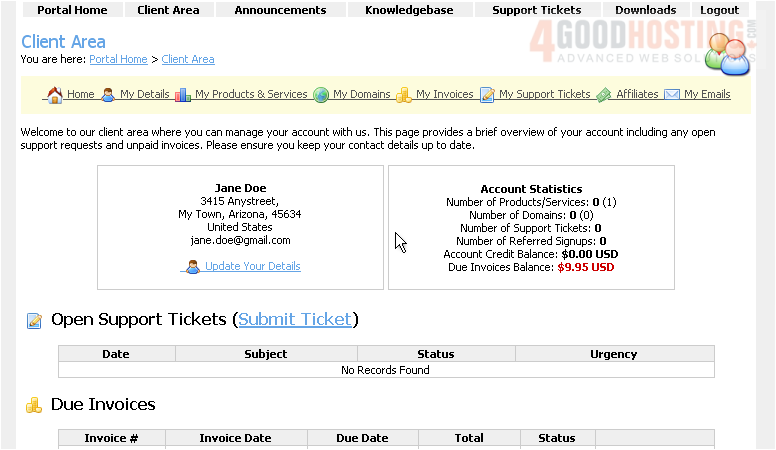


This is the Hosting Packages page where we can view all of our packages and options
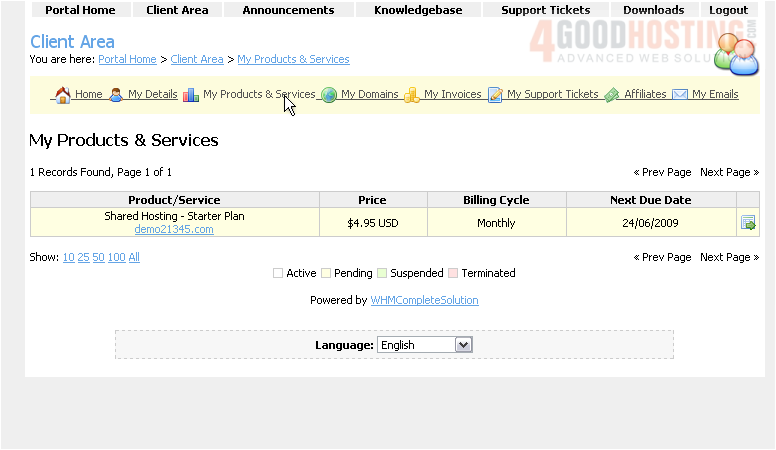

2) Click View Details


This page displays the details of our Starter package
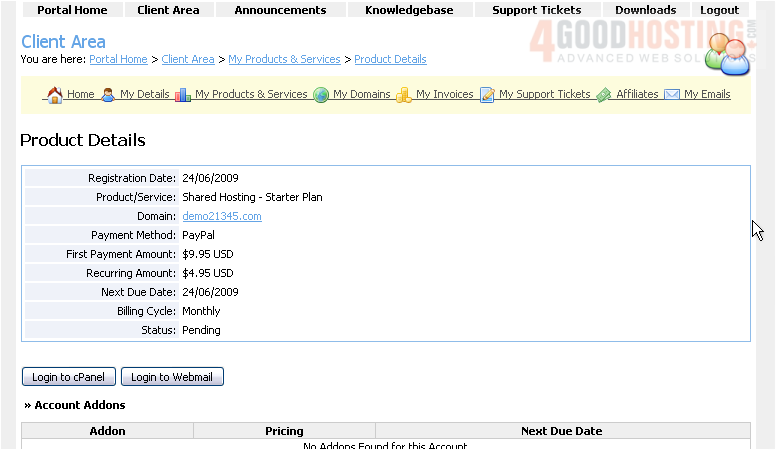


If we ever want to cancel this service, we can do so by clicking the Request Cancellation button here
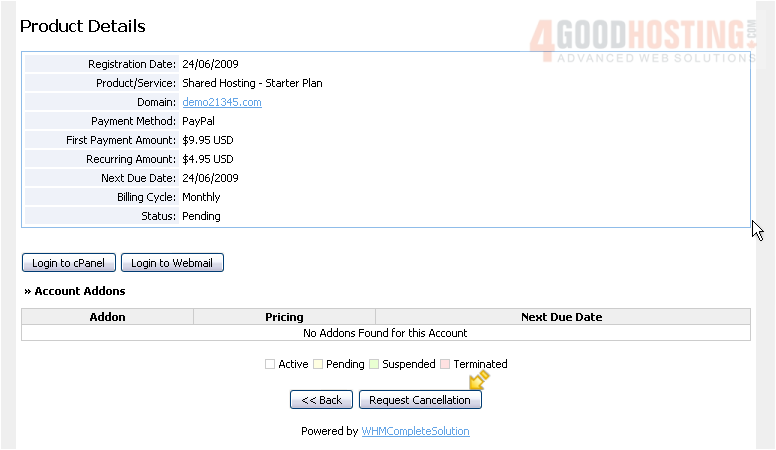

3) Click Back


4) Click the Client Area link
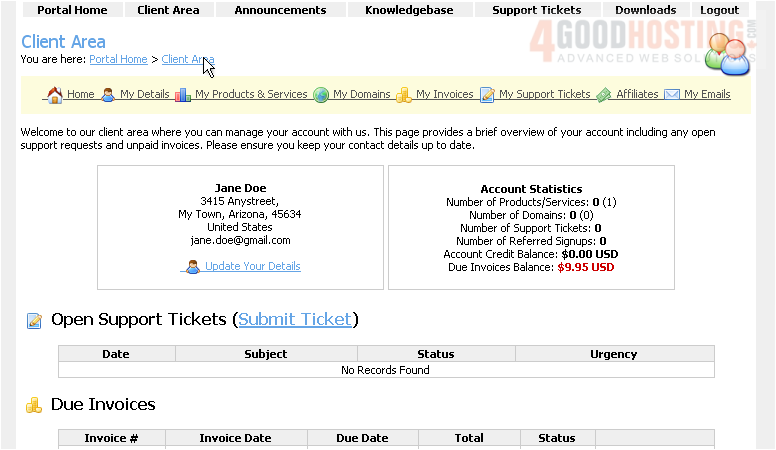


This is the end of the tutorial.  You now know how to review your hosting packages in WHMCS

Was this answer helpful?

🇨🇦 Canadian support that answers

Chat or ticket — Vancouver & Toronto team, same timezone as most of our customers. Billing always in CAD.

Open a support ticket

Live chat

Quick questions while you’re working through this guide.

Start chat

More in this category

Browse other guides in WHMCS 4 end-user series.

WHMCS 4 end-user series →