
This tutorial assumes you've already logged in to WHMCS
Now let's learn how to update your personal details
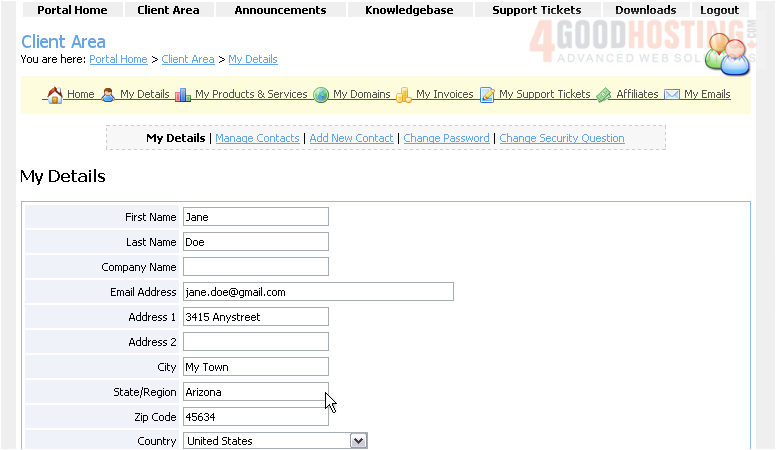
1) Click the My Details link
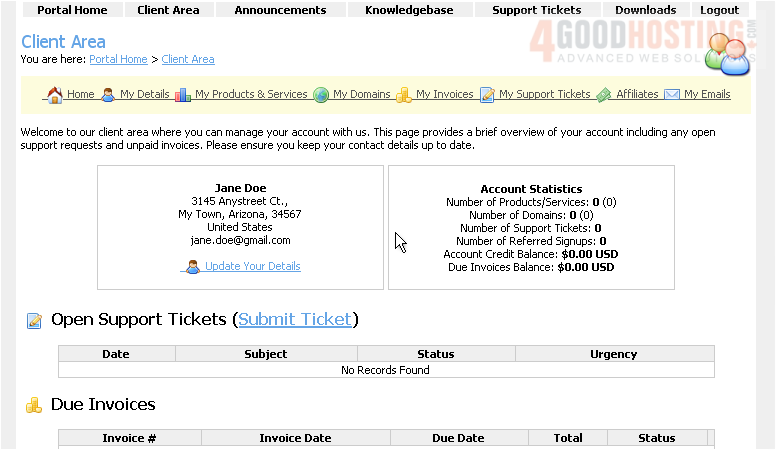
This is the personal details page where we can modify our name, address, and more
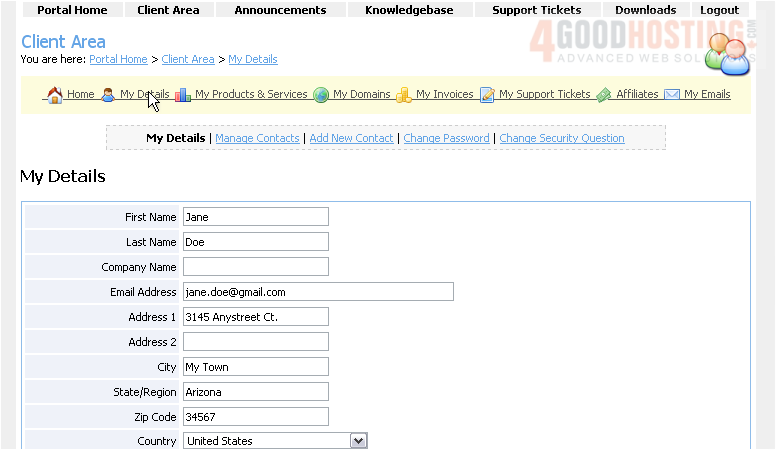
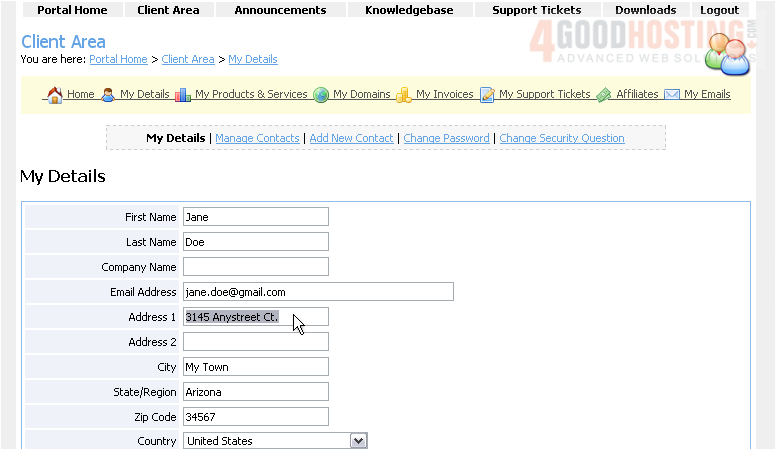
2) Let's go ahead and make some changes
3) When finished, click Save Changes
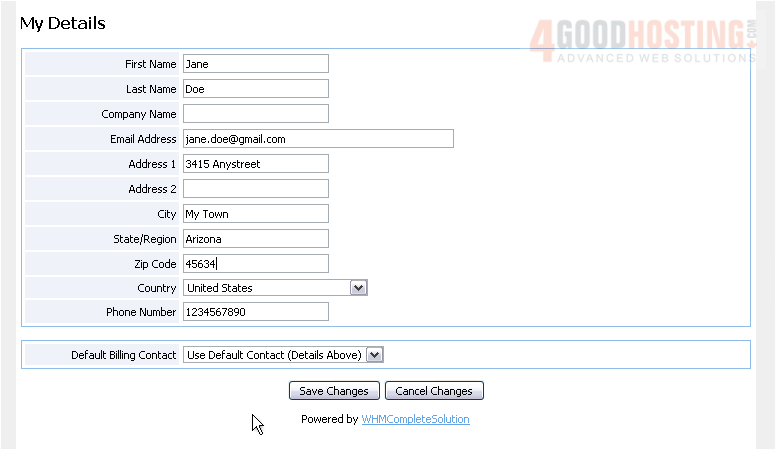
That's it! Our personal details have now been modified
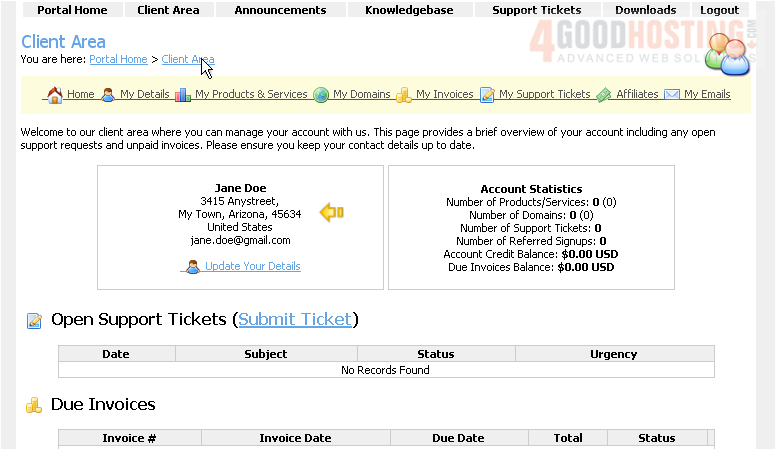
4) Click the Client Area link
Our new updated personal details can be seen here
This is the end of the tutorial. You now know how to edit your personal details in WHMCS

 WGS AI Assistant