
If you've transferred an account over to this server in the past thirty days, you can still view the transfer log in WHM.
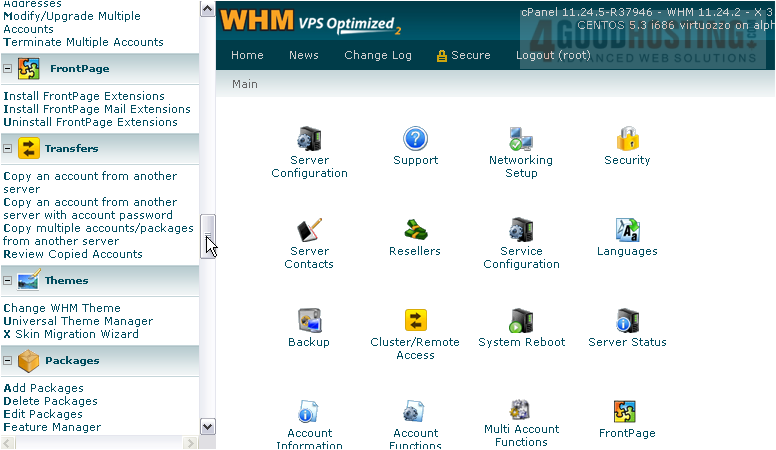
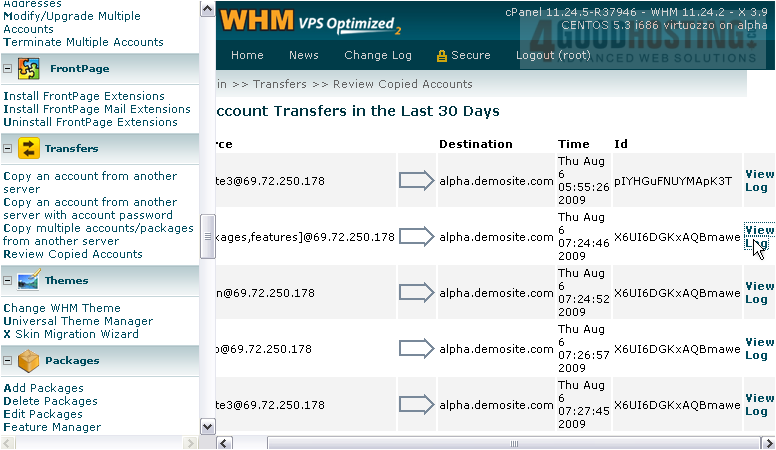
1) Scroll through the menu until you've found the Transfers section.
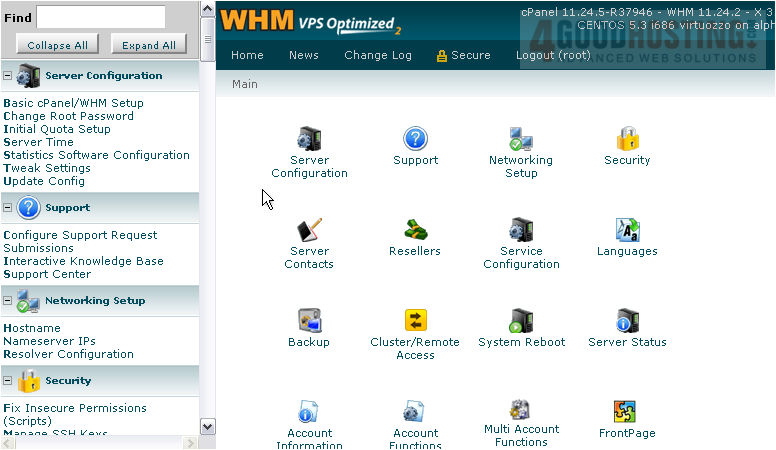
2) Go to Review Copied Accounts.
If you've ever performed a multi-account transfer, you should have already seen this page; it shows up at the end of multi transfers.
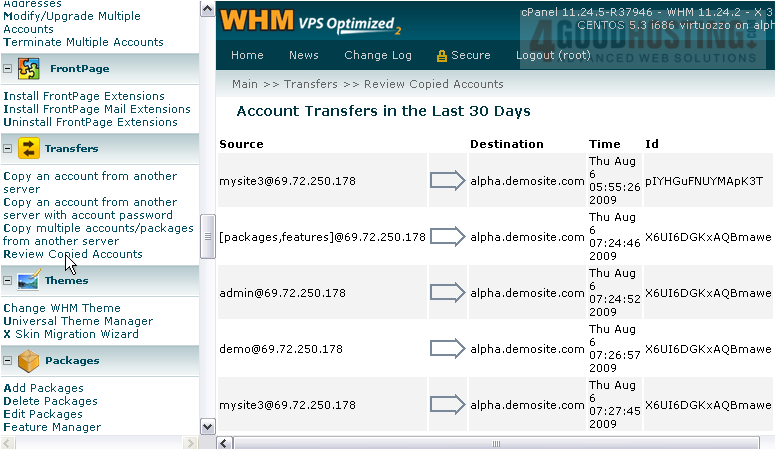
There's not much for you to do here, apart from seeing which accounts were transferred to and from the servers listed here at the specified times.
3) If something went wrong with a transfer, you can always view its log file here.
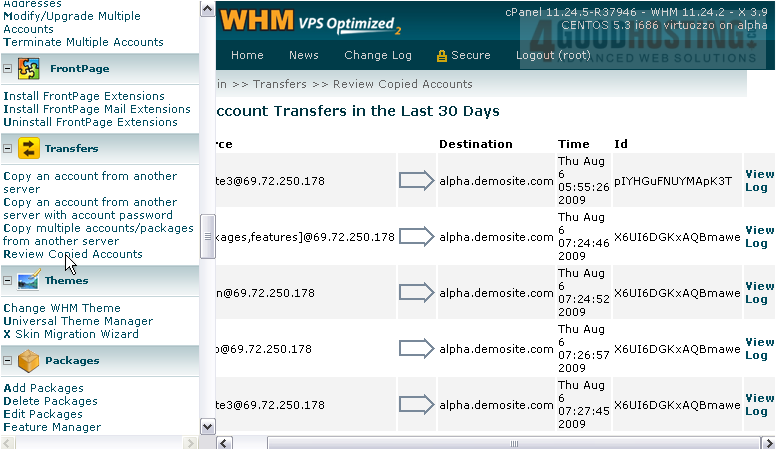
The log will open in a new window or tab.
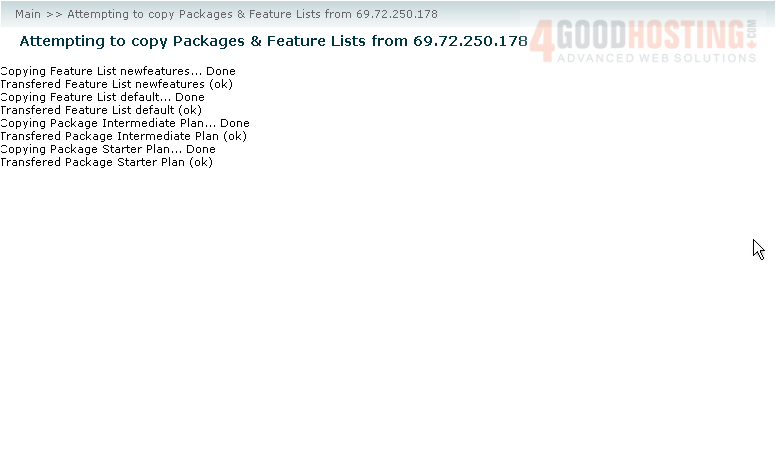
This is just a log for a Packages & Feature Lists transfer, so it's not very long. An account's transfer log will be quite a bit longer.
4) Close this page to return to WHM.
This completes the tutorial. You now know how to view the Account Transfers log in WHM.

 WGS AI Assistant