
Keeping your clients' contact information up to date is important, just in case you need to contact them. There are two ways to change an account's contact e-mail address in WHM.
1) Both are on the List Accounts page, under Account Information.
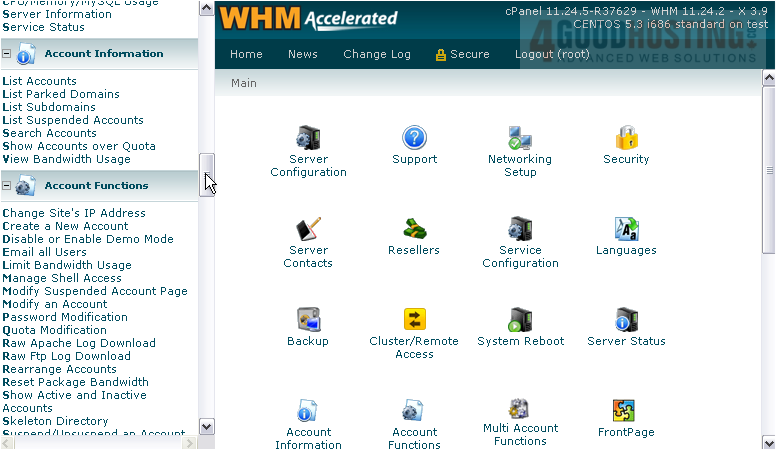
2) For the first method, hover over the account's row.
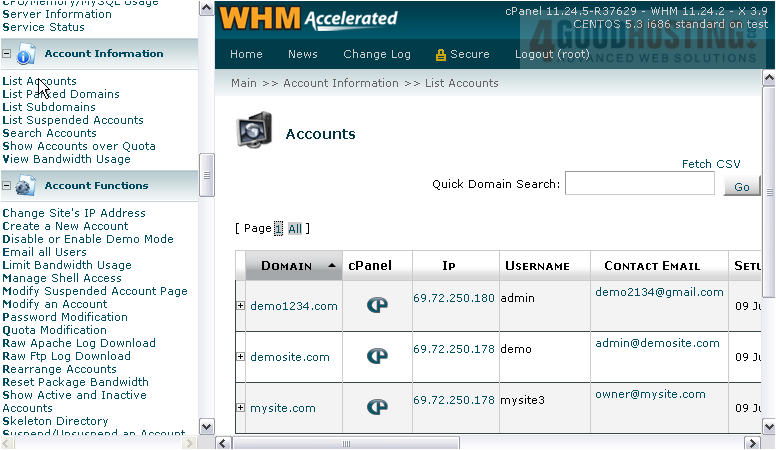
3) Click the Edit icon under the e-mail address.
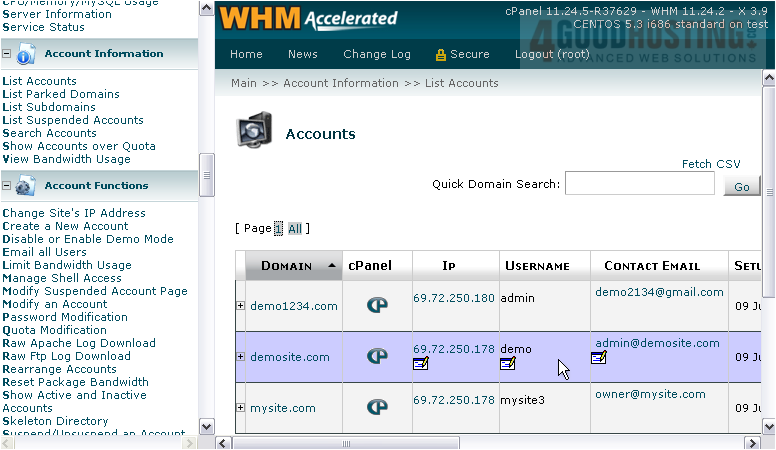
4) Alter the e-mail address using this text box.
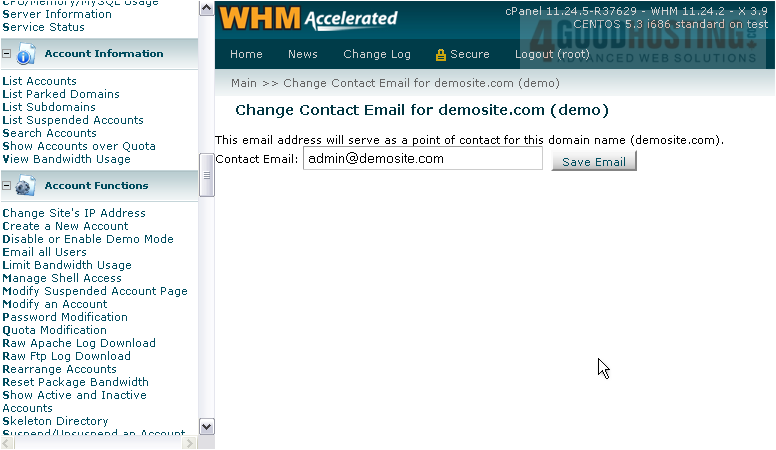
5) Then, click Save Email.
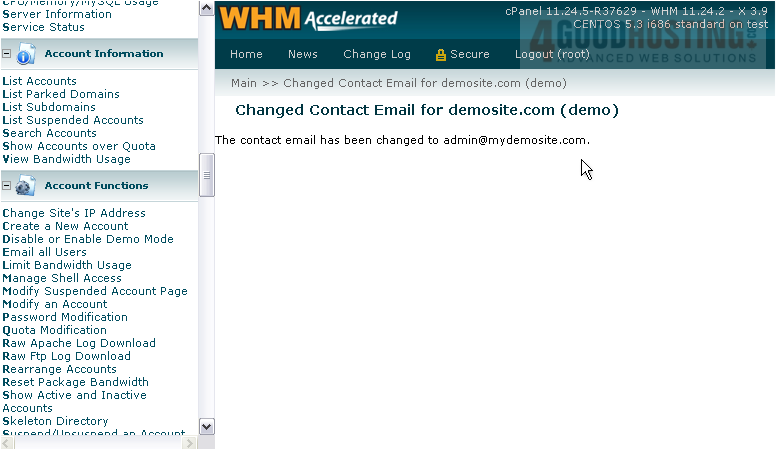
The account's contact e-mail has been changed.
6) Return to the accounts list.
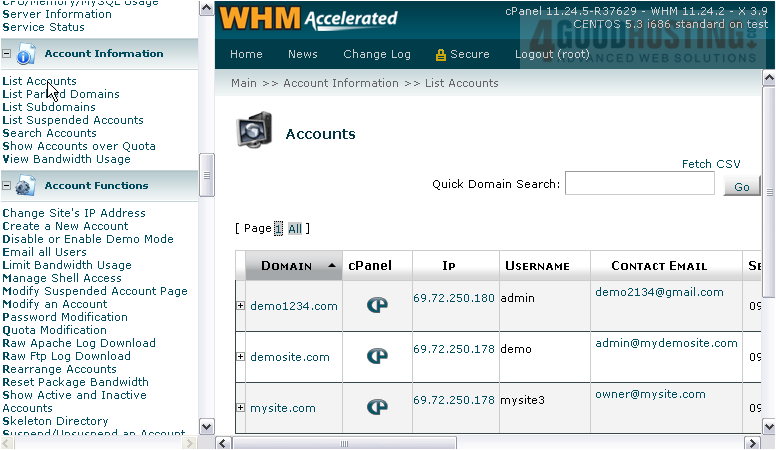
7) You can also change an account's e-mail address by clicking on the plus sign here...
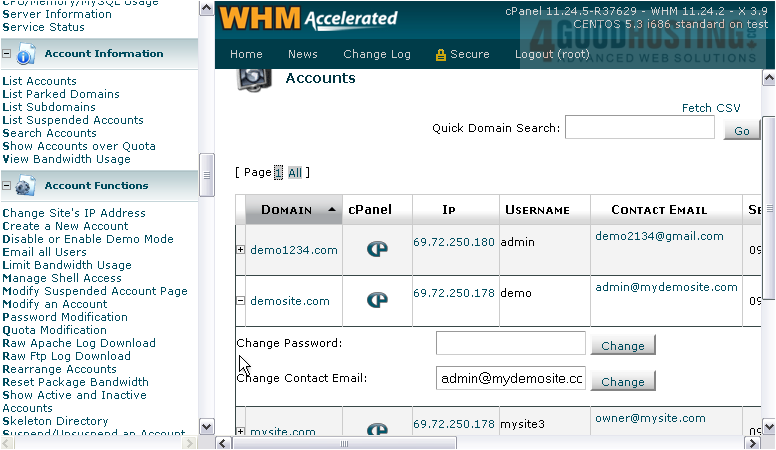
8) Then use this form just as you did with the other one.
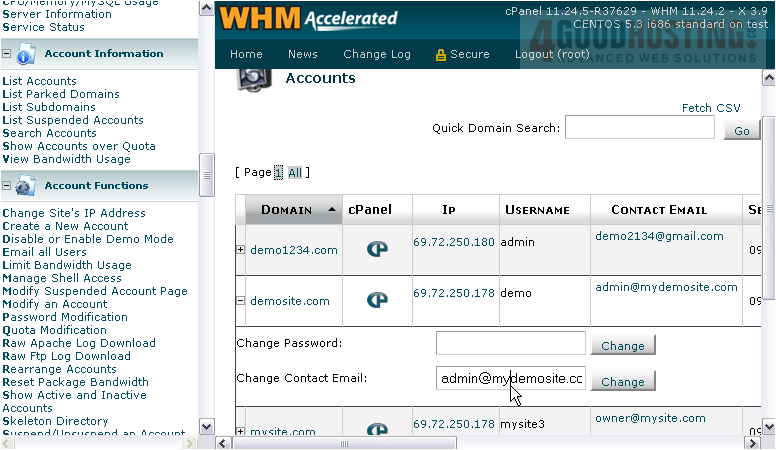
9) Finish by pressing Change.
That's it! You now know both ways to change an account's contact e-mail address.

 WGS AI Assistant