
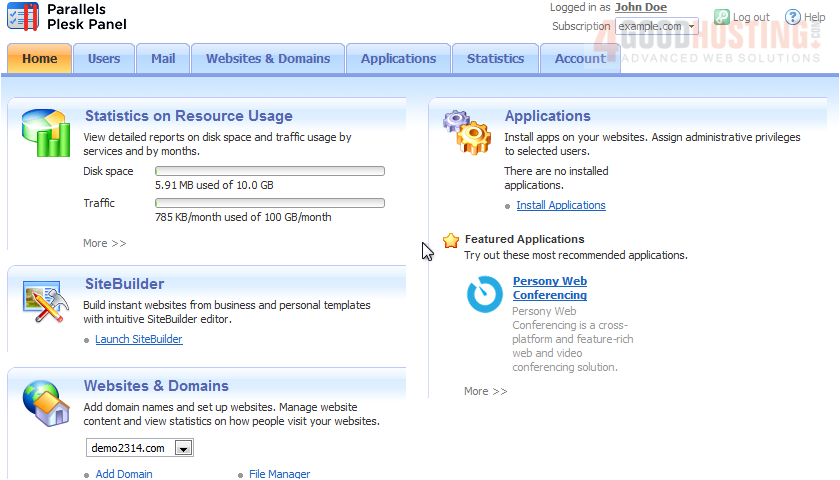
1) A mailing list is an e-mail address to which a number of users are subscribed. Mailing lists are used for sending e-mail messages, such as newsletters, promotional e-mails, etc, to multiple recipients at once. Click Mail.
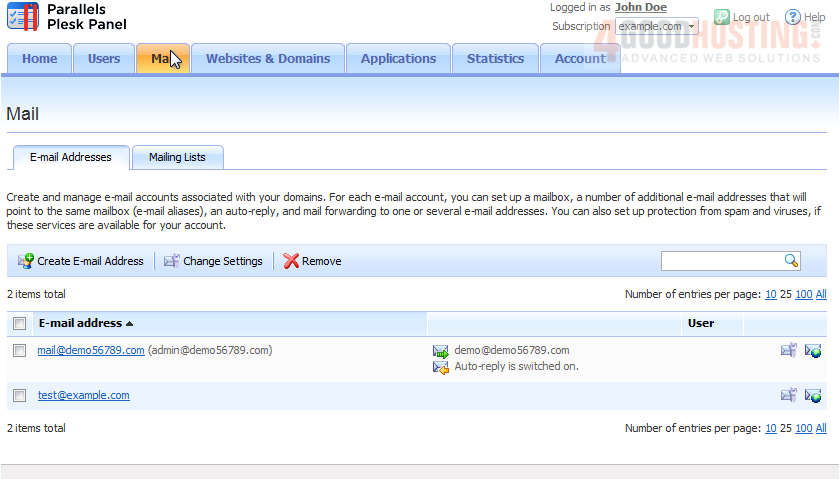
2) Then click Mailing Lists.
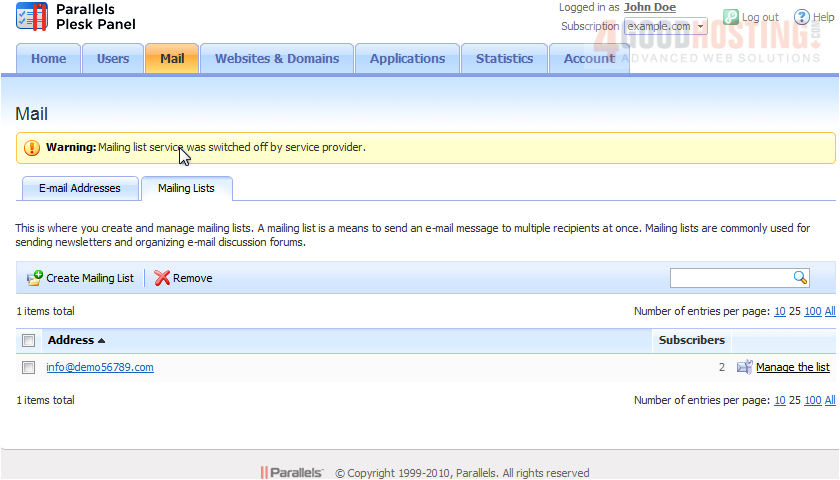
3) Go to Create Mailing List.
4) Type the Mailing list address.
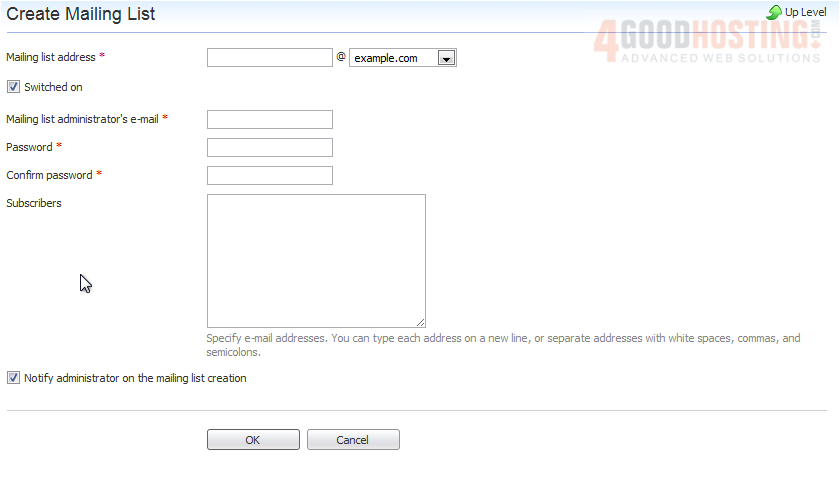
5) If you have several domains, select the one under which the list should be created.
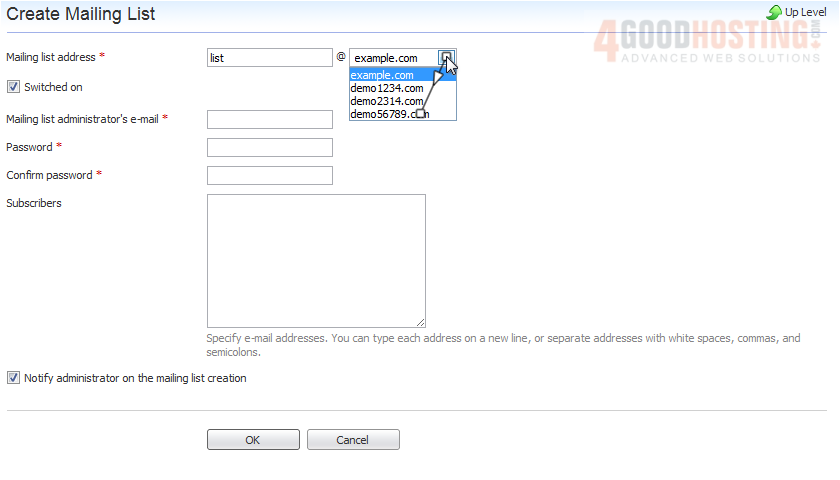
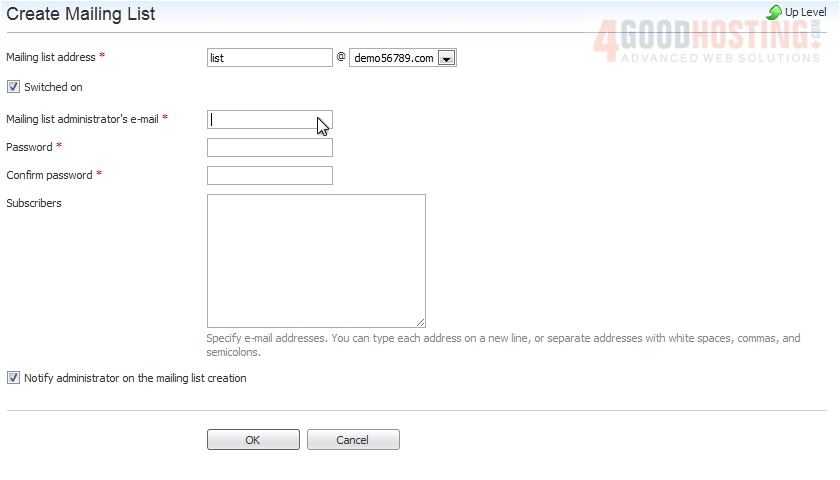
6) Enter the list admin's e-mail.
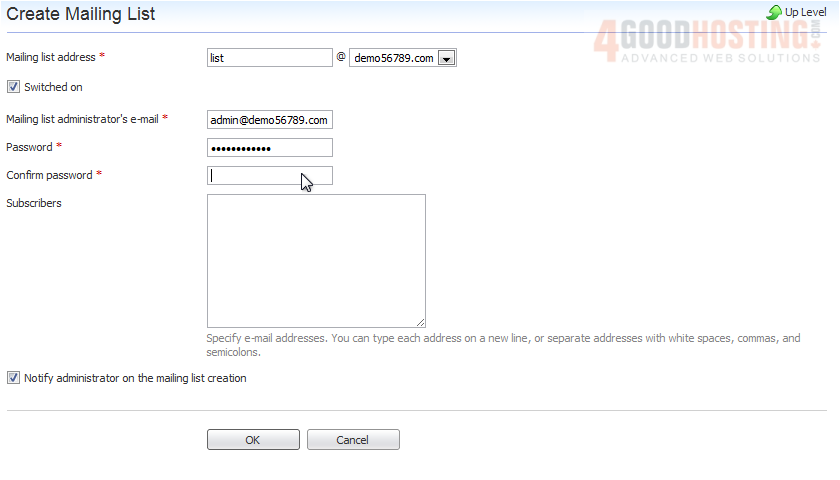
7) Type a password in these two boxes.
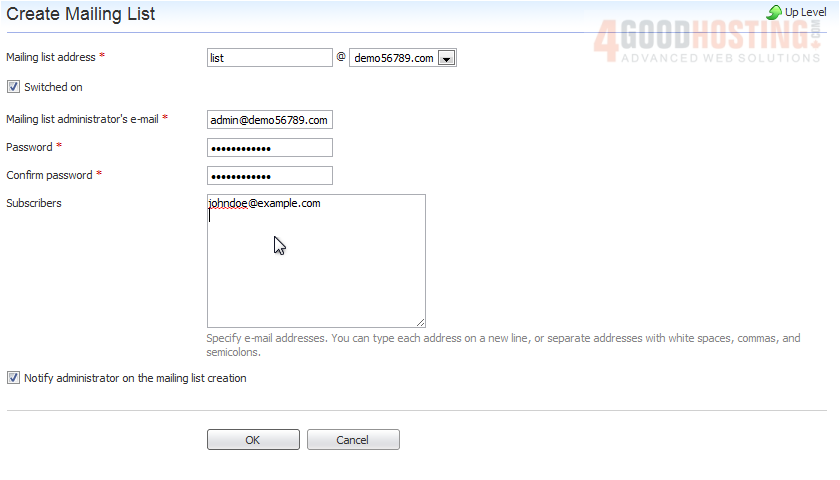
8) To subscribe users to the mailing list, type their e-mail addresses, one per line. Click OK when done.
9) Now, to send a message to all the subscribers of our newly created mailing list, we'd send it to the list address: list@demo56789.com. For more extensive control over a mailing list, use this link to access the administration interface. You will be prompted to enter the password you just provided.
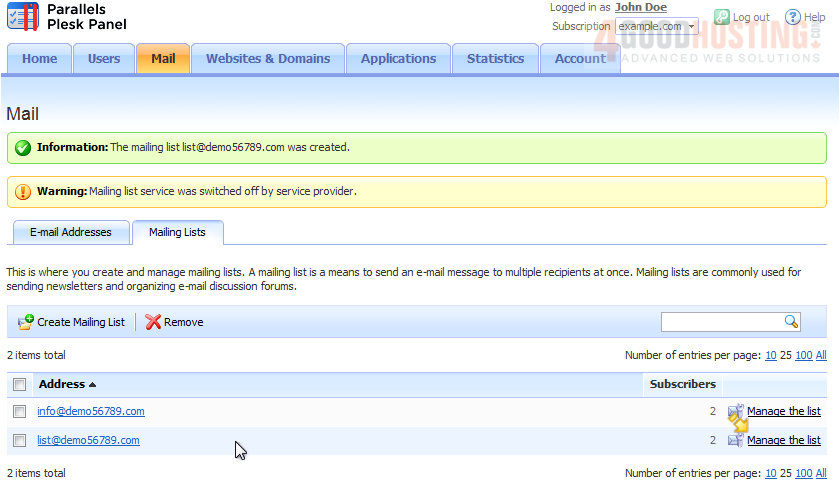
That's it! Now you know how to create a mailing list.

 WGS AI Assistant