
You may need to change your FTP account login information at some point in time, so let's learn how to do that.
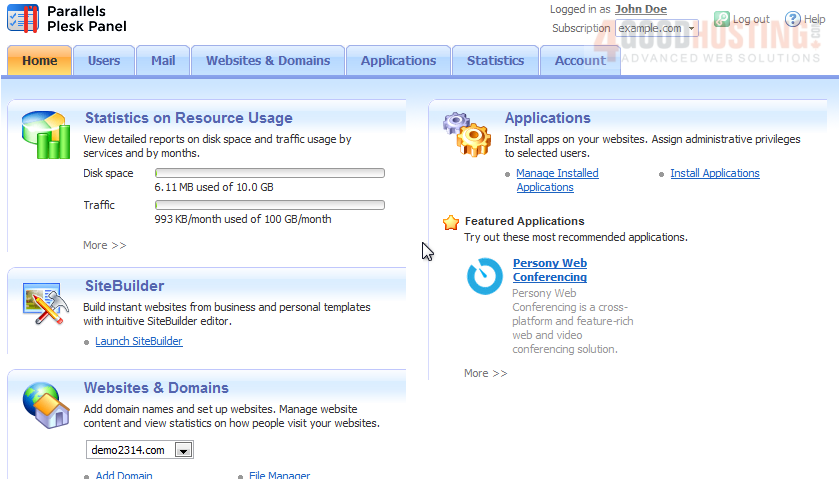
1) Click Websites & Domains.
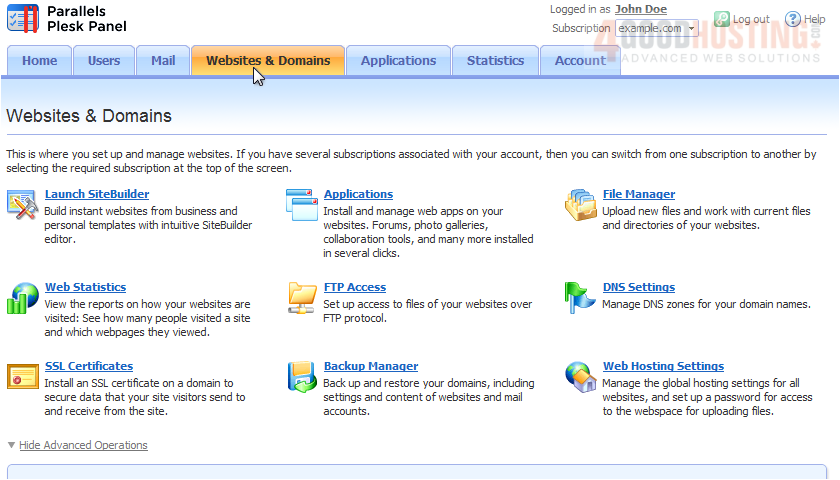
2) Now go to FTP Access.
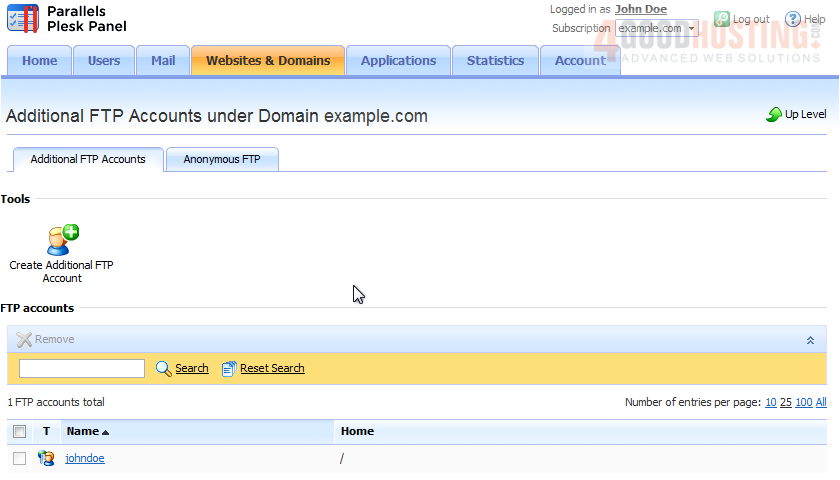
3) Here is a list of all FTP accounts associated with this subscription. By default, you will see one account here. This is the domain administrator's FTP account. It can't be deleted, but you can change its login info. Click the name to do that.
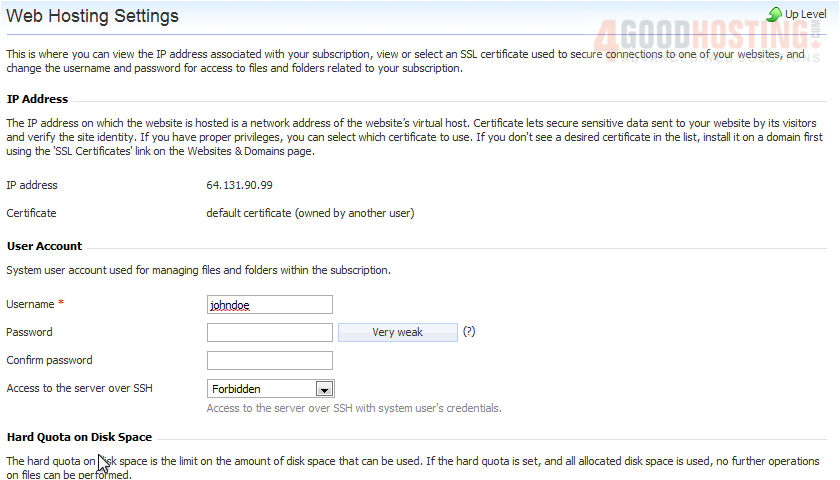
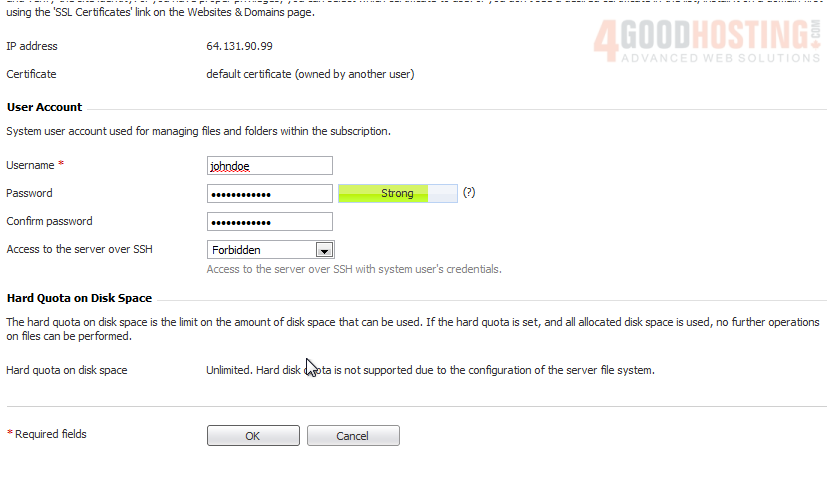
Your main FTP account uses your subscription's login credentials, so to change your FTP login info, you'll be taken to the Web Hosting Settings page.
4) Change the username or password by typing the new ones in these boxes.
5) Click OK.
Check out the following tutorial to see how to create and manage additional FTP accounts.
That's it! Now you know how to edit your FTP account information.

 WGS AI Assistant