
E-mail aliases can be used as temporary disposable addresses that can be published on the Internet. When spam starts coming to an address that was set up as an e-mail alias, you can remove that alias and create another one.
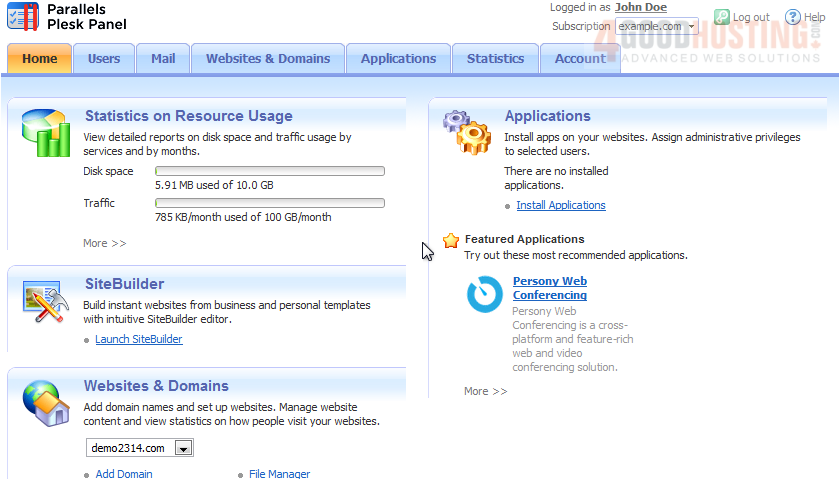
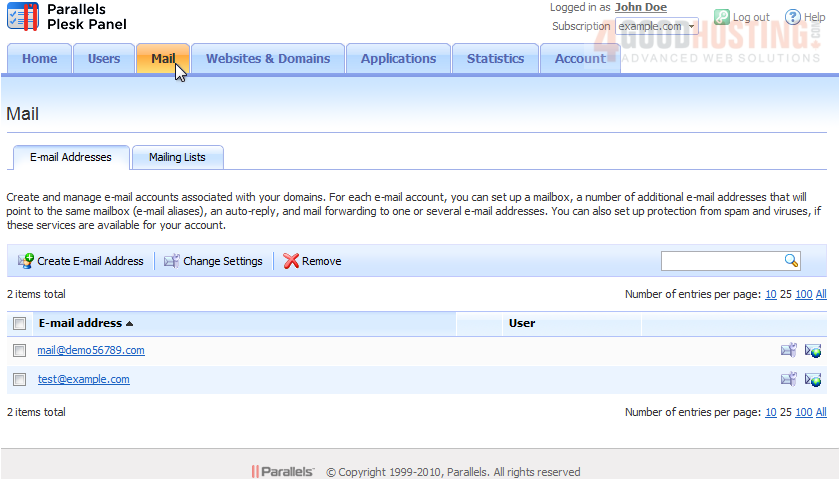
1) Go to Mail, and click an e-mail address.
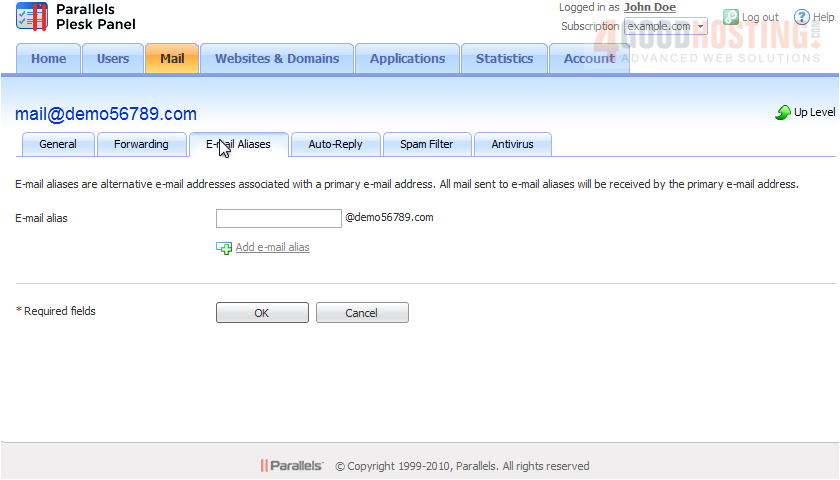
2) Select the E-mail Aliases tab.
3) Type the alias name.
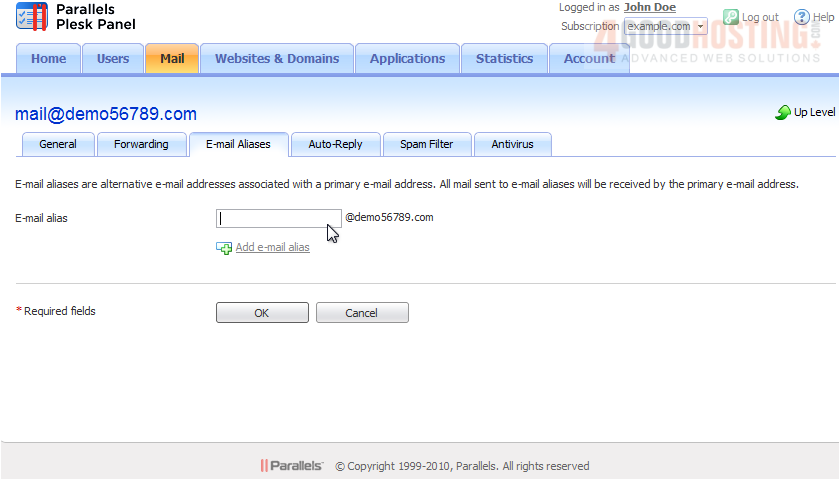
4) To create a second alias, click the link here. Type in the name and click OK when done.
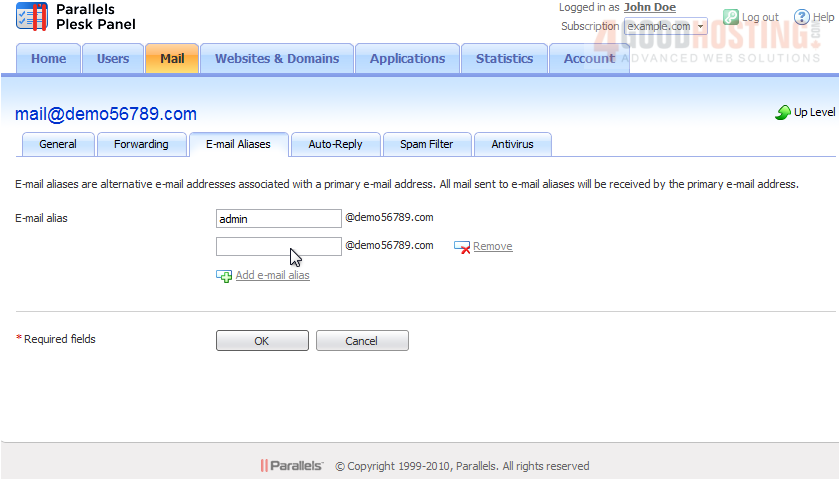
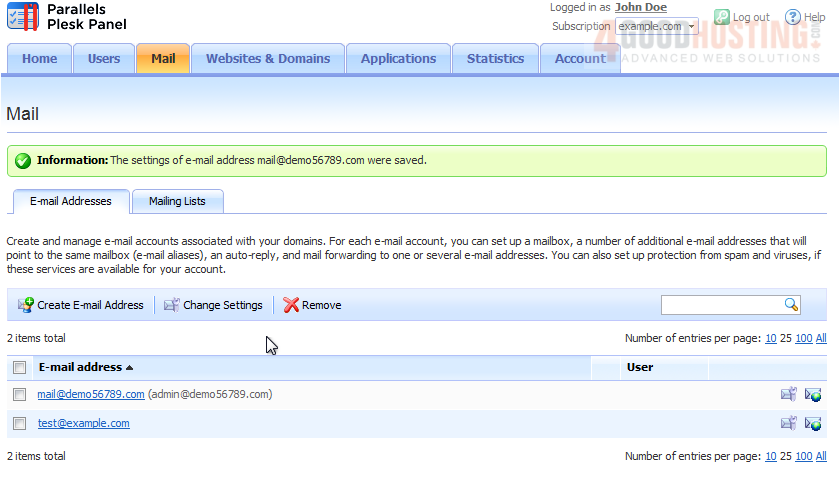
Now any mail sent to admin@demo56789.com will automatically be forwarded to mail@demo56789.com.
That's it! Now you know how to create e-mail aliases in Plesk.

 WGS AI Assistant