
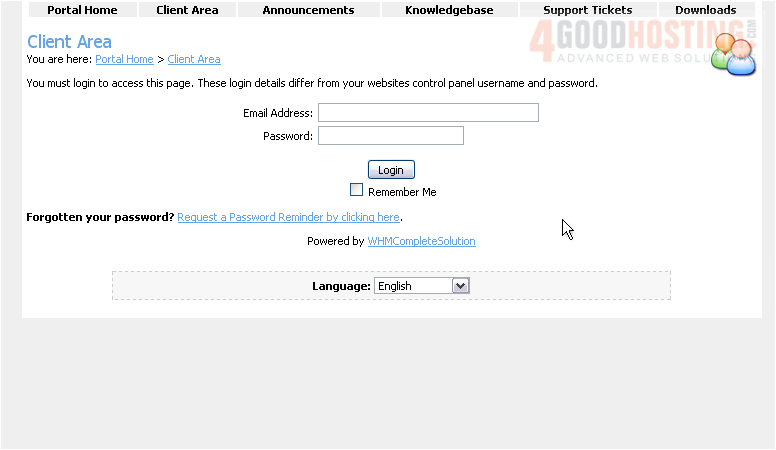
This is the login page for WHMCS. Â Now let's learn how to login
Â
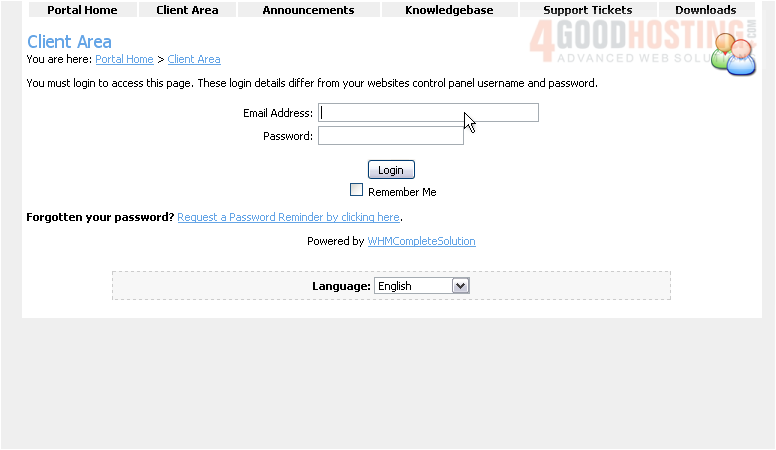
1) Enter your email address here
Â
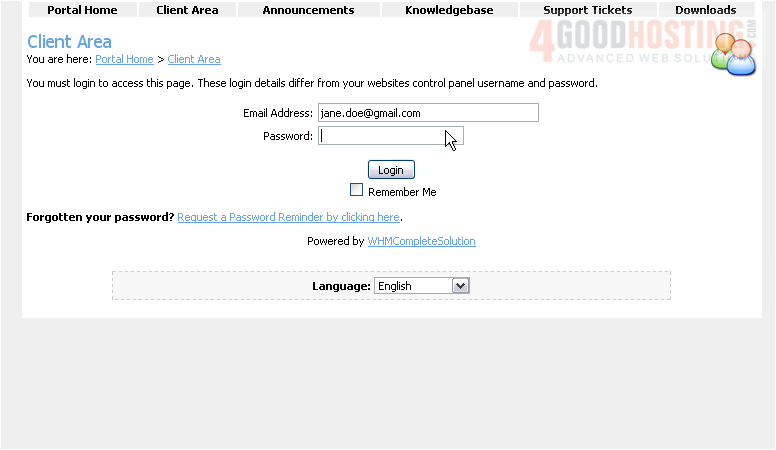
2) Then enter your WHMCS Password here
Â
3) Click Login
Â
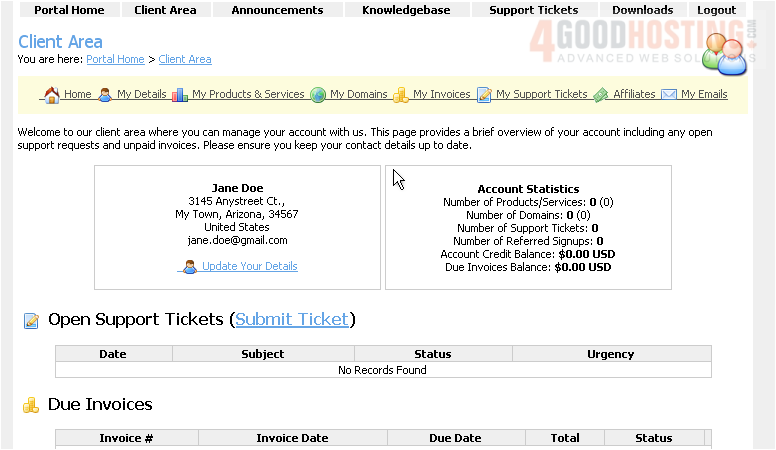
That's it! Â We are now logged in to WHMCS and can begin managing our hosting services, invoices, etc.
Â
4) When finished, click the Logout link here
Â
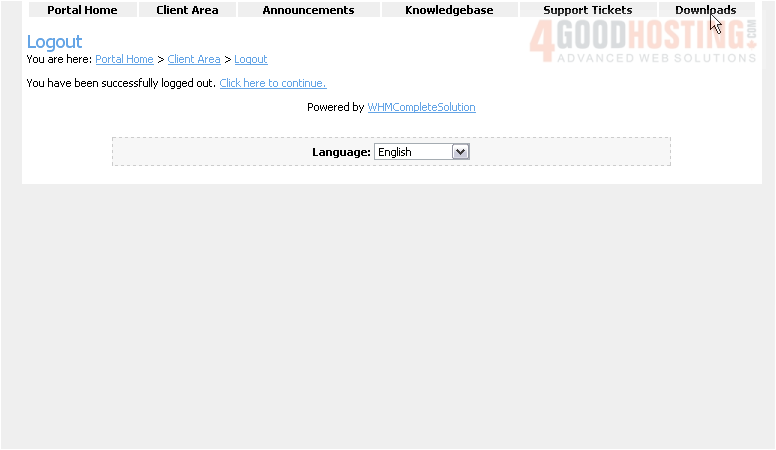
We are now logged out of our WHMCS account
Â
5) Click the Click here to continue link
This is the end of the tutorial. Â You now know how to login to WHMCS

 WGS AI Assistant