
This tutorial will demonstrate how to manage the SSL keys, certificates, and signing requests on your server.
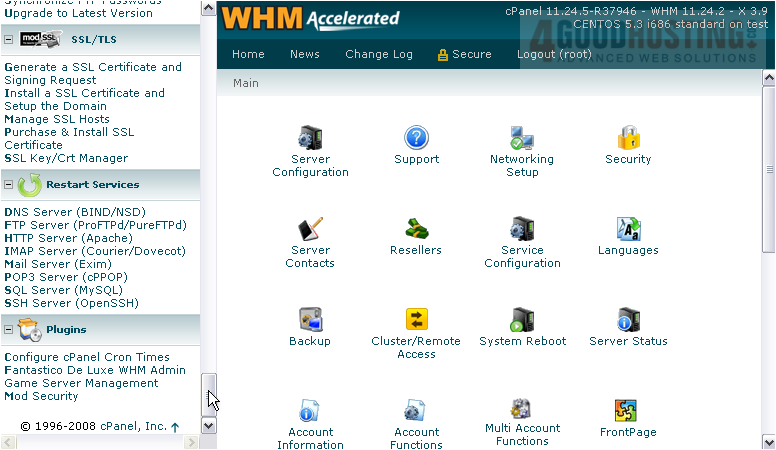
1) Find the SSL/TLS category in the menu.
2) Click SSL Key/Crt Manager.
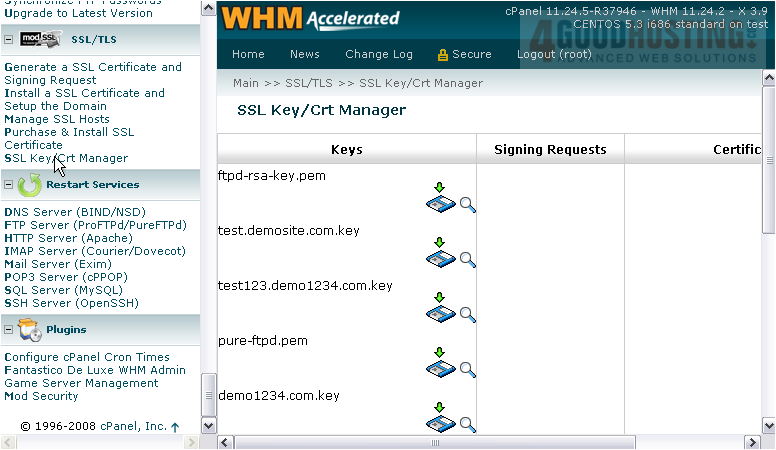
In the top left corner, you have a list of all the private keys on the server.
To the bottom right of the page, you'll find the corresponding signing requests and certificates.
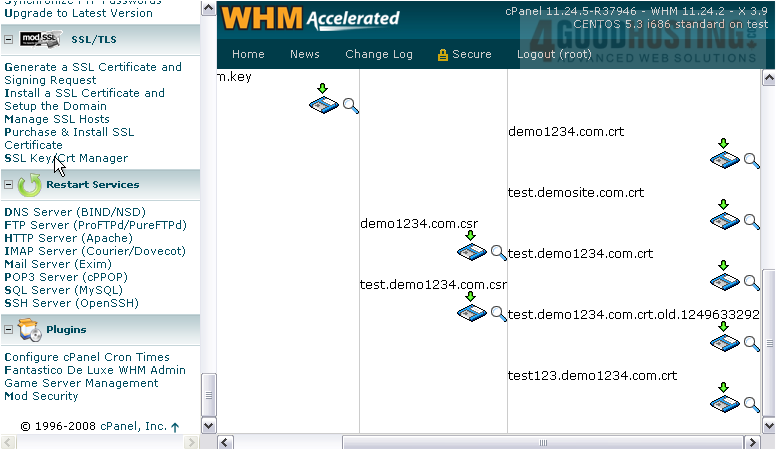
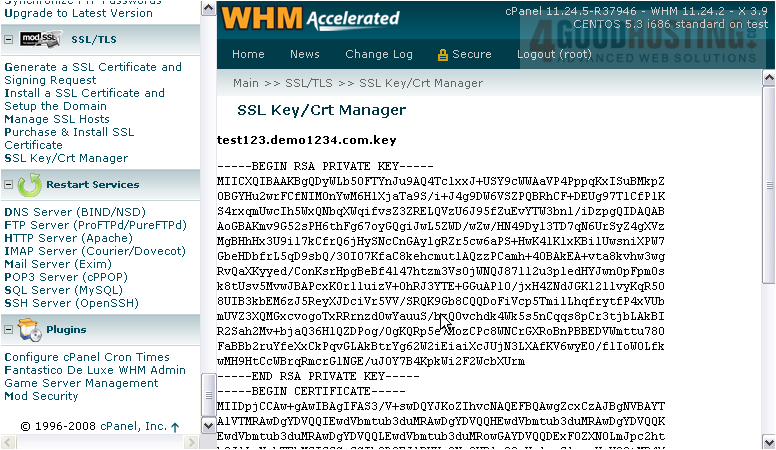
3) To view a key or certificate, click this icon.
4) Or, to view it in a format that's slightly more easy to read, click this link.
That's really all there is to do here. Use the Manage SSL Hosts tool shown in the tutorial before this one if you'd like to delete an SSL certificate you've created.
This completes the tutorial. You now know how to manage SSL keys and certificates in WHM.

 WGS AI Assistant