
One way to install software on Linux computers is by using RPMs, also referred to as packages. WHM provides you with a tool allowing you to install an RPM.
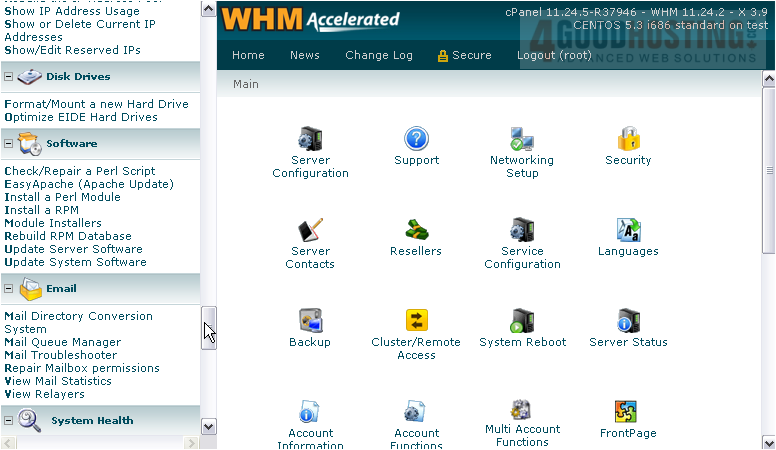
1) Find the Software category.
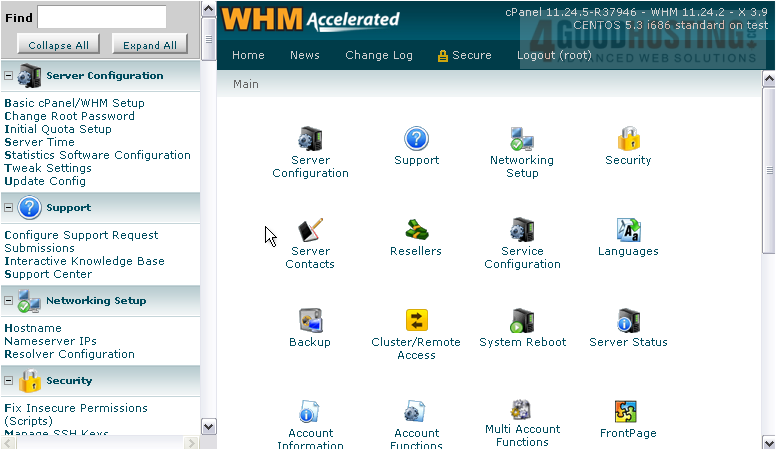
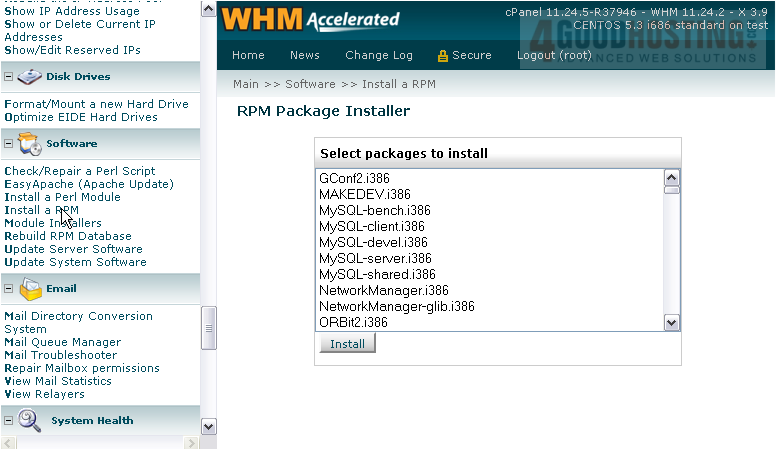
2) Click the link entitled Install a RPM.
3) Find an RPM in the list that you might want to install.
The program called lynx is a text-based web browser that works in SSH, or Linux command line.
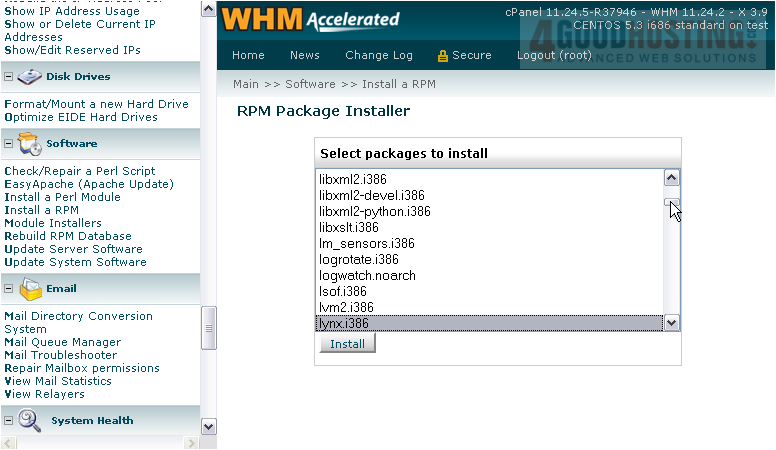
4) Click Install.
If the package was already installed and up to date -- as was the case for us -- then no action will be taken. Otherwise, the package should now be installed.
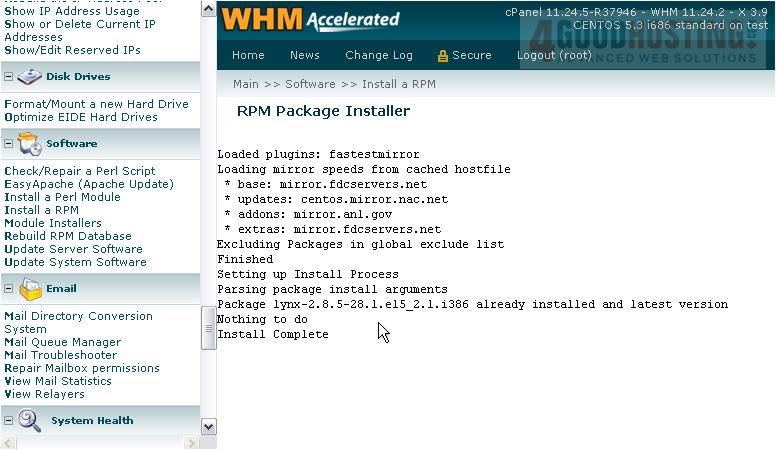
This completes the tutorial. You now know how to install an RPM in WHM.

 WGS AI Assistant