
It is important that you stay in touch with your customers, especially in cases where they may experience service outages. One way to keep them posted is to use the cPanel/WHM News system.
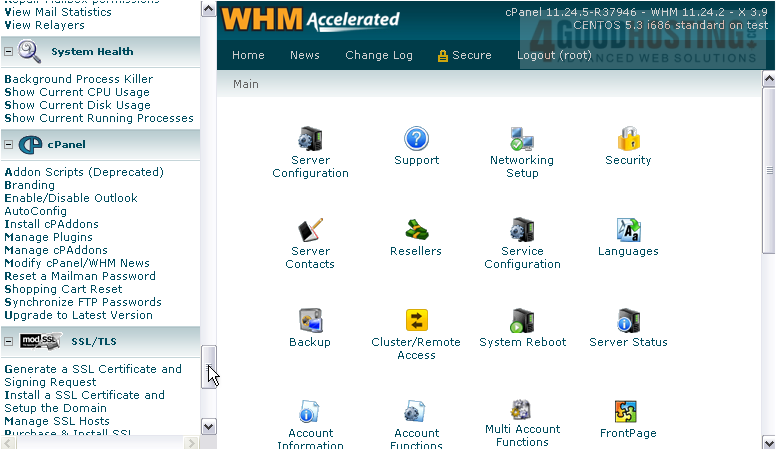
1) Go to the cPanel section in the menu.
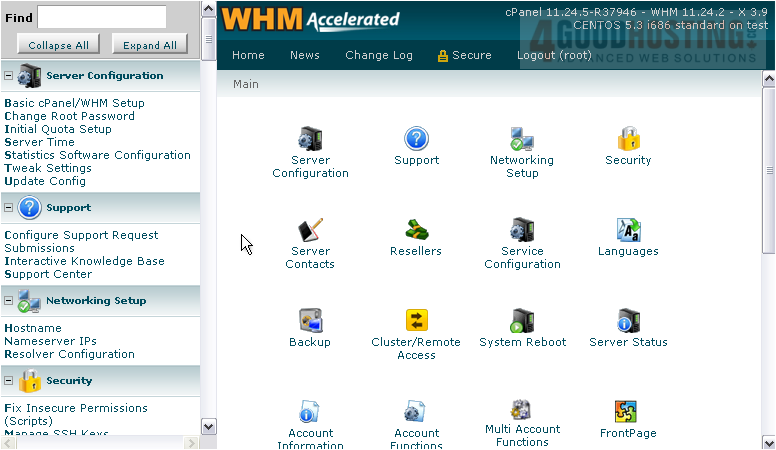
2) Then Modify cPanel/ WHM News.
There are four boxes here that allow you to type up news to be used in cPanel & WHM. The text you enter will not be formatted in any way, so you need to use HTML to do that; you must use <br /> in order to put line breaks in your text.
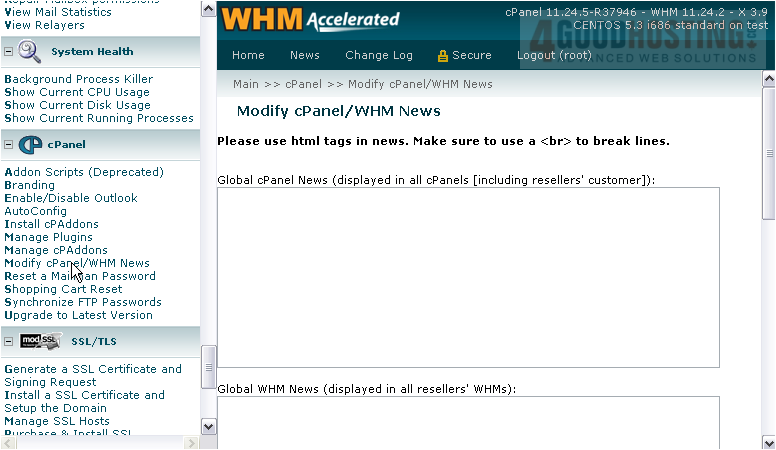
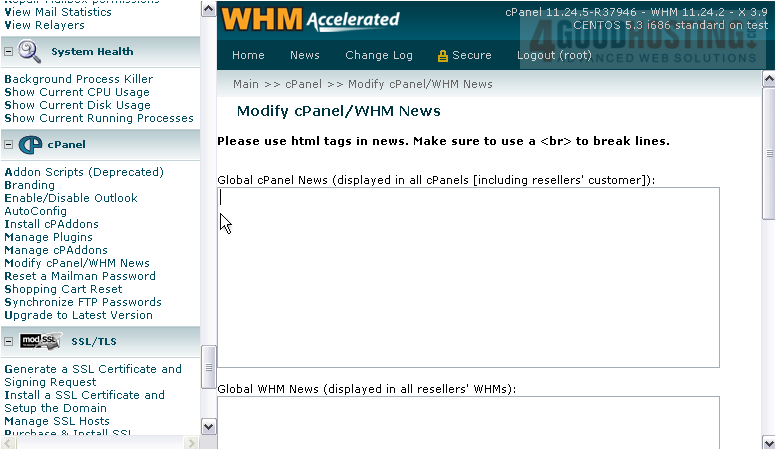
The first textarea is for Global cPanel News. This will be displayed in all cPanel accounts, including your resellers' customers.
4) Enter some text to display.
Next is Global WHM News. All resellers on this system will see what you enter here when they access WHM.

5) Scroll down.
Resold Customer News will be displayed only to your resellers' customers.

cPanel News will be displayed to all your customers only, not resellers' customers.

6) Click Save News when finished here.
That's it! Your news has been saved.
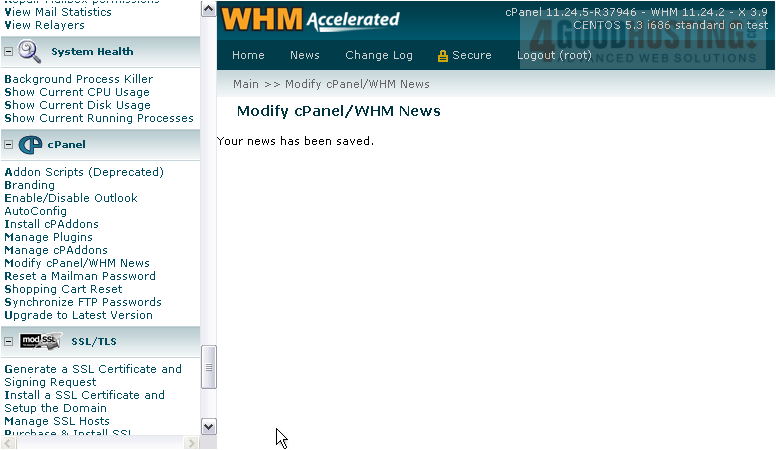
This completes the tutorial. You now know how to modify the news displayed by cPanel/WHM.

 WGS AI Assistant